
RapDeck
Turn a portrait and a short rap clip into a vertical AI performance video. Free 720p preview.
About
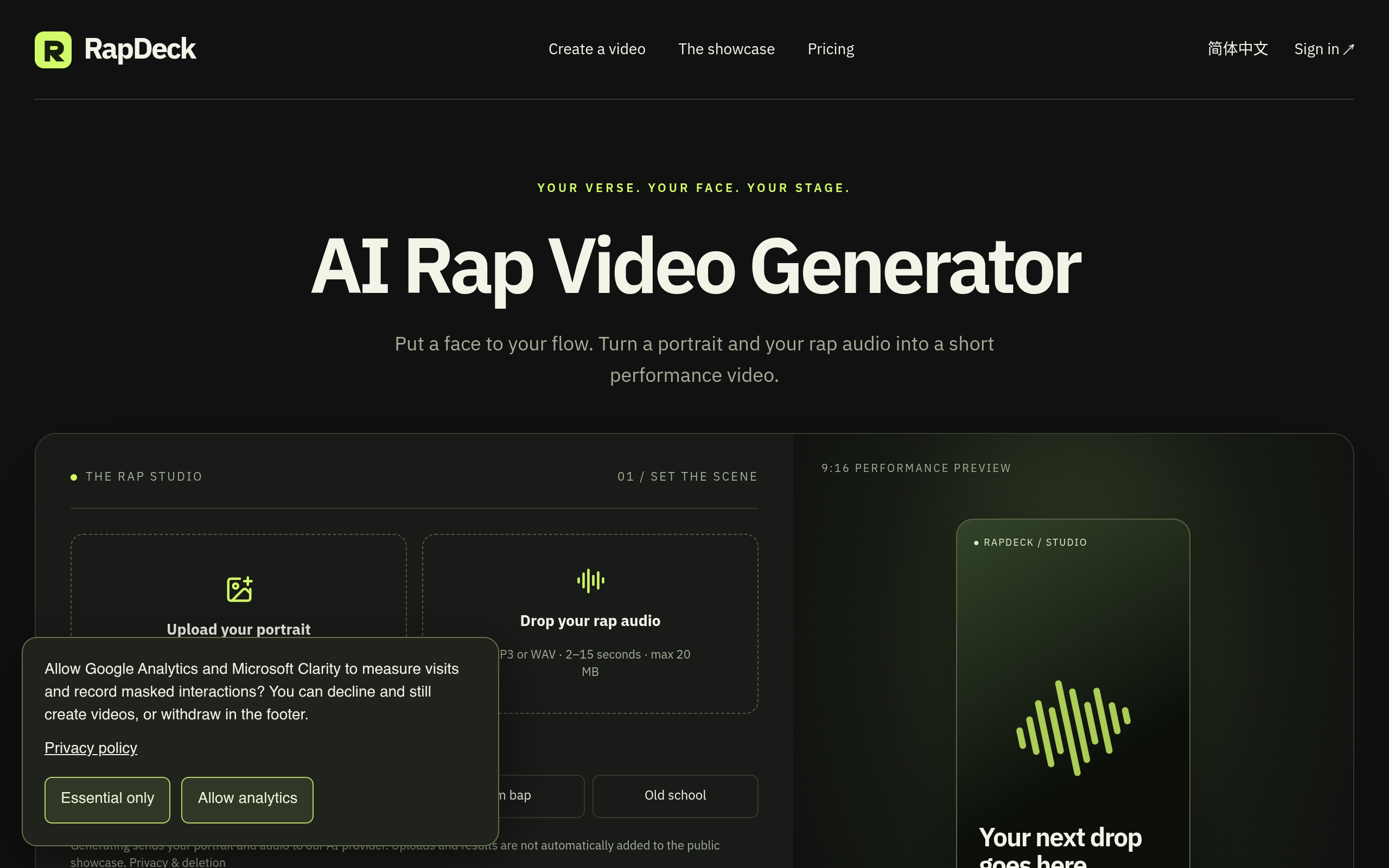
RapDeck turns a portrait and a short rap audio clip into a vertical AI performance video. Upload a clear face photo plus an MP3 or WAV file (2–15 seconds), pick a mood style, and generate a free 720p preview up to 15 seconds without auto-publishing.
Key Features
Portrait-to-Performance Video
Transforms a single clear, front-facing portrait into a vertical (9:16) AI performance video synced to your uploaded rap audio.
Free 720p Preview
Generates one free up-to-15s 720p preview per visitor so you can check results before committing to downloads or a subscription.
Mood/Style Presets
Choose from preset performance moods (Drill, Trap, Boom bap, Old school) to influence the visual energy and stage presence of the generated clip.
Privacy & Permission Controls
Uploads and generated videos are not automatically published; files are processed for generation and public showcase use requires explicit permission.
Simple Export & Share
Download the generated clip for sharing on TikTok, Reels, YouTube Shorts or to edit further in your video editor.
How to Use RapDeck
1) Upload a clear, front-facing portrait (JPG/PNG/WebP) with a visible mouth and only one face. 2) Upload your rap audio (MP3 or WAV, 2–15 seconds, up to 20 MB); RapDeck uses the opening 15 seconds. 3) Choose a mood/style (Drill, Trap, Boom bap, Old school) and generate the preview. 4) Review the free 720p preview; if satisfied, download the clip or upgrade for higher-resolution/longer exports.