
Rallied AI
AI technician for MSPs
About
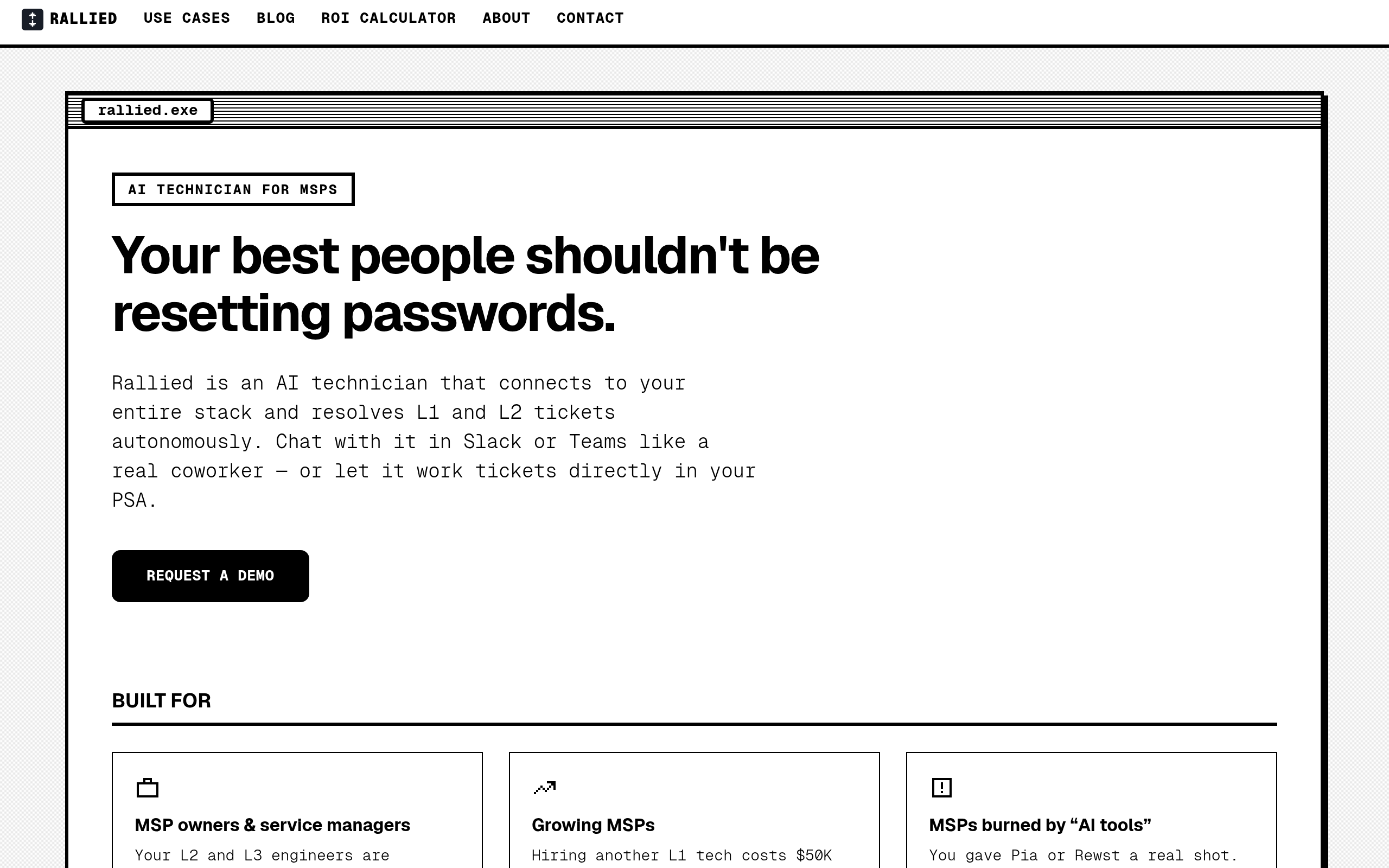
Rallied is an AI technician that connects to your entire stack and resolves L1 and L2 tickets autonomously. Chat with it in Slack or Teams like a real coworker — or let it work tickets directly in your PSA.
Key Features
Autonomous L1 & L2 Ticket Resolution
Automatically executes fixes for common incidents (password resets, account unlocks, mailbox permissions, group membership changes) and closes tickets without manual technician intervention.
Deep Integrations with MSP Stack
Connects securely to PSAs (ConnectWise, Autotask, HaloPSA, etc.), RMMs (Datto, NinjaRMM, Halo), identity providers (M365/Entra ID, Okta, JumpCloud, Google Workspace), and documentation tools (IT Glue, Hudu) for end-to-end automation.
Chat-First Interface (Slack & Teams)
Interact with Rallied like a coworker directly in Slack or Teams for immediate triage, manual approvals, or status updates; optionally run purely from the PSA.
Triage, Routing & Knowledge Use
Asks the right questions, categorizes and prioritizes tickets, fills triage fields, pulls runbooks from your knowledge base, and routes complex issues to the correct engineer.
Onboard/Offboard Automation & Policy Controls
Automates new-hire provisioning and contractor offboarding across identity, licensing, RMM and PSA systems with admin-configurable permissions about what Rallied can do autonomously.
How to Use Rallied AI
1) Kickoff & scope: Book a kickoff call so Rallied maps your PSA, RMM, identity provider and documentation sources and identifies which L1/L2 workflows to automate first. 2) Connect your stack: Use Rallied’s secure connectors to authorize access to your PSA, RMM, Entra/Okta/Google Workspace, and knowledge bases. 3) Configure autonomy & runbooks: Choose what actions Rallied may perform autonomously vs. requiring human approval and link or import runbooks/IT Glue pages. 4) Go live & iterate: Turn Rallied on in Slack/Teams or PSA-only mode, monitor early runs during the 30-day tuning period, adjust permissions and expand workflows as confidence grows.