
QuizPaste
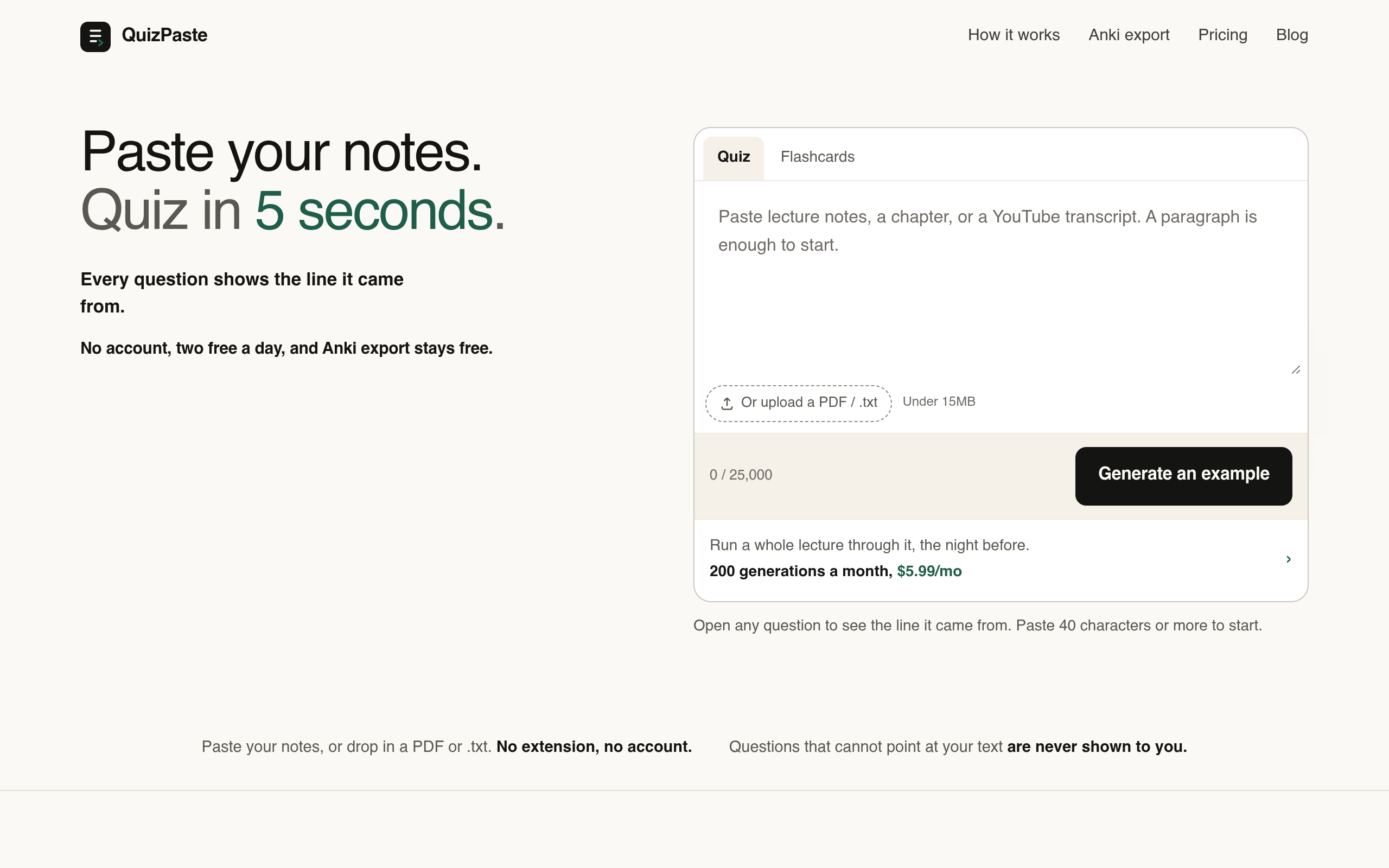
Turn any notes or transcript into a practice quiz and flashcards instantly, no signup required.
About
QuizPaste converts pasted study material into ready-to-use practice questions and flashcards within seconds. Drop in lecture notes, a meeting transcript, or a textbook chapter and it generates multiple-choice and recall questions, each tagged with the exact source line it came from so you can verify accuracy. There is no account to create, and you can export everything to Anki or CSV for free. It is built for students, self-learners, and anyone who wants to test recall without hand-writing questions.
Key Features
Instant Quiz & Flashcard Generation
Turn pasted notes, transcripts or uploaded PDFs into multiple-choice and recall questions and flashcards within seconds.
Source-line Verification
Every question is tagged with and highlights the exact line from your original text so you can verify accuracy and context.
Free Anki & CSV Export
Export generated decks as a tab-separated file or CSV that imports directly into Anki — available on the free tier with no watermark.
PDF / Transcript Support (Client-side Extraction)
Drop in a PDF or paste a YouTube transcript/.txt; text extraction happens in your browser so your source material isn't uploaded server-side.
No-account Free Tier and Pro Options
Use two free quizzes or decks per day without signing up; optional Pro plan unlocks many more generations, history across devices, and retry features.
How to Use QuizPaste
1. Paste your notes or transcript into the box. 2. Click generate to get a quiz plus flashcards. 3. Check any question against its highlighted source line. 4. Export to Anki or CSV, or study in the browser.