
qtrl.ai
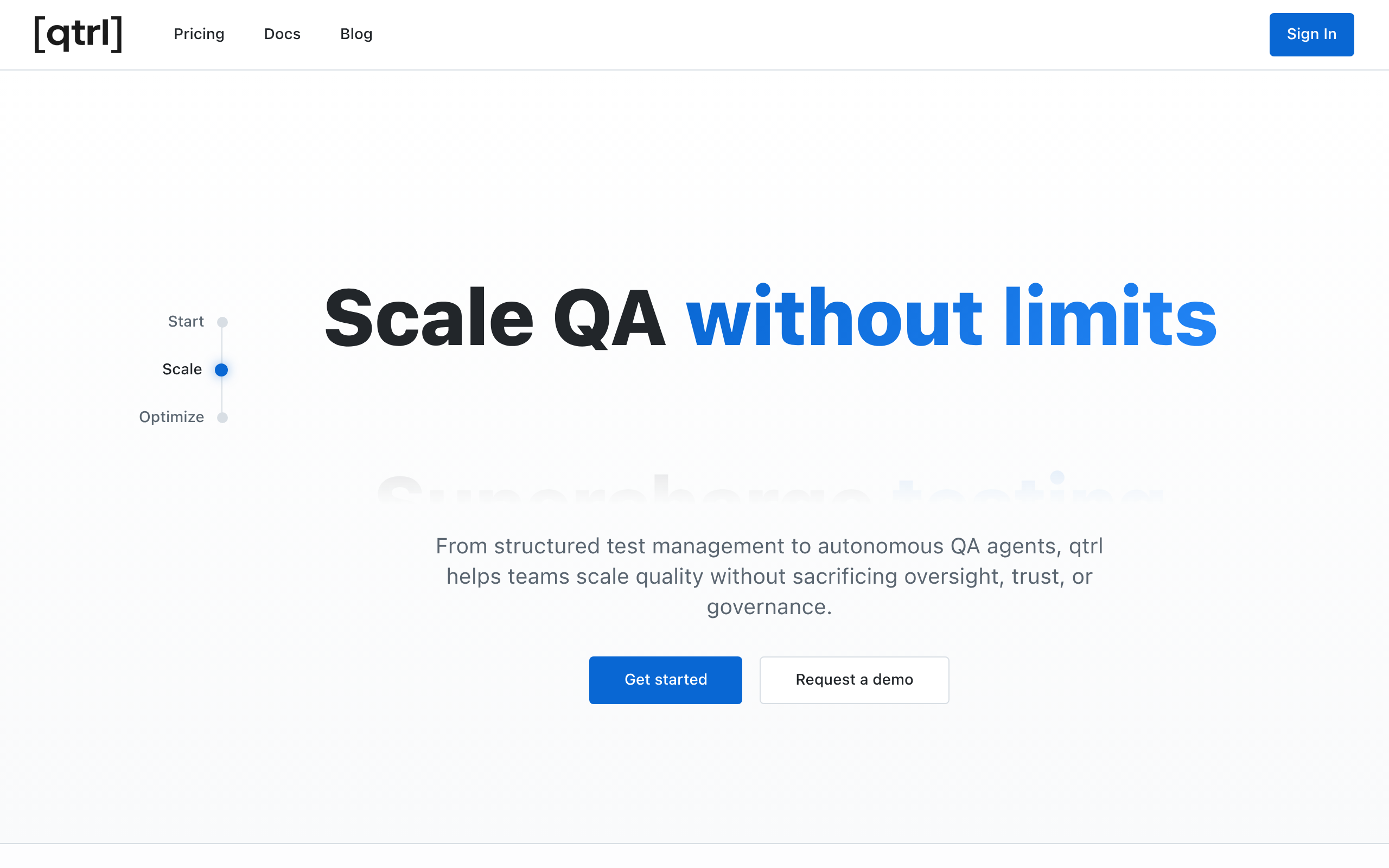
qtrl is a QA platform that brings together structured test management and AI-powered test automation for engineering and product teams
About
qtrl provides enterprise-grade test management: teams can organize test cases, plan and execute test runs, trace requirements to coverage, and track quality metrics through real-time dashboards. Every test run generates structured data that feeds into reporting and decision-making, giving engineering leads and QA managers clear visibility into what's been tested, what's passing, and where risk lives. Where qtrl stands apart is its AI layer. Built-in autonomous agents can generate UI tests from natural language descriptions, maintain them as the application evolves, and execute them across multiple environments and browsers. The platform follows a progressive automation model, where you can start with manual test management on day one, and gradually introduce AI-assisted automations to full autonomous QA. This makes qtrl suitable for organizations at any stage of QA maturity.
Key Features
Enterprise Test Management
Centralized test cases, plans, and runs with full traceability, audit trails, requirement mapping, and real-time quality dashboards for compliance and governance.
Autonomous QA Agents
AI agents that generate UI tests from natural-language instructions, maintain tests as the app evolves, and execute them on demand or continuously within defined rules.
Cross-Environment Browser Execution
Real browser test execution across development, staging, and production with per-environment variables and encrypted secrets — not simulated runs.
Progressive Automation Workflow
Start with manual test management, progressively adopt AI-suggested or AI-generated tests, review and approve changes, and scale autonomy as confidence grows.
CI/CD & Tooling Integrations
Integrates with requirements systems and CI/CD pipelines to feed continuous quality feedback loops, enabling automated gating and traceable release decisions.
How to Use qtrl.ai
1) Create a project and import or define requirements and test cases (or write high-level test instructions in plain language). 2) Execute manual or automated test runs across chosen environments and browsers; review results and dashboards for coverage and risk. 3) Enable AI agents to suggest or generate UI tests, review and approve suggested tests, and let agents maintain tests as the UI changes. 4) Integrate qtrl with your CI/CD pipeline to run tests on deploys and use real-time metrics and audit trails to inform release decisions and increase agent autonomy over time.