
QRFlow
Privacy-friendly QR code generator with SVG/PNG export, no sign-up.
About
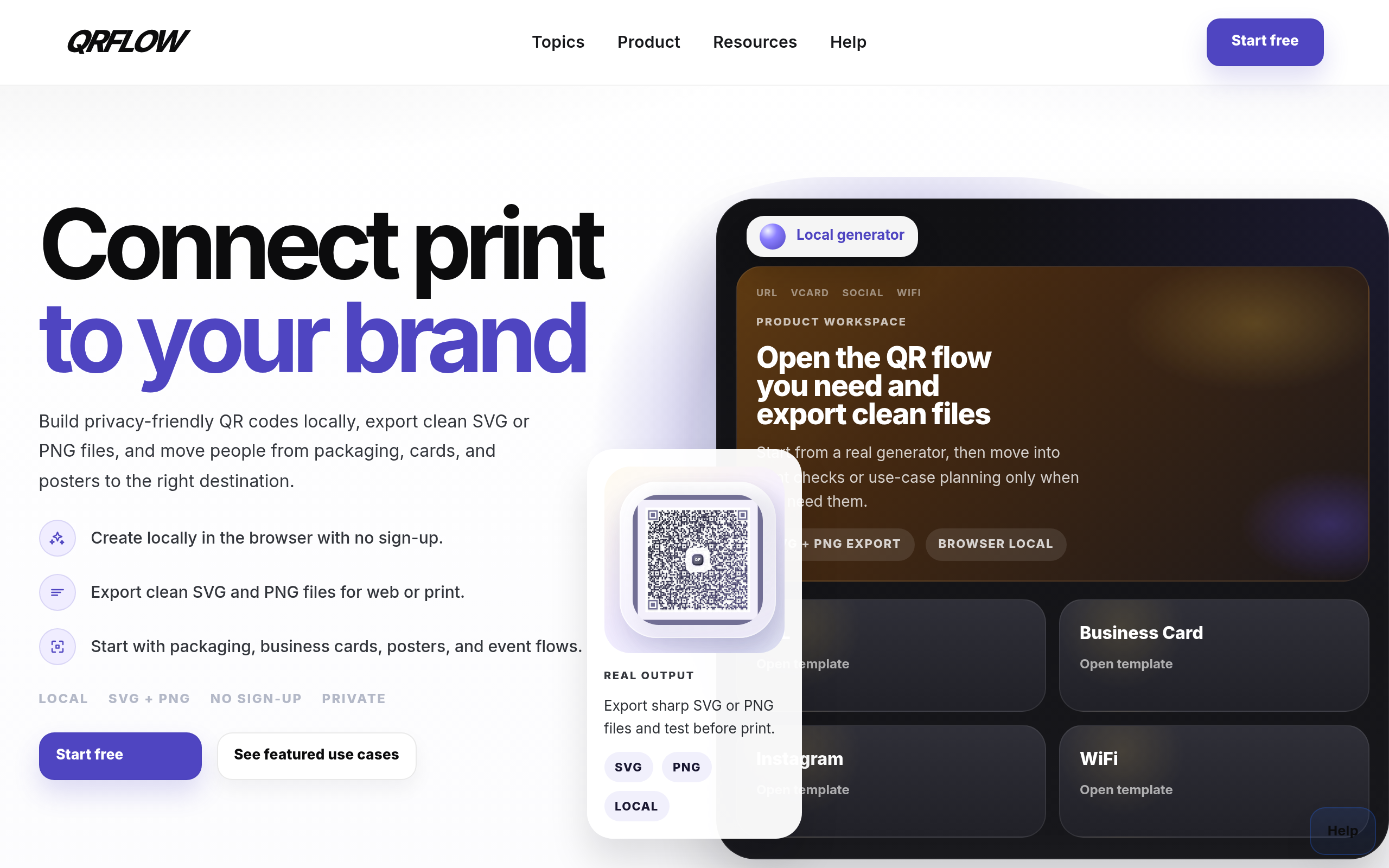
QRFlow is a free QR code generator that runs locally in the browser, so users can create QR codes without sign-up or uploads. It includes templates for URL, WiFi, vCard, social profiles, maps, and bulk QR generation, with SVG/PNG export and practical print-ready guidance for packaging, cards, posters, menus, and signage.
Key Features
Local browser generation & privacy
All QR codes are generated locally in your browser—no uploads, no account or sign-up required—so data never leaves your device.
Multiple templates
Ready-made flows for URLs, vCard/business cards, WiFi guest access, social profiles (Instagram, YouTube, WhatsApp), Google Maps directions, and bulk generation.
SVG and PNG export (print-ready)
Export crisp, scalable SVGs or high-resolution PNGs suitable for print and digital use, with options to test and optimise output before printing.
Design & customization
Customise visual details (module styles, finder patterns, borders, color), and choose templates tuned for specific surfaces like packaging, posters, menus, and badges.
Bulk generation & practical print guidance
Generate many codes at once for campaigns or events and follow built-in guidance for sizing, contrast and placement when producing business cards, signage, or packaging.
How to Use QRFlow
1) Open QRFlow and pick a template (URL, Business Card/vCard, WiFi, Social, Maps, or Bulk). 2) Enter the required information (paste a link, fill contact fields, or add WiFi credentials) and customise the visual style if needed. 3) Preview and test the QR by scanning with a phone to confirm the intended action (open link, save contact, connect to WiFi, etc.). 4) Export as SVG or PNG and follow the provided print guidance to size and place the QR correctly for print or digital use.