
Push My App
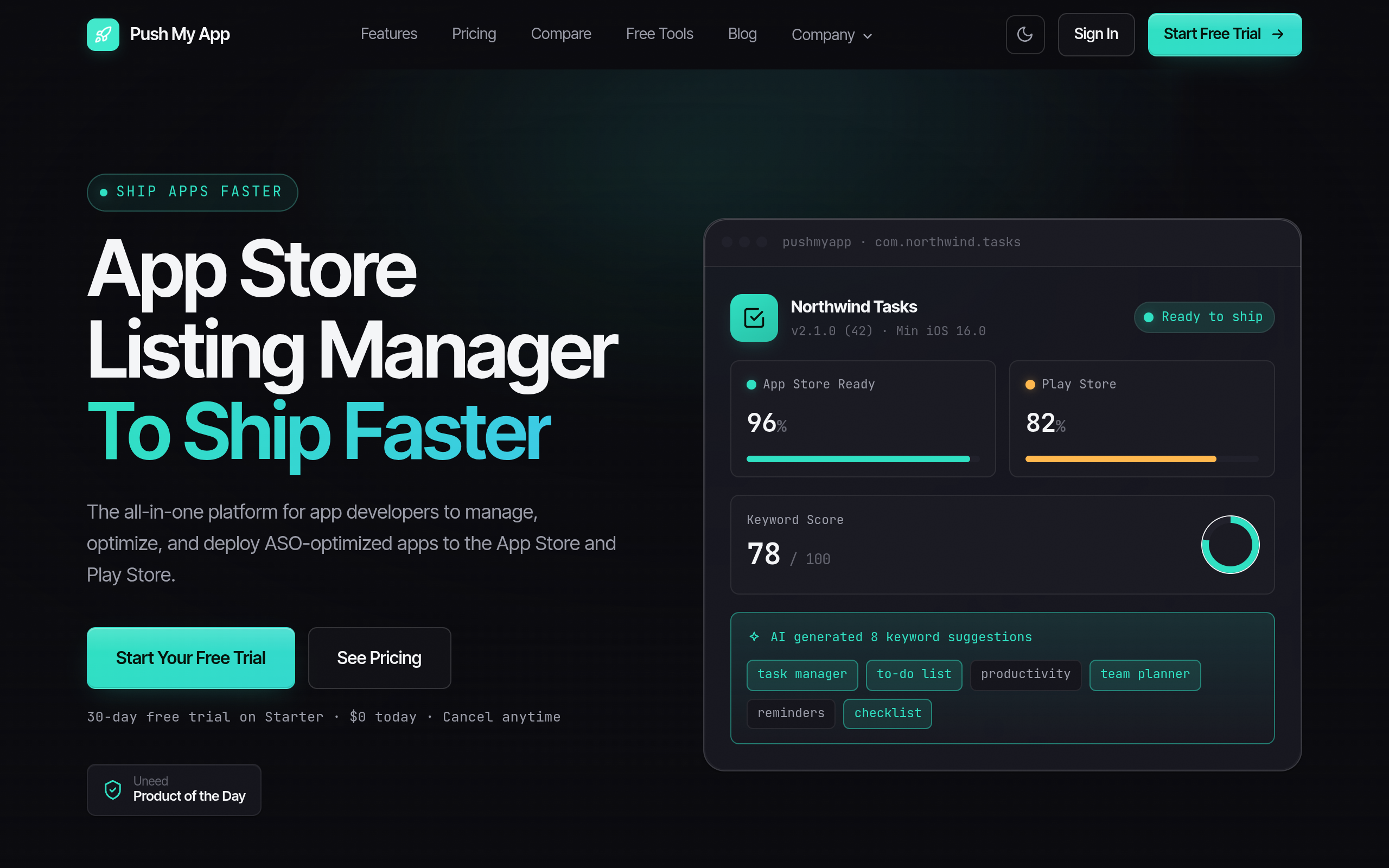
The all-in-one platform for app developers to manage, optimize, and deploy ASO-optimized apps to the App Store and Play Store.
About
PushMyApp is the all-in-one platform for indie developers and studios to prepare, optimize, and submit App Store and Play Store listings - without the launch-week grind. AI writes your app name, keywords, description, and release notes, optimized for ASO in seconds. A Pre-Flight Rejection Scanner checks your build and listing against 80+ known Apple and Google rejection reasons before you submit. Resize one set of screenshots into every required device size automatically, and translate your full listing into 14 languages with keywords re-optimized per locale. Drop your .ipa, .apk, or .aab - we extract the bundle ID, version, and icon, validate compliance, and submit directly to App Store Connect and Google Play in One click. You can also generate a website and get a support mailbox for your app using the app metadata and screenshots with a few simple clicks, all in one place! What used to take days by hand takes minutes with Push My App. Ship your next release 5x faster.
Key Features
AI-Generated ASO Metadata
Automatically draft app name, subtitle, keywords, descriptions and release notes optimized for App Store and Play Store discoverability, with instant scoring and editable drafts.
Pre-Flight Rejection Scanner
Scan binaries and listing metadata against 80+ known Apple and Google rejection reasons to catch compliance issues before submission.
Screenshot & Asset Automation
Upload one set of screenshots and icons; the platform auto-resizes, crops, and applies device frames and marketing overlays for every required store size.
Localization with Keyword Re-Optimization
Translate full listings into 14+ languages and re-optimize keywords per locale to maximize visibility in each market.
One-Click Direct Submission
Drop .ipa/.apk/.aab, connect App Store Connect and Google Play credentials, and submit validated builds and metadata in one click while tracking submission status.
How to Use Push My App
1) Create an app profile and connect App Store Connect API key and Google Play service account. 2) Upload your app binary (.ipa, .apk, or .aab) or choose a metadata-only update. 3) Use the AI metadata generator to create title, keywords, description and release notes; review and edit as needed. 4) Upload screenshots and icons to auto-resize and design store-ready assets, run translations per locale, run the Pre-Flight Rejection Scanner, then preview and submit to the stores in one click.