
PureMIDI
Convert audio, video, and sheet music into editable MIDI drafts for DAWs and notation apps.
About
PureMIDI is a browser-based audio-to-MIDI and sheet-music-to-MIDI workspace. Quick Melody is designed for clean solo recordings or isolated stems, while Pro Song creates editable multi-track MIDI drafts from full mixes. It accepts MP3, WAV, common video formats, PDF and image scores, MusicXML/MXL, and rights-cleared YouTube sources. Results export as standard MIDI for continued editing in a DAW or notation app. Dense arrangements, overlapping instruments, and percussion may still need manual cleanup, so PureMIDI presents transcription as an editable starting point rather than finished notation.
Key Features
Two Conversion Modes
Quick Melody for clean monophonic lines (1 credit) and Pro Song for multi-track drafts from full mixes (6–15 credits), letting you pick the right mode for accuracy and credit use.
Wide Input Format Support
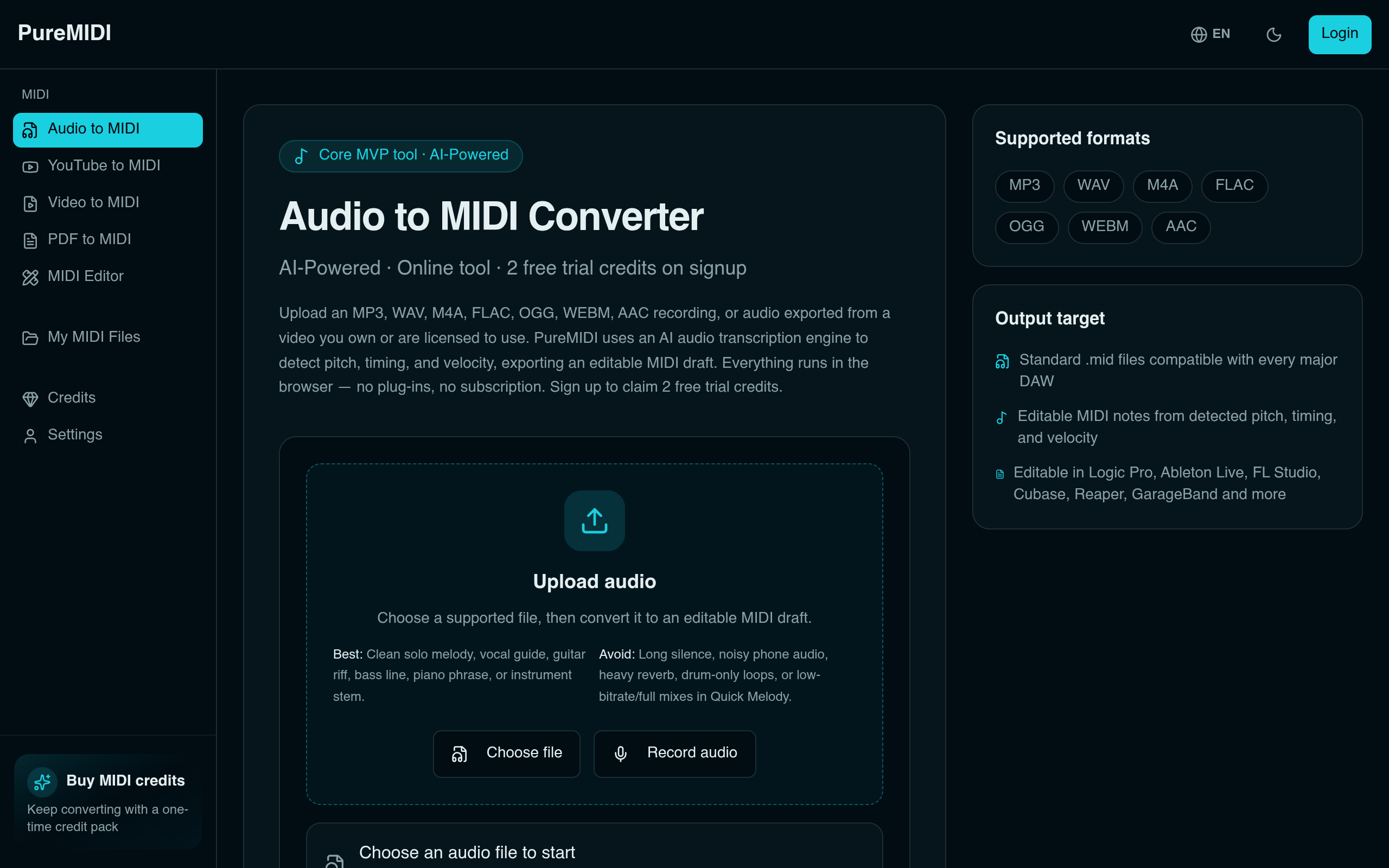
Accepts MP3, WAV, M4A, FLAC, OGG, WEBM, AAC, common video formats, PDF/image scores, MusicXML/MXL, Guitar Pro, and rights-cleared YouTube sources.
Editable Standard MIDI Output
Produces standard .mid files containing detected pitch, timing, and velocity that open in any major DAW or notation app for further editing and arrangement.
Preview & Online Editing
Free short preview before sign-in, MIDI preview playback, and an integrated editor to review and tweak the transcription before download.
Temporary File Retention & Privacy Controls
Free previews and unclaimed results are cleared quickly; full conversion files are retained short-term (3 days after success) to allow retries and investigation.
How to Use PureMIDI
1. Open the Audio to MIDI tool. 2. Upload an audio, video, or score file, or provide a rights-cleared YouTube source. 3. Choose Quick Melody for a clean solo/stem or Pro Song for a full mix. 4. Run the conversion and review the generated tracks. 5. Download the MIDI and continue editing it in your DAW or notation software.