
PUNKU.AI
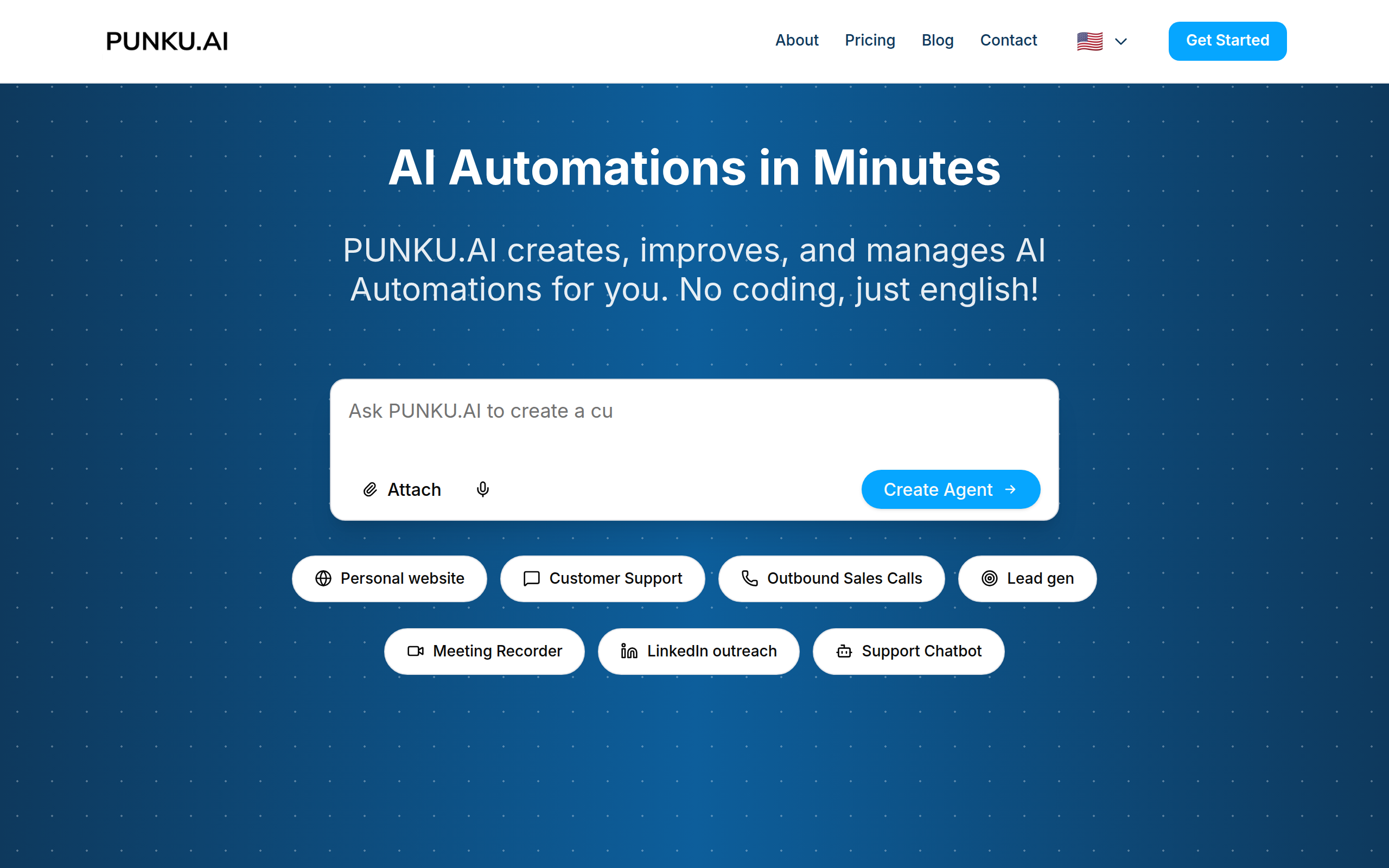
Describe what you want automated in plain English. PUNKU.AI builds, improves, and monitors your AI Automations. No coding required.
About
Most automation tools force you to choose: drag nodes for hours in Zapier/Make, or trust black-box AI agents with zero visibility. PUNKU.AI gives you both simplicity and control. Describe what you want in plain English. PUNKU.AI acts like a senior engineer, interviewing you to gather requirements and edge cases before building. You get a visual node graph showing exactly how your automation works. Connect to 3,000+ APIs including Gmail, Slack, Notion, Zoom, BookingKit, Twilio, and Google Workspace. Once deployed, PUNKU.AI monitors for errors and suggests improvements based on your KPIs, so your workflows don't silently fail. 100+ pre-built templates for customer support chatbots, ticket sales agents, lead generation, sales follow-ups, booking management, email campaigns, calendar sync, and team task coordination. No coding required. Set up in minutes. Trusted by 200+ businesses to kill busywork and focus on what matters.
Key Features
Natural-language Builder
Describe the automation in plain English and PUNKU.AI will interview you, gather edge cases, and create the workflow—no coding required.
Visual Node Graph
Auto-generated visual flowchart showing each step, decision and integration so you can inspect and modify exactly how your automation works.
3,000+ Integrations
Connect to hundreds of popular apps and APIs (Gmail, Slack, Notion, Twilio, BookingKit, Google Workspace, Zoom, CRMs, etc.) to automate end-to-end processes.
Monitoring & Self-Improvement
Continuously monitors deployed automations for errors and KPI deviations, suggests improvements, and iterates on workflows to reduce silent failures.
Pre-built Templates
100+ expert-designed templates (customer support bots, lead gen, booking management, email campaigns, calendar sync, sales follow-ups) to get started quickly.
How to Use PUNKU.AI
1) Describe what you want automated in plain English or pick a template. 2) Review the generated visual node graph and answer follow-up prompts to clarify rules and edge cases. 3) Connect the apps/APIs your automation needs (Gmail, Slack, CRM, booking system, calendar, etc.). 4) Deploy the agent, set KPIs/notifications, and monitor automated runs—receive suggestions and improvements from PUNKU.AI.