
ProviderOps
NDIS provider management software for small Australian teams to roster workers, capture service records and prepare invoices.
About
ProviderOps is an operations workspace built for small Australian NDIS providers. It connects participant records, worker rostering, shift delivery, progress notes, service agreements and invoicing in one traceable workflow. Workers can see assigned shifts and capture actual time, travel and notes, while office teams review missing information before billing. Role-based access, audit history, exports and Australian-focused workflows help providers replace scattered spreadsheets and repeated data entry without taking on enterprise complexity. Start with a 7-day free trial, then choose Solo (A$29/month), Small Team (A$59/month) or Growing Provider (A$129/month). ProviderOps is not affiliated with the NDIA and does not replace a provider’s legal or compliance responsibilities.
Key Features
Roster & Scheduling
Create day/week/month rosters that link participants, workers, service items and rates so shifts carry the right instructions and billing details.
Mobile Shift Capture
Workers use a mobile-friendly experience to start/stop shifts, record actual time, kilometres/travel and submit structured progress notes from the field.
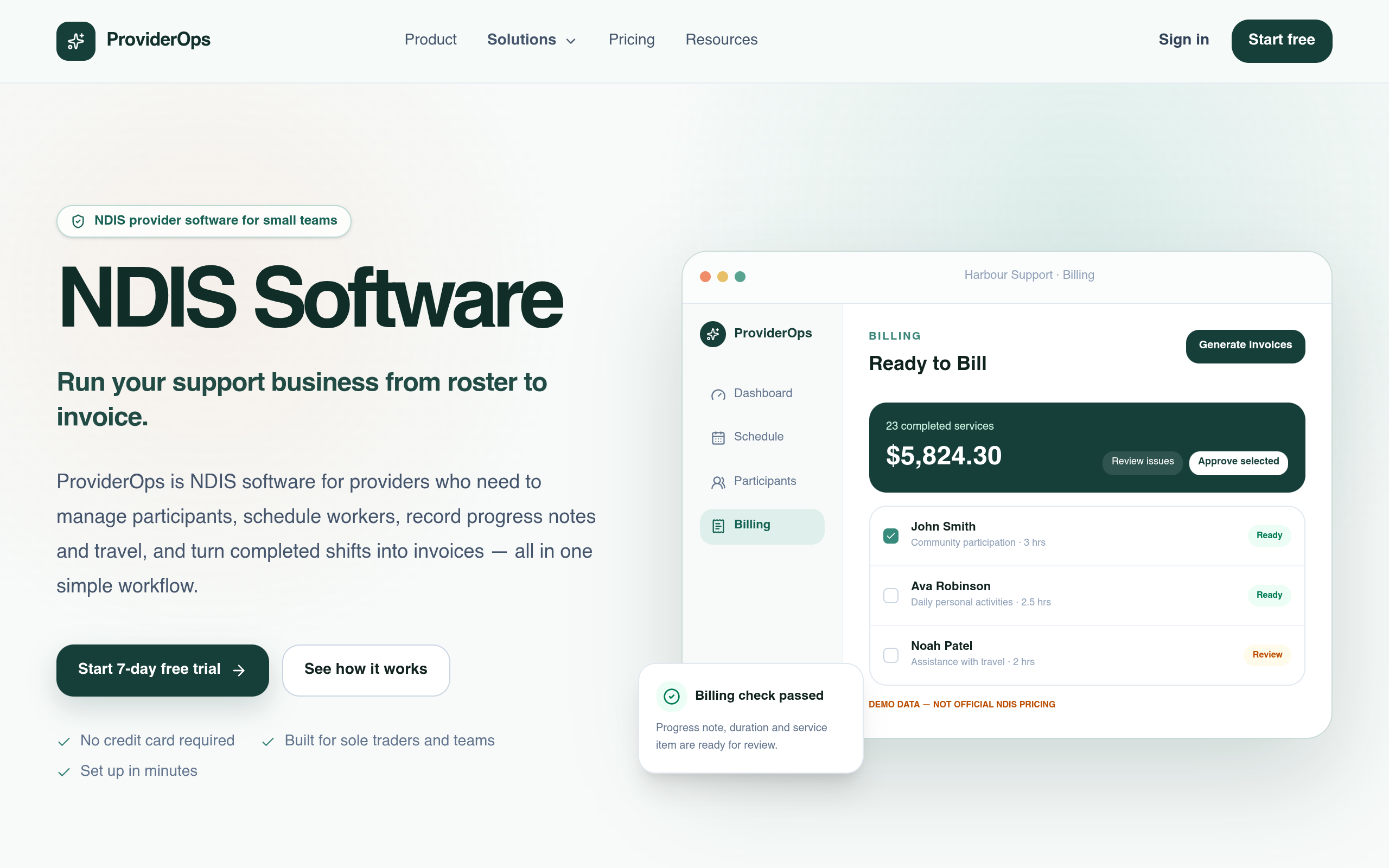
Billing Checks & Invoicing
Review completed services, surface missing information (notes, rates, service items), approve ready items and generate traceable invoice PDFs with duplicate protection.
Participant & Worker Records (CRM)
Store participant profiles, service agreements and worker details with role-based access, so data follows each shift and reduces repeated data entry.
Audit Trail & Exports
Role-based audit history, data exports and structured records help with internal review, bookkeeping and compliance processes.
How to Use ProviderOps
1. Set up your account: add participants, workers, service items, default rates and service agreements. 2. Build the roster: schedule shifts by assigning participants, workers and service items — daily, weekly or monthly views available. 3. Deliver & record: workers use the mobile app to start/finish shifts and capture actual time, travel kilometres and progress notes. 4. Review & invoice: office staff run billing checks to surface missing data, approve ready services and generate/export invoices for billing.