
PromptLab Image to Prompt
AI image-to-prompt generator that turns reference images into structured, reusable prompts for recreating styles across image models.
About
PromptLab Image to Prompt is an AI tool that analyzes a reference image and converts it into a structured, reusable prompt. It extracts core elements such as subject, environment, style, composition, lighting, color palette, camera or lens cues, rendering modifiers, mood, and quality so users can recreate styles or generate new visuals with greater consistency across models.
Key Features
Structured Prompt Extraction
Automatically breaks down an image into core prompt elements—subject, environment, composition, lighting, color palette, style, camera/lens cues, mood, and quality—so outputs are ready for generation.
Model-Ready Output
Generates prompts formatted for mainstream image models (Stable Diffusion, MidJourney, GPT-4o, Nano Banana, Flux) enabling easy copying and reuse across platforms.
Fast, No-Learning-Curve Workflow
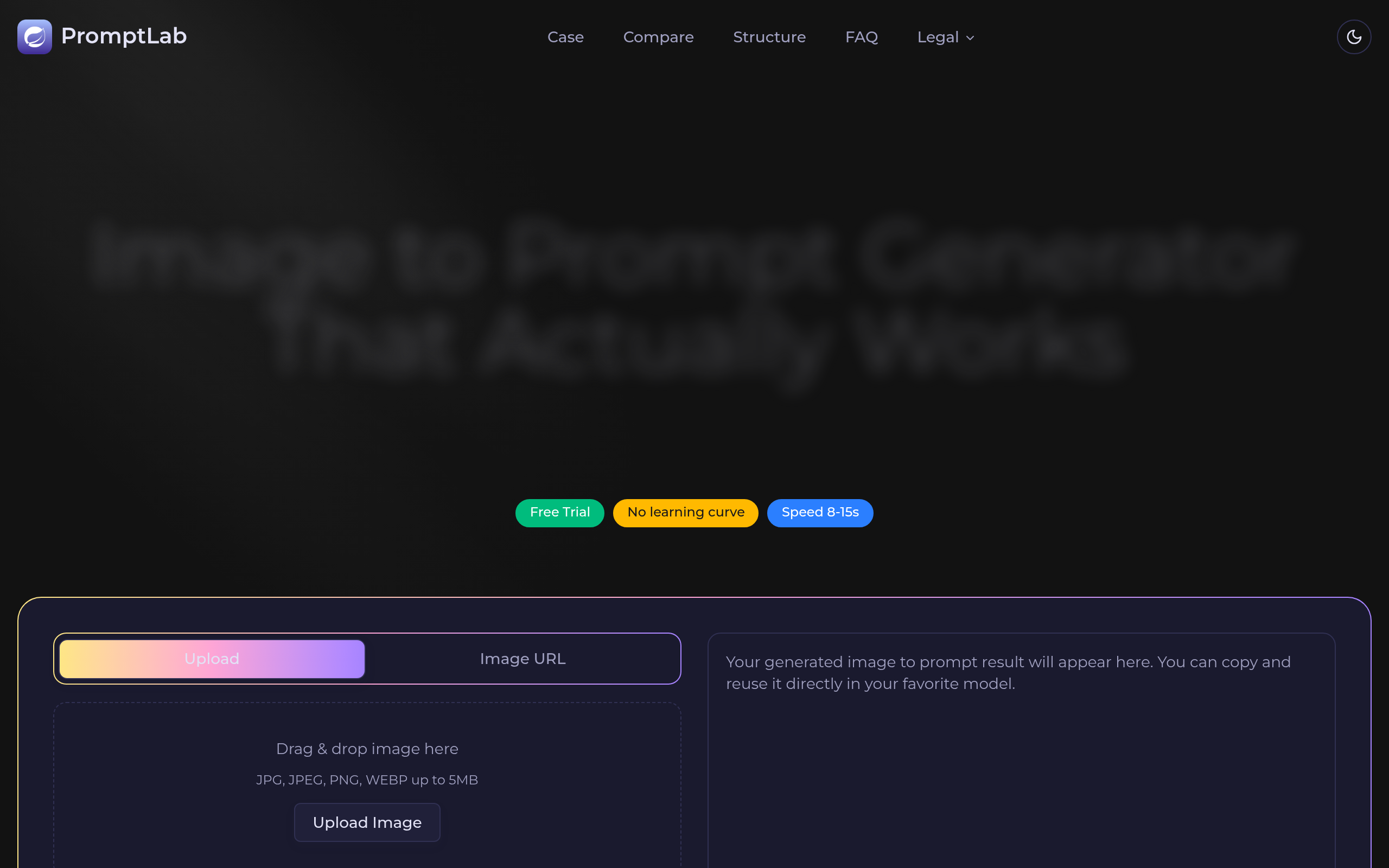
Simple drag-and-drop or paste-URL interface with quick generation (typically a few seconds) so users get usable prompts without manual prompt-writing experience.
Example Gallery & Learning Module
Case gallery with before/after examples plus a practical module explaining prompt elements to help users learn prompt-writing and reproduce styles consistently.
Flexible Input Support
Accepts local uploads and image URLs (JPG, PNG, WEBP up to 5MB) and provides editable outputs so users can tweak prompts before using them.
How to Use PromptLab Image to Prompt
1) Upload a reference image or paste an image URL (drag & drop supported). 2) Click Generate to let the tool analyze the image and extract structured prompt elements. 3) Review and optionally edit the generated, model-ready prompt to fine-tune style, lighting, or composition cues. 4) Copy the prompt and paste it into your preferred image generation model (Stable Diffusion, MidJourney, Flux, etc.) to recreate or adapt the style.