
Prodpod
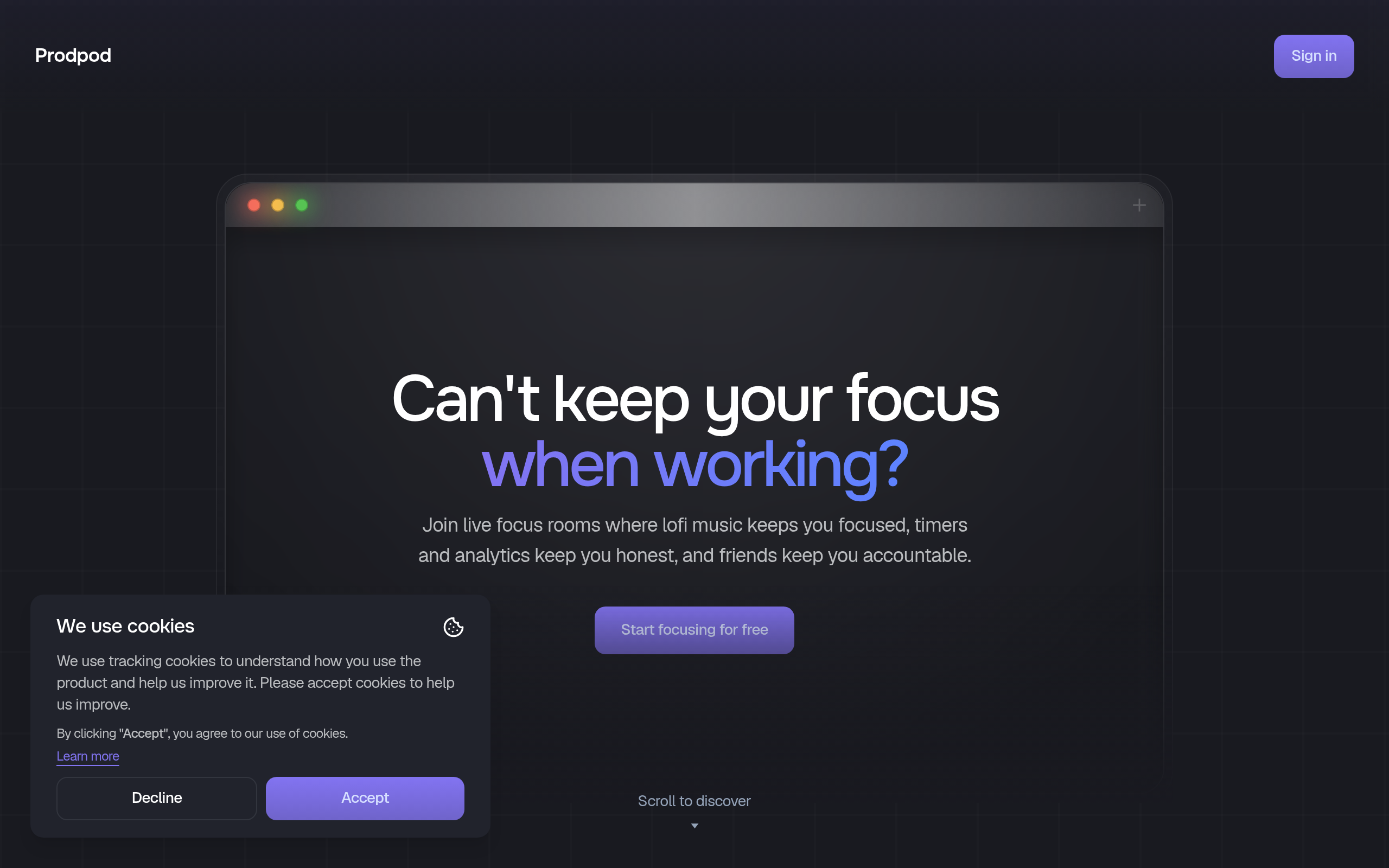
Join focus rooms with timers, ambient audio, and live accountability to get more deep work done.
About
Prodpod is a collaborative online workspace designed to stop the loneliness and constant distraction that come with working or studying from home. It solves the "isolation gap"—that feeling of being unmotivated because no one is around to keep you on track. By letting you join virtual focus rooms with others, it brings back the natural accountability of a physical library or office right to your screen. For users, the benefit is instant: you stop jumping between different apps and start finishing your to-do list. It creates a "flow state" by combining your tasks, timers, and calming background music in one place. Instead of fighting procrastination alone, you tap into the collective energy of a community, making it easier to start your work and—more importantly—actually finish it.
Key Features
Virtual Co-working Spaces
Create or join public and private "Focus Rooms". Whether you need a quiet library vibe or a high-energy team sprint, these rooms provide the accountability needed to stay on task.
Integrated Pomodoro & Timers
No need for external apps. Prodpod includes customisable Pomodoro and stopwatch timers directly in your workspace to manage work-rest cycles.
Accountability Through Activity
Stay motivated with daily streak tracking and a comprehensive activity dashboard. Review your last 7 days of focus history (unlimited for Pro users) to identify your peak performance times.
Smart Task Orchestration
Built-in task management allows you to list and tick off priorities without leaving your focus environment. Pro users can manage unlimited active tasks for complex projects.
Immersive Focus Environments
Personalise your workspace with ambient soundscapes and high-quality backgrounds. Pro users can even integrate custom YouTube links for their preferred focus music
Real-time Collaboration
Advanced features like video calling and screen sharing make it a true "remote office" for distributed teams.
How to Use Prodpod
1) Sign up or sign in to Prodpod and set up your profile. 2) Create a focus room (public or private) or browse and join an existing room that fits your schedule or group. 3) Add or import your tasks, choose a Pomodoro or custom timer, and pick ambient audio/background. 4) Start the session — enable video, screen share, or chat if desired — work through timed focus blocks, take breaks, and review session analytics to track progress.