
ProcessSpy
Advanced process monitor for Mac
About
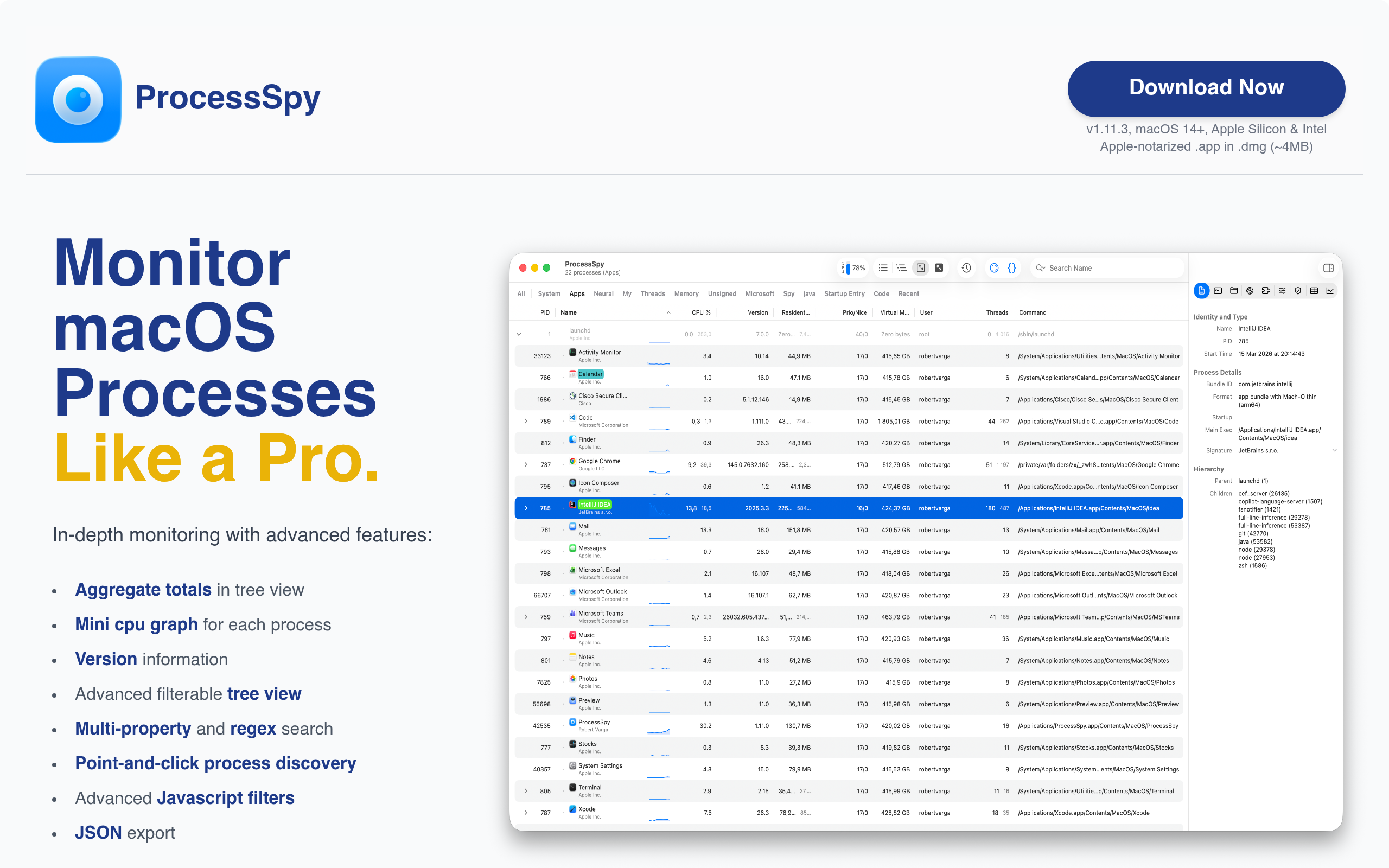
ProcessSpy – The macOS Process Explorer & Advanced Monitor The native alternative to Sysinternals Process Explorer for macOS. See what Activity Monitor hides: visualize process trees, inspect open files, view environment variables, and kill stubborn apps instantly.
Key Features
Process Tree Visualization
Interactive hierarchical view of parent/child relationships so you can quickly understand process ancestry and scopes.
Open Files & Handles Inspector
See which files, sockets and other handles a process has open to diagnose resource usage or file locks.
Environment & Command-Line Viewer
Inspect process environment variables, full command line and working directory for debugging and reproducibility.
Force Kill & Manage Processes
Terminate, force-quit or send custom signals to stubborn processes instantly from the UI.
Performance and Resource Metrics
Live CPU, memory and I/O metrics per process with sorting and filtering to find resource-hungry applications.
How to Use ProcessSpy
1) Download and install ProcessSpy from the official site or App Store. 2) Launch the app and grant required permissions (Accessibility and Full Disk Access) when prompted so it can inspect processes and open files. 3) Use the process tree or search to find a process; click a process to view details (open files, environment variables, command line, resource usage). 4) Right-click or use the action menu to kill, force-quit, sample, or export process information.