
ProcessBankStatement
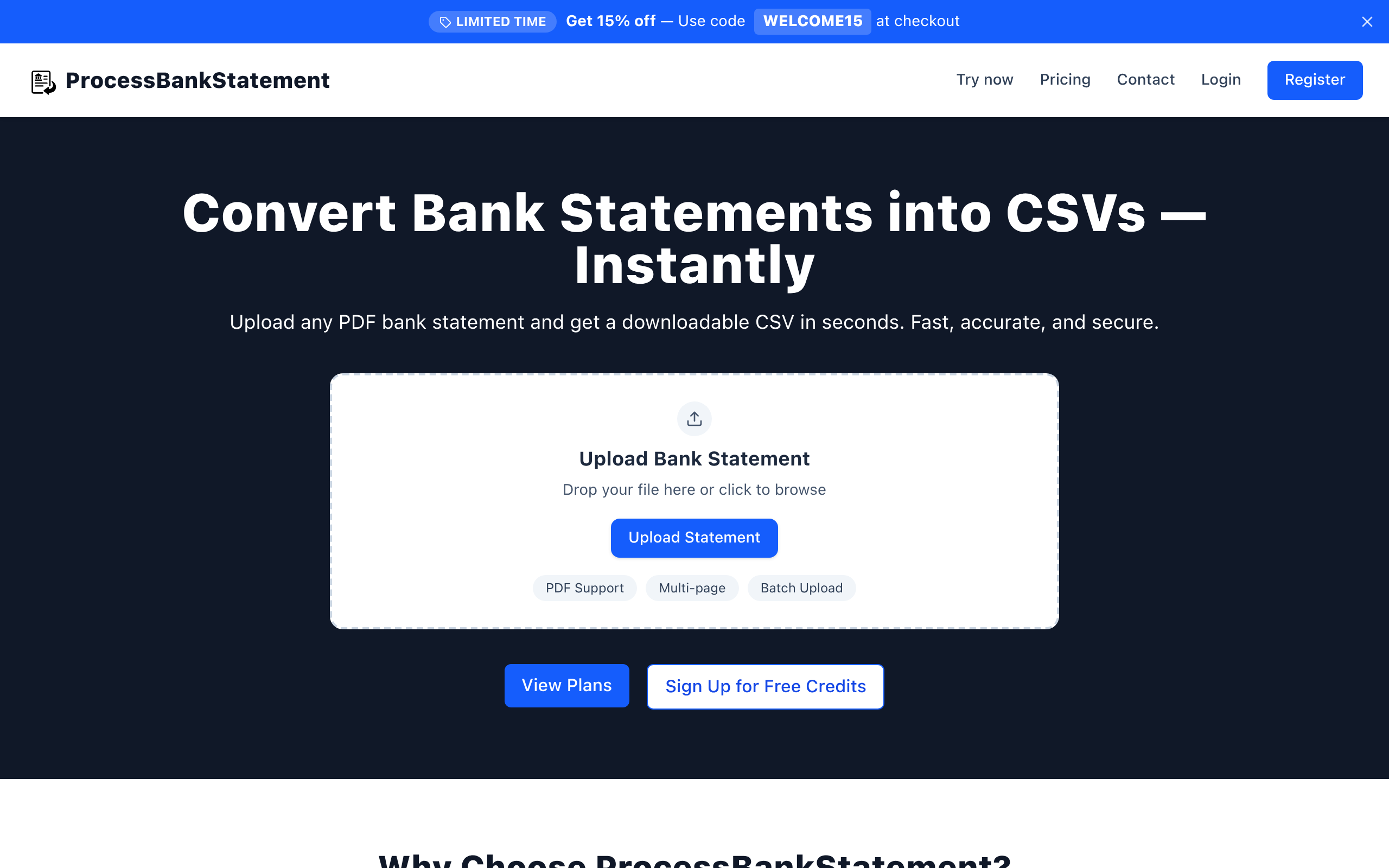
Convert PDF bank statements into CSVs instantly. Fast, accurate, and secure data extraction for finance professionals.
About
ProcessBankStatement is a secure and fast tool that eliminates manual data entry. Simply upload any PDF bank statement and get a downloadable CSV in seconds. Our smart parser extracts clean, structured data ready for QuickBooks, Excel, or custom analysis. We proudly support statements from major U.S. banks including Chase, Bank of America, Wells Fargo, and more. Your data is always encrypted, and you have full control to delete your files at any time.
Key Features
Instant PDF → CSV Conversion
Upload any text-based PDF bank statement and receive a clean, structured CSV in seconds for immediate use in Excel, QuickBooks, or custom workflows.
Smart Multi-Bank Parser
Automatically recognizes and adapts to statement formats from major U.S. banks (Chase, Bank of America, Wells Fargo, etc.) to extract transactions, dates, descriptions, and balances accurately.
Batch & Multi-Page Processing
Process multi-page statements and multiple files at once to save time when handling many client or company statements.
Secure & Privacy-Focused
Files are encrypted in transit, users retain full control over uploads, and can delete files at any time to protect sensitive financial data.
Excel/QuickBooks-Ready Formatting
Outputs are formatted and cleaned for easy import into Excel, accounting software (QuickBooks), or downstream data analysis tools.
How to Use ProcessBankStatement
1) Upload: Drag & drop or browse to select your text-based PDF bank statement (scanned images are not supported). 2) Parse: The engine automatically detects the bank format, extracts transactions and cleans formatting. 3) Review & Download: Preview results if available, then download the CSV ready for Excel or QuickBooks. 4) Manage Files: Delete uploaded files from your dashboard when finished or sign up for a plan to increase monthly page credits.