
Premiere Assistant
AI-powered rough cut automation for Adobe Premiere Pro. Transcribe, remove silences and filler words, and edit video by text without leaving Premiere.
About
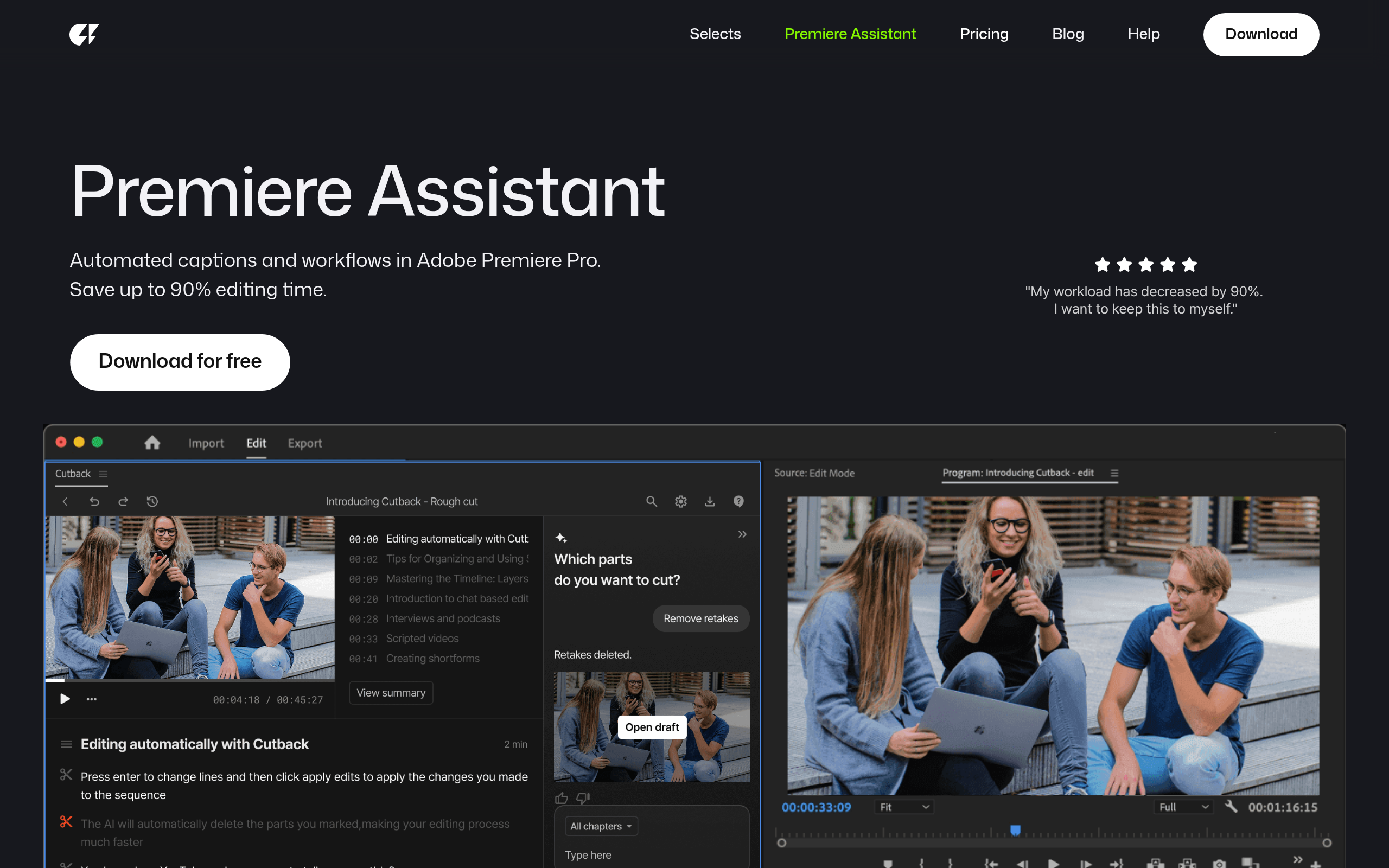
Premiere Assistant is an AI-powered plugin for Adobe Premiere that helps editors create clean automated rough cuts faster, without leaving Premiere. It automates repetitive early-stage editing tasks like transcription, silence removal, filler word cleanup, automated caption creation, and text-based editing, allowing editors to quickly shape raw footage into a usable rough cut. Instead of manually scrubbing timelines, editors can edit by text and let Premiere Assistant handle the cleanup. Designed for interviews, podcasts, and talking-head content, Premiere Assistant keeps editors focused on structure and pacing while reducing time spent on mechanical edits. It works natively inside Premiere Pro and fits seamlessly into existing workflows, no exports, no external prep tools.
Key Features
Auto Rough Cut
Automatically generates a rough cut by detecting speech, removing long silences and filler words, and trimming dead air to quickly shape raw footage into an editable sequence.
Accurate Transcription & Searchable Transcript
High-accuracy speech-to-text transcription inside Premiere that creates a searchable transcript you can edit like a document to cut and reorder clips by text.
Automated Captions & Translations
One-click caption generation with animated presets (word-for-word, karaoke-style, depth effects) and 1-click translation to multiple languages for subtitles and broader audience reach.
Auto Multi-cam & Track Switching
Automatic multi-camera editing that switches video tracks to the active speaker, mutes unneeded audio, and edits multiple tracks in a single sequence without manual track selection.
Silence & Filler Removal
Finds and cuts silent parts and filler words across multiple tracks and hours of footage with precision, saving large amounts of early-stage editing time.
How to Use Premiere Assistant
1) Install the Premiere Assistant plugin and open Adobe Premiere Pro. 2) Add your raw footage to a sequence and open the Premiere Assistant panel. 3) Run transcription (optionally add custom terms/spell-check) and choose actions: remove silences, clean filler words, auto rough cut, or auto multi-cam. 4) Edit by text using the generated transcript (select/delete text to cut clips), refine timing/looks, add animated captions or translate, then finalize your sequence and export as usual.