
Postgresus
PostgreSQL backup tool
About
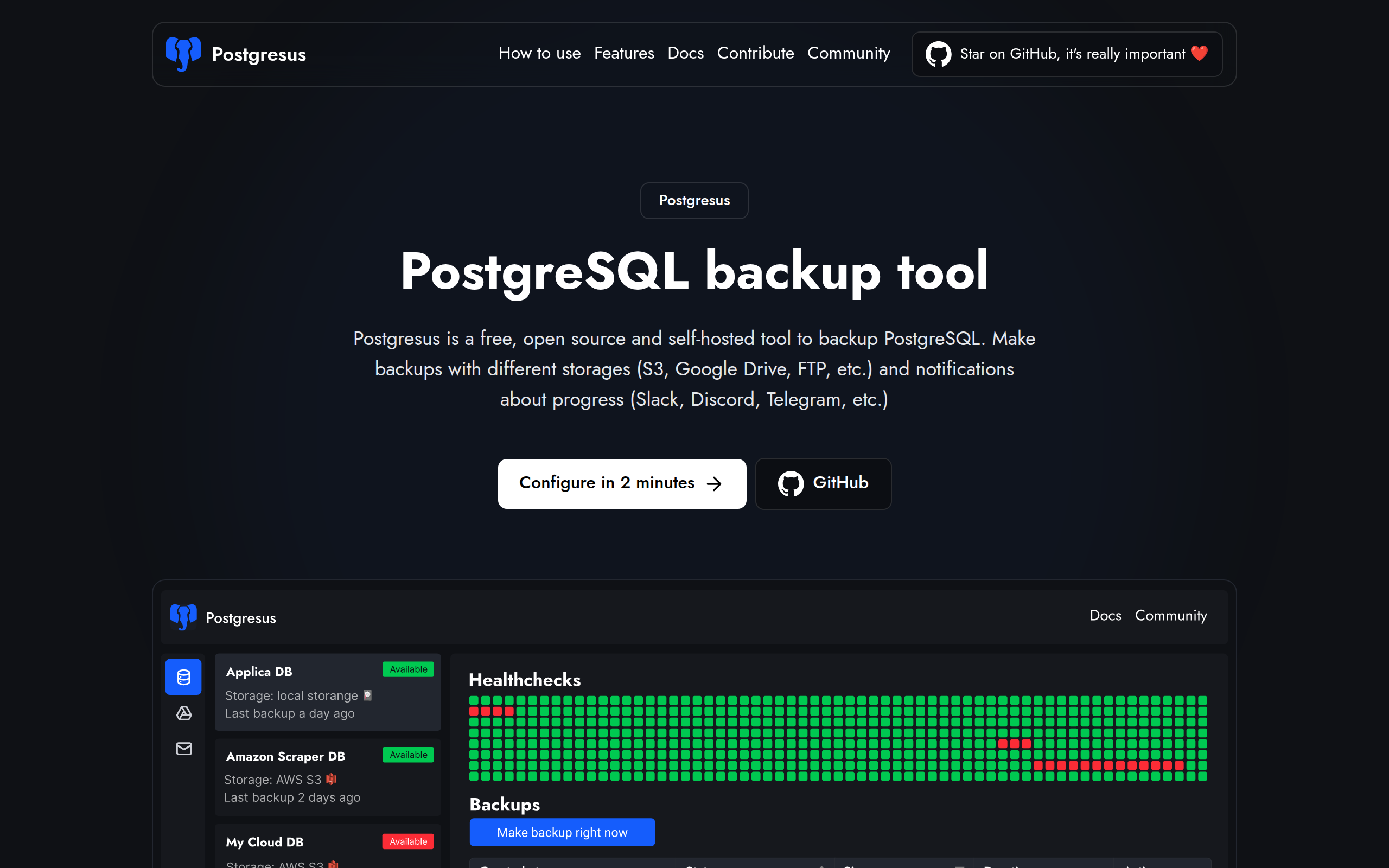
Postgresus is a free, open source and self-hosted tool to backup PostgreSQL. Make backups with different storages (S3, Google Drive, FTP, etc.) and notifications about progress (Slack, Discord, Telegram, etc.)
Key Features
Scheduled Backups
Flexible scheduling (hourly, daily, weekly, monthly or specific times) to automate consistent PostgreSQL backups.
Configurable Health Checks & Alerts
Periodic DB health checks with configurable failure thresholds and notifications for downtime and recovery via Slack, Discord, Telegram, email or webhooks.
Multiple Storage Destinations
Store backups on local disk, S3, Google Drive, FTP/NAS, Dropbox and other supported targets while keeping files under your control.
Self-hosted Deployment & Easy Install
Deployable in ~2 minutes via install script, Docker, Docker Compose or Helm (Kubernetes) so you run and own the service on your VPS or cloud instance.
Security, Access Controls & Audit Logs
Enterprise-grade encryption for stored backups, read-only DB access to avoid corruption, team access management and detailed audit logs for compliance and tracking.
How to Use Postgresus
1) Install Postgresus on your server: use the automated install script (recommended), Docker/Docker Compose, or Helm for Kubernetes. 2) Add your PostgreSQL instance: enter host, port, credentials, select PostgreSQL version and SSL settings. 3) Configure a backup schedule and choose storage: pick hourly/daily/weekly/monthly and select a destination (local storage, S3, Google Drive, FTP/NAS, etc.). 4) (Optional) Configure notifications and team access: add Slack/Discord/Telegram/email/webhook integrations to receive success/failure alerts; invite team members and set permissions. Backups will run automatically and can be downloaded or restored in one click from the UI.