
Playwriter
Let claude code, openclaw, codex and any agent control your Chrome browser via CLI or MCP.
About
AI agents cannot browse the web properly. They either have no browser access, or they get a fresh Chrome with no logins, no extensions, and instant bot detection. Playwriter gives them your actual browser session instead. One Chrome extension, full automation API, everything you are already logged into. Includes accessibility snapshots (5-20KB instead of 100KB+ screenshots), a debugger with breakpoints, live code editing, network interception, and video recording. Works with any MCP client: Cursor, Claude, VS Code, and more. Open source, MIT licensed.
Key Features
Real Browser Session Access
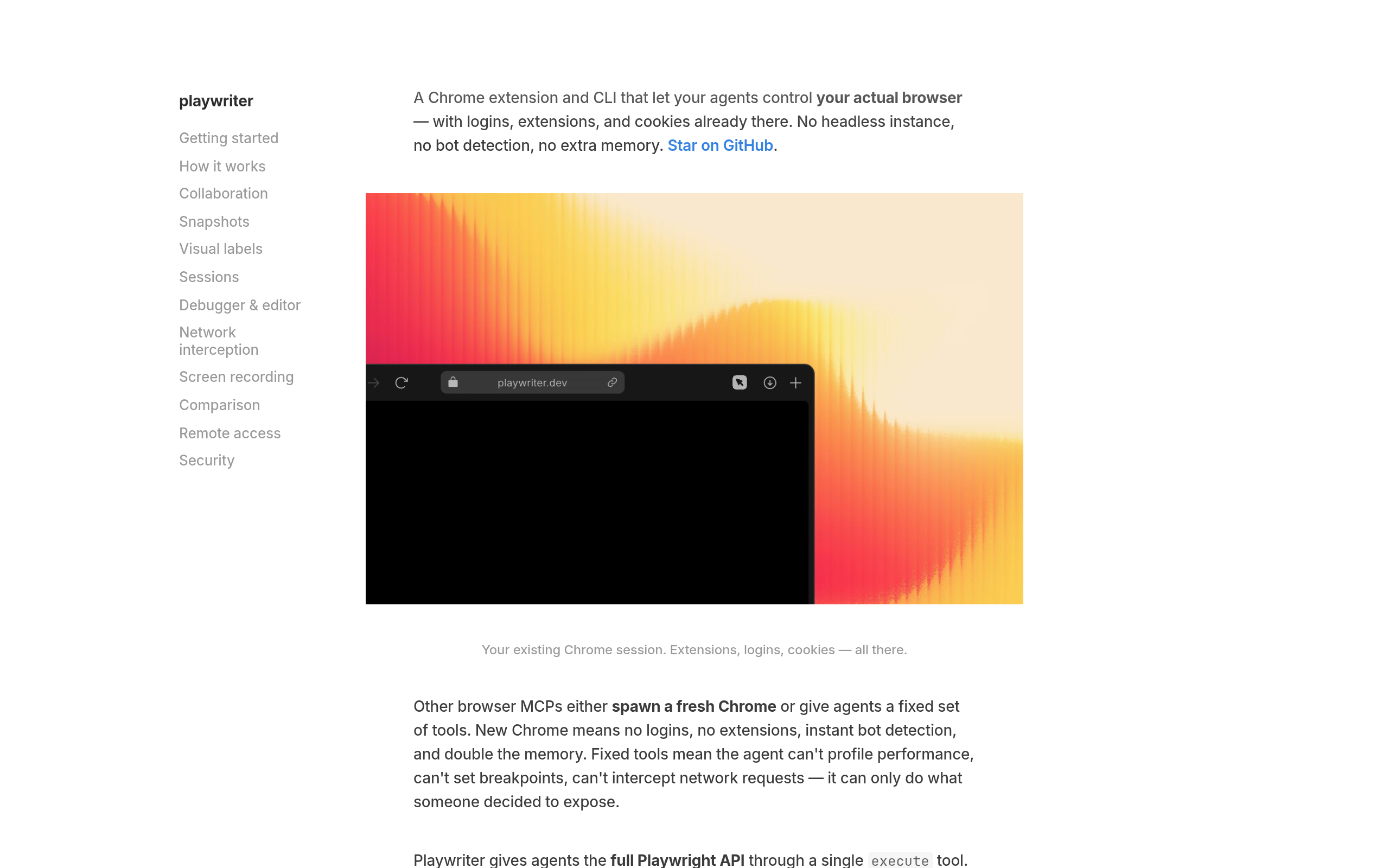
Expose your existing Chrome session (logins, extensions, cookies) to agents so they act in the same environment you use — avoiding fresh headless instances and bot-detection issues.
Playwright API Passthrough
Send raw Playwright code through a single execute tool; no wrapper schemas or dozens of tool definitions — low context usage and flexible automation.
Accessibility Snapshots & Visual Labels
Lightweight accessibility snapshots (5–20KB) with Playwright locators and optional Vimium-style visual labels for element identification and fast parsing by agents.
Debugger, Live Editing & Breakpoints
Built-in debugger with breakpoints and live code editing so developers can step through agent actions, fix issues in real time, and resume automation.
Network Interception & Screen Recording
Capture network requests and record sessions as video to reproduce bugs, audit agent activity, and collect evidence for testing/QA.
How to Use Playwriter
1) Install the Chrome extension and click the extension icon on a tab to attach it (icon turns green). 2) Install the CLI: npm i -g playwriter. 3) (Optional) Install the skill that teaches agents how to use Playwriter: npx -y skills add remorses/playwriter. 4) Start a session and run Playwright commands through the CLI or your MCP client (examples: playwriter session new; playwriter -e "page.goto('https://example.com')"; playwriter -e "snapshot({ page })"). The extension connects to a local WebSocket relay on localhost:19988 so nothing leaves your machine.