
Plate Photo AI
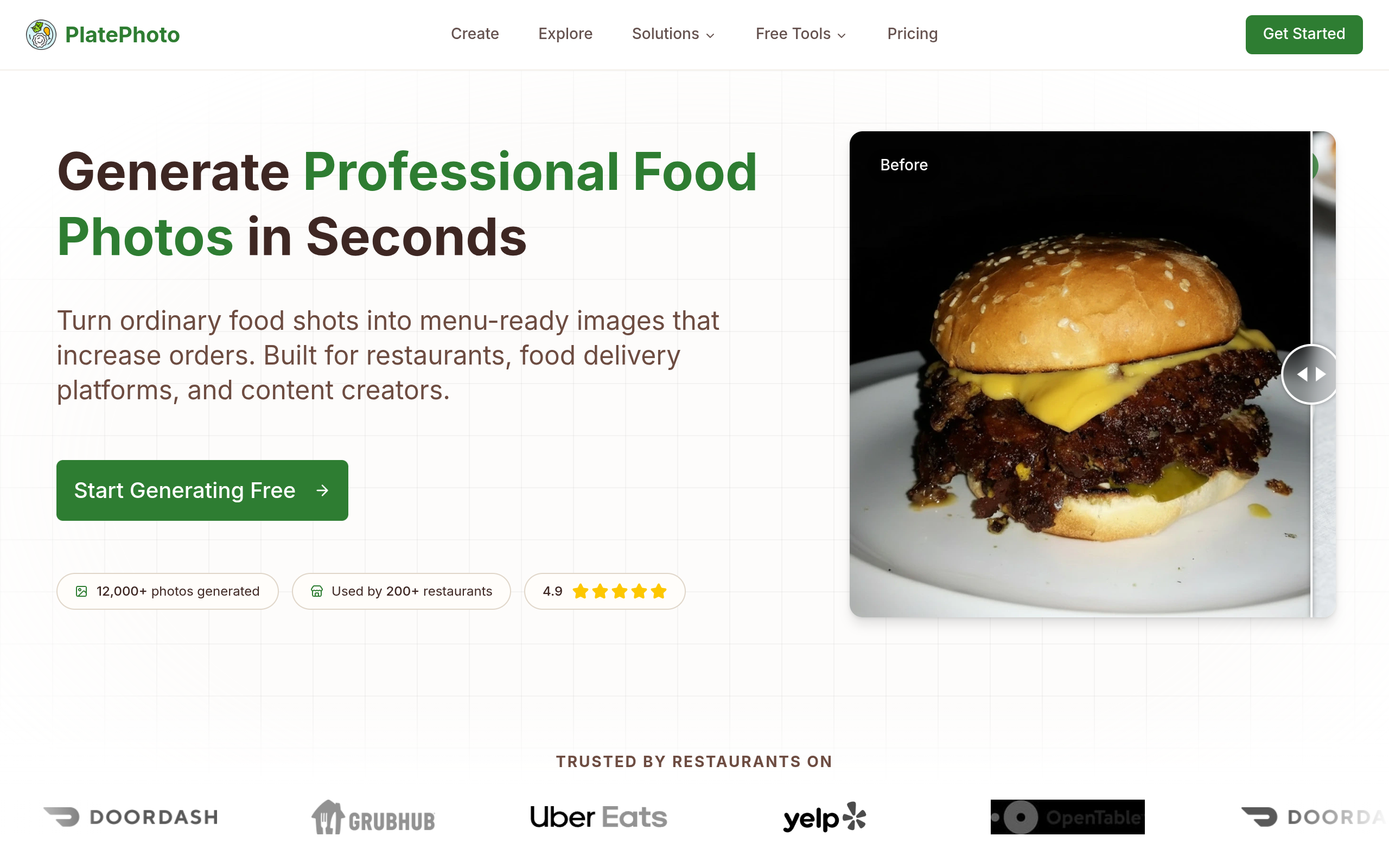
AI food photo editor that turns phone snaps into professional, menu-ready photos in seconds — no photographer needed.
About
PlatePhoto is an AI food photography tool that turns everyday phone photos into professional, menu-ready images in seconds — no photographer, studio, or design skills required. Upload a photo of your dish, choose from professional styles like Cafe, Fine Dining, Menu Zoom, or Delivery App (or create your own), and get a stunning, high-resolution image ready for menus, delivery apps, social media, and marketing. Edit any photo with simple text prompts — change lighting, remove ingredients, or add garnishes without touching Photoshop or Canva. Import existing photos directly from your website or Google Maps in one click, and keep every dish perfectly on-brand with consistent lighting, angles, and backgrounds. At $0.33 per image versus $500–$2,000 for a traditional photo shoot, restaurants get studio-quality food imagery on demand — and better menu photos can increase orders by up to 30%.
Key Features
One‑click Import from Website & Google Maps
Pull existing dish photos directly from your website or Google Maps listing without downloading and re-uploading, so you can quickly enhance your current menu images.
Professional Style Presets & Custom Styles
Choose from dozens of curated looks (Cafe, Fine Dining, Menu Zoom, Delivery App, etc.) or create a custom style to keep all dishes visually consistent across menus and platforms.
Prompt‑based Food Editing
Edit photos using simple text prompts—change lighting, remove or add ingredients, add garnishes, adjust background or angle—no Photoshop skills required.
High‑resolution, Platform‑ready Output
Generate high-resolution images optimized and sized for menus, delivery apps, websites, and social media for immediate publishing.
Commercial Licensing & Scalable Plans
Paid plans include full commercial rights, bulk credits, priority generation, and enterprise/white‑glove services for agencies and high-volume restaurants.
How to Use Plate Photo AI
1) Upload or import a photo of your dish from your phone, website, or Google Maps. 2) Pick a professional preset (e.g., Cafe, Fine Dining, Menu Zoom, Delivery App) or build a custom style for consistent branding. 3) Use simple text prompts or the editor to tweak lighting, remove/add ingredients, change background or garnish. 4) Generate and download the high‑resolution, platform‑sized image and post to your menu, delivery listing, or social channels.