
PixMelody
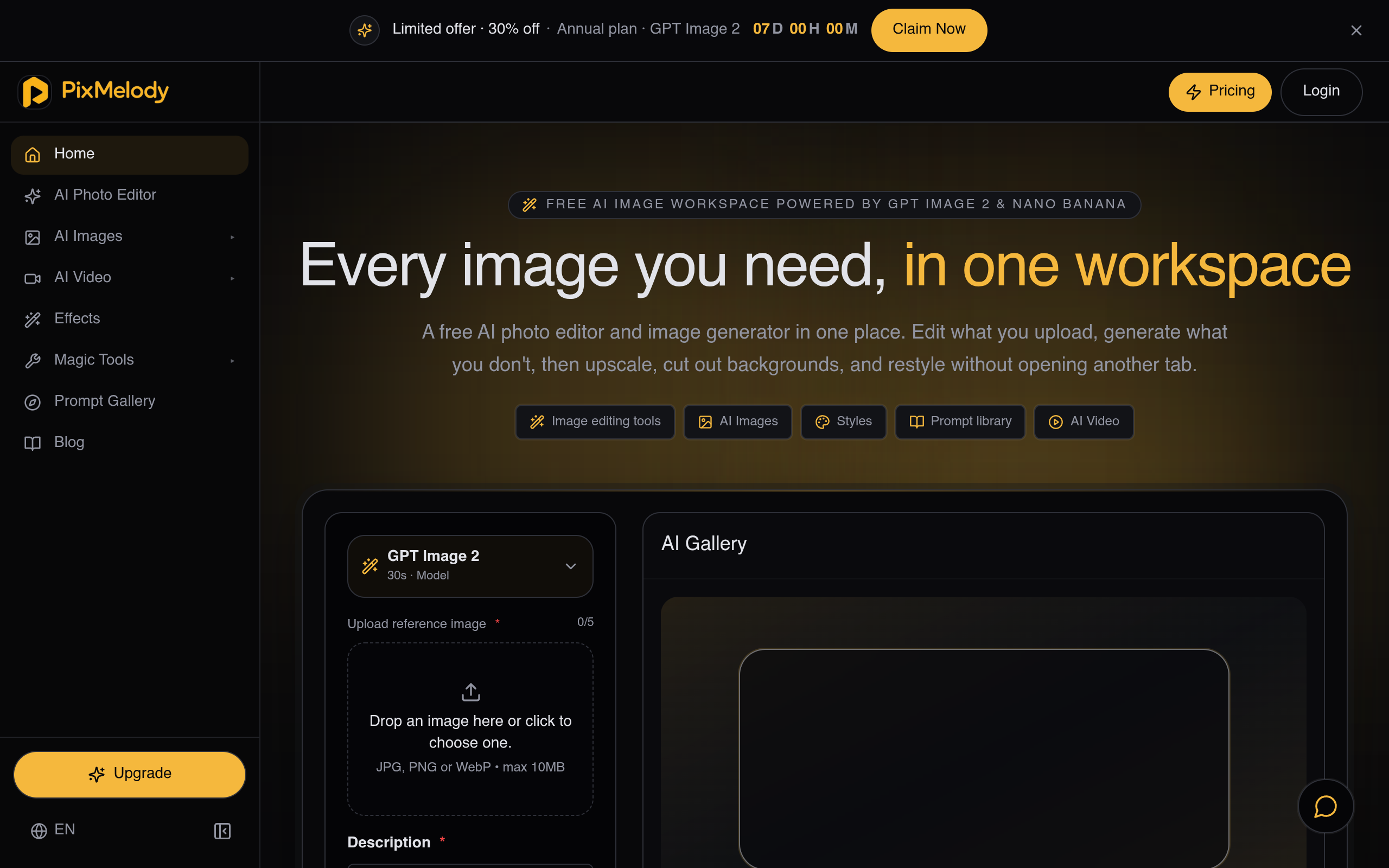
A unified AI image and video studio with every leading model (GPT Image 2, Nano Banana 2, Nano Banana Pro, Seedream) in one workspace.
About
PixMelody is a unified AI image and video studio that brings every leading model — GPT Image 2, Nano Banana 2, Nano Banana Pro, and Seedream — into one workspace on a single credit balance. Bring a prompt or a reference, leave with work you'd actually ship — no juggling five subscriptions or ten browser tabs. Features: - Every leading model, one workspace — GPT Image 2, Nano Banana 2, Nano Banana Pro, and Seedream; switch mid-iteration without losing your draft. - One credit balance, not five subscriptions — pay only for what you generate. - Character & product consistency — lock a face, outfit, or product across up to 5 subjects, from a single still to a full character sheet. - A studio, not one generator — text-to-image, image-to-image, AI video, in-place editing, 4K upscaling, and one-click background removal in the same flow. - Up to 14 reference images per generation to blend brand, character, and scene in one pass. Target Audience: Pro creators, designers, and marketers — brand and product designers, indie illustrators, e-commerce founders, and content teams.
Key Features
Unified Model Workspace
Access GPT Image 2, Nano Banana 2/Pro, Seedream and others from a single editor and switch models mid-iteration without losing your draft.
Single Credit Balance
One shared credit pool for all models and tools so you pay only for what you generate — no multiple subscriptions or separate billing.
Studio-grade Editing Tools
A complete studio flow in one place: text-to-image, image-to-image, in-place retouching, background removal, extend/outpaint, and 4K upscaling.
Character & Product Consistency
Lock a face, outfit, or product across up to 5 subjects and reuse authorized references to maintain consistent visuals across images and clips.
How to Use PixMelody
1) Sign up and claim free credits. 2) Start from a text prompt or upload a reference image (you can add up to 14 references). 3) Choose a model or try multiple models; describe edits in plain language or use image-to-image/video tools; lock subjects for consistency and iterate. 4) Upscale, remove backgrounds, export the final images or generate short videos and download.