
PixExtender
Expand and uncrop photos with AI, creating natural-looking backgrounds while preserving original image details.
About
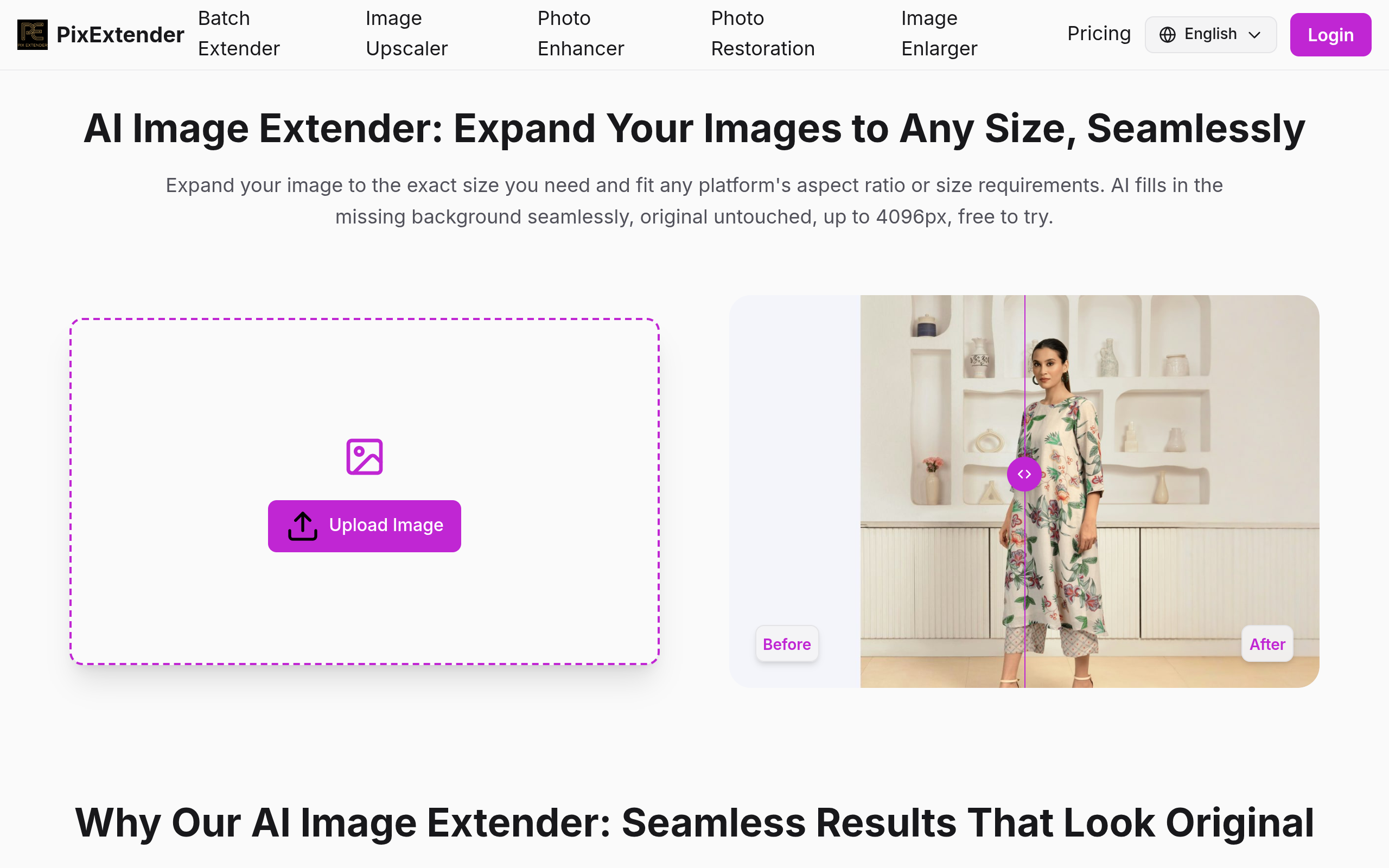
PixExtender is an online AI image expansion tool that helps users extend photos beyond their original borders and create larger images with natural-looking results. Powered by AI outpainting technology, it intelligently generates additional background areas while preserving the original subject, composition, and important visual details. Users can uncrop photos, adjust image dimensions, and customize aspect ratios for different creative and professional needs. PixExtender supports JPG, PNG, and WEBP formats, offers high-resolution output up to 4096 × 4096 pixels, and allows batch processing of up to 20 images at a time. Whether you need to adapt product photos for an online store, resize social media visuals, improve photography compositions, or create more space around a subject, PixExtender makes image expansion simple and efficient without requiring advanced editing skills. It is designed for photographers, designers, marketers, content creators, and anyone who wants to expand images while maintaining a consistent and natural appearance. Free starter credits are available, with additional paid plans for users who need more image processing.
Key Features
Seamless AI Outpainting
Generates natural-looking background extensions that match lighting, texture and depth at the edges so the expanded image looks like the original photo.
Custom Aspect Ratios & Presets
Pick platform presets (Instagram, Pinterest, YouTube, marketplace specs) or set custom dimensions up to 4096×4096 px to fit any output requirement.
Batch Processing
Process up to 20 images at once with a single ratio and setting for consistent results across product photos or content batches.
High-Resolution Export
Export JPG, PNG or WEBP files at sharp resolutions (up to 4096×4096) suitable for web, ads and print without modifying the original pixels.
File Format Support & Ready-to-Publish Output
Supports common image formats (JPG, PNG, WEBP) and delivers output ready for CMS, marketplaces or social platforms with no further post-processing.
How to Use PixExtender
1) Upload: Drag and drop or select your JPG, PNG, or WEBP file. 2) Choose size: Pick a platform preset or enter custom output dimensions and choose the direction(s) to extend. 3) Process: Click 'Extend' (for single images) or batch-process up to 20 images with the same settings. 4) Download: Review the result and download the extended image at full quality. Tip: Use free starter credits to test settings before committing to paid credits.