
Pipevoice
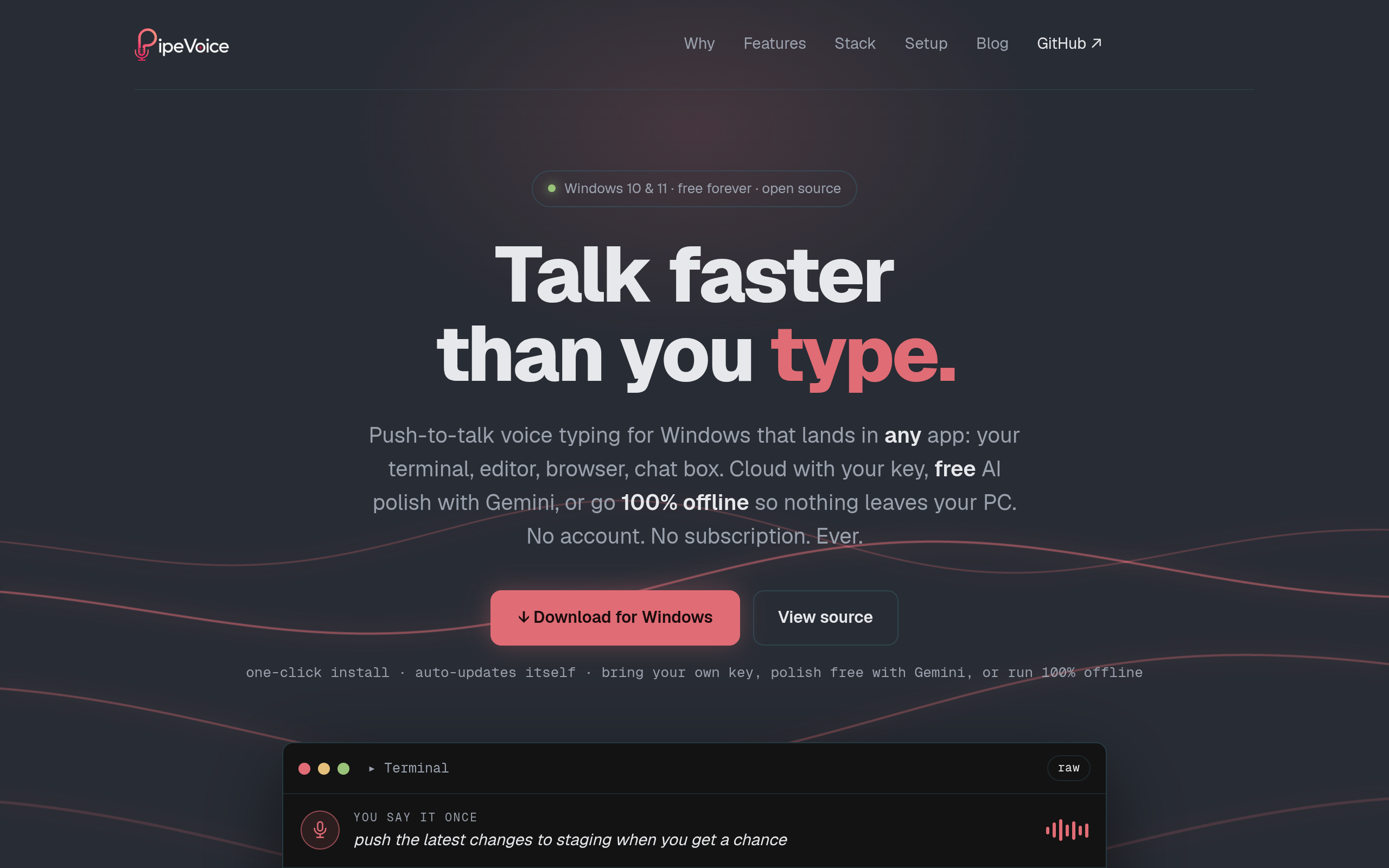
Pipevoice is a free, open-source dictation app for Windows that types speech into any application.
About
Pipevoice is a free, open-source dictation application for Windows that allows users to type real keystrokes into any app. It offers private, offline operation and integrates with various cloud or local AI models for transcription and text polishing. The tool is designed for developers, writers, and anyone looking to reduce typing and increase productivity.
Key Features
Types into Any App
Emits real keystrokes to the currently focused window so dictated text lands directly in terminals, editors, browsers, chat boxes, or any other app — no copy/paste required.
Private, Offline Operation
Run a fully local pipeline (Local Whisper + Ollama) so audio and transcripts never leave your PC — no account, no telemetry, and everything stored locally.
Flexible Backend Options
Choose cloud providers using your own API key (Deepgram, Groq, Google Gemini, OpenRouter) or use free/personal local models for transcription and polishing depending on speed, cost, and privacy tradeoffs.
Per-App Profiles & Customization
Create different behaviors per application (raw typing for terminals, polishing and auto-send for chat apps) with hotkeys, vocabulary boosts, word-fixes, and formatting voice commands (e.g., 'new line', 'tab key').
Lightweight, Auto-Updating, Open Source
Small tray app that auto-updates (verifies updates with SHA-256), is open source for auditability, and is optimized to be low-memory without Electron bloat.
How to Use Pipevoice
Pipevoice is a free and open-source dictation application built natively for Windows. It allows users to dictate directly into any focused application, such as terminals, editors, browsers, or chat boxes, by simulating real keystrokes. Users can choose between fully offline operation using local Whisper and Ollama models, or integrate with cloud providers like Deepgram or OpenAI Whisper using their own keys. The application is private by default, with an option to keep all data on the local machine, and offers features like per-app profiles, customizable hotkeys, and accent recognition. It is particularly useful for AI coding, enabling users to dictate prompts much faster than typing.