
ping123
Transparent IP and WebRTC leak checks with manual controls.
About
ping123 helps privacy-conscious users, developers, VPN users, and support teams quickly inspect public IP details, WebRTC leak signals, DNS behavior, HTTP request headers, and browser/network privacy indicators. It uses visible manual controls so users decide which checks to run.
Key Features
Public IP & ASN Profile
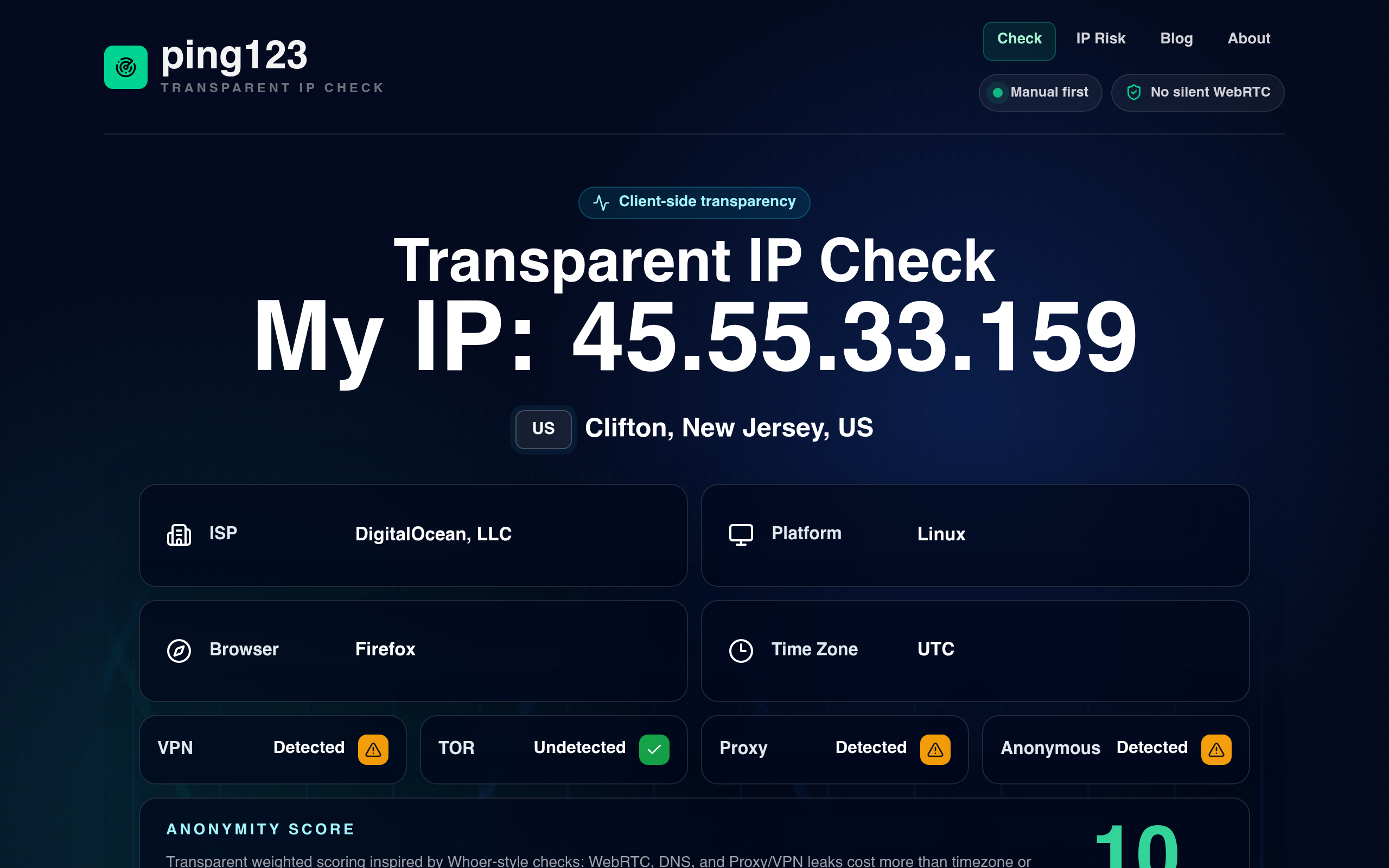
Shows the detected public IP, ISP, ASN, city/country and organization so you can confirm the actual exit point websites see.
IP Privacy Score
Combines IP risk, proxy/VPN/Tor signals, ASN data and browser consistency into a single repeatable score (0–100) with a breakdown of contributing factors.
Manual WebRTC Leak Test
Run an explicit, local-only WebRTC STUN test on demand; raw candidate IPs remain visible locally and only a summary leak result is reported.
DNS Leak Test
Manually trigger DNS probe requests to detect resolver exposure and confirm whether your configured resolver leaks outside an expected VPN/proxy.
IP Reputation & Blacklist Checks
Provides reputation, blacklist and abuse context (spam, datacenter/VPN signals) to help identify shared, hostile or otherwise risky exit IPs.
How to Use ping123
1) Open ping123.app and click Refresh IP to get the current public IP, ASN and location summary. 2) Inspect the IP Privacy Score and the report breakdown to see proxy/VPN/Tor, ASN and reputation clues. 3) When needed, run the Manual WebRTC Leak Test (click to start) and compare candidate IPs against the visible public IP. 4) Run the DNS Leak Test to verify resolver consistency, then use the anonymity radar and guidance to interpret mismatches and next steps.