
PicWav
Turn any photo into a dynamic AI video with PicWav.
About
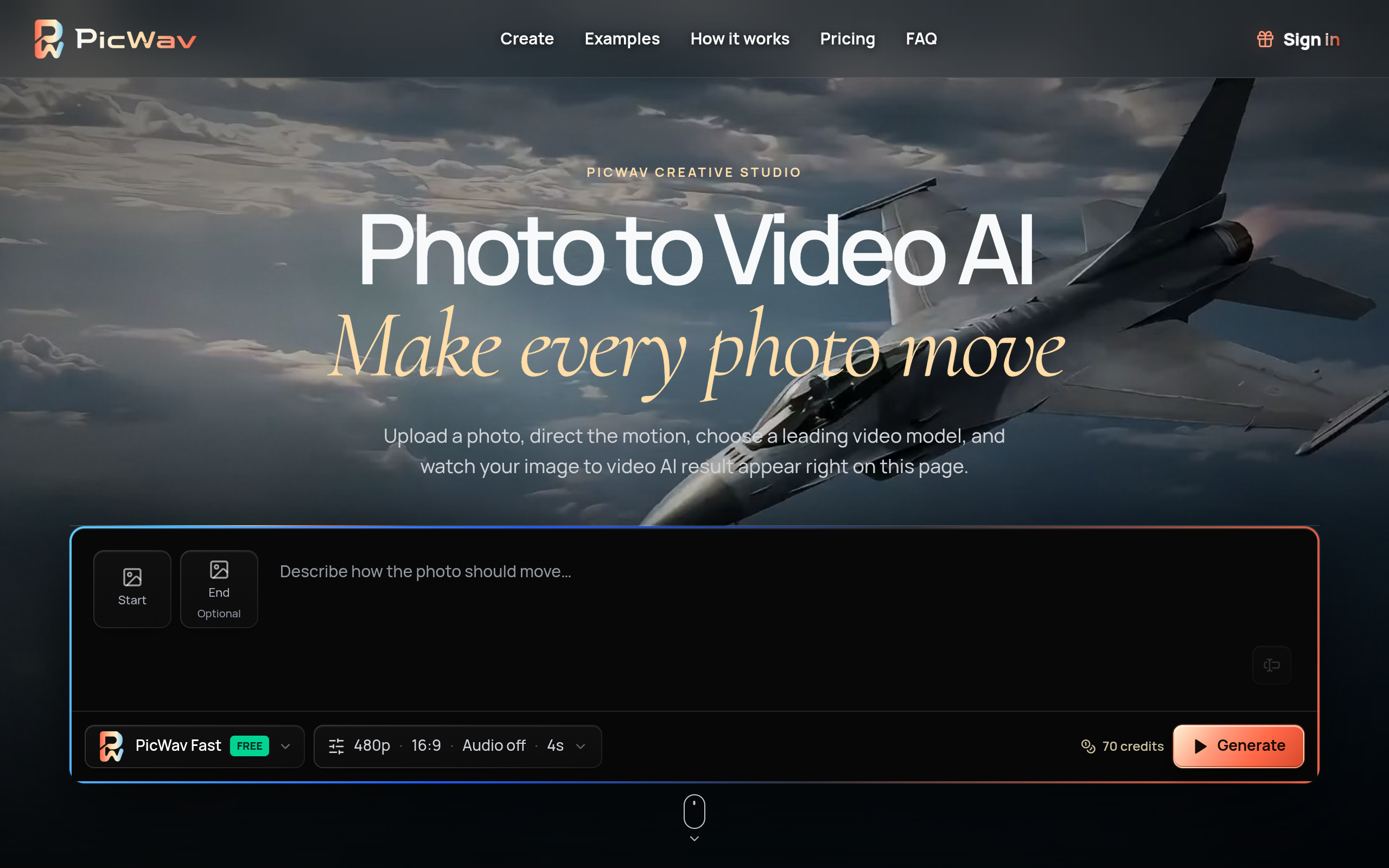
PicWav is an AI-powered photo-to-video platform designed to turn still images into dynamic, engaging videos. Users can upload a photo, describe how the subject or scene should move, control camera movement, and generate videos with different AI video models. PicWav can be used for portraits, product photos, pets, travel images, artwork, social media content, marketing creatives, and cinematic concepts. It helps creators transform existing images into short-form video content without traditional filming or complex video editing, making image-to-video creation faster and easier for creators, marketers, designers, and businesses.
Key Features
Multi-Model Generator
Choose from several AI video models (e.g., PicWav Fast, Seedance, Hailuo, Kling, Veo) to balance speed, quality, resolution, and audio for different projects.
Motion Presets & Recipes
Ready-made motion directions and reusable prompts (Bullet Time, Orbit, Push-In, Levitation, etc.) let you quickly apply cinematic or subtle movements tailored to people, products, or scenes.
Start/End Frame & Camera Control
Set exact start and end frames and guide camera behavior (pan, push-in, orbit) to craft precise transitions and preserve subject identity and scene geometry.
Output Shape, Resolution & Audio Options
Export vertical, square, or wide videos at multiple quality levels (e.g., 480p–720p+), control native audio, and pick model-supported aspect/length combinations for social or commercial use.
How to Use PicWav
1. Upload a JPG, PNG, or WebP image to PicWav. 2. Describe how you want the subject or camera to move. 3. Choose an AI video model based on your desired style and quality. 4. Select the video duration, aspect ratio, resolution, and other available settings. 5. Click Generate and wait for your video to be created. 6. Preview the result and download the finished video.
Use Cases
Frequently Asked Questions
Q: What is PicWav?
A: PicWav is an AI photo-to-video tool that turns static images into short videos using motion prompts and AI video models.
Q: How do I create a video with PicWav?
A: Upload an image, describe the movement or camera motion you want, choose a video model and settings, then generate your video.
Q: Can I use PicWav for free?
A: Yes. PicWav offers a free PicWav Fast option so users can try image-to-video generation before purchasing additional credits or a subscription.