
Picture to Video AI
Turn any photo into a lifelike video from a one-line motion prompt—faces stay natural, every mainstream AI video model switchable in one generator.
About
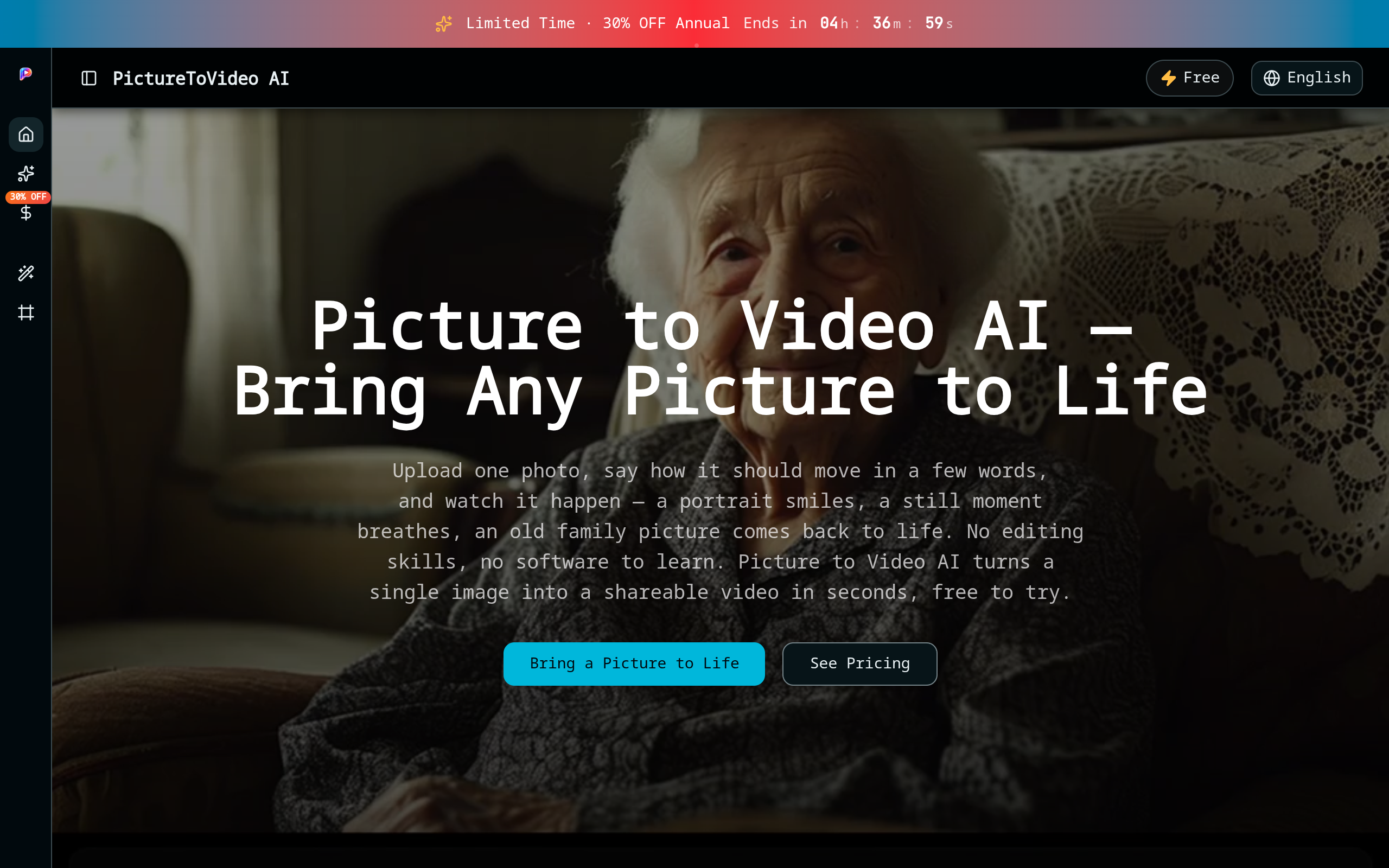
Picture to Video AI turns a single photograph into a short, shareable video. Upload one image, describe the motion in a few words, and watch a portrait smile, an old family photo come back to life, or a landscape breathe—no editing skills or software needed. It preserves facial identity while adding natural movement, supports selective motion (animate parts while keeping faces still), keyframe control for longer clips, and 480p–4K output in social-ready vertical formats. It supports all mainstream AI video models—switchable right in the generator so you pick the best one for each shot—with Speed Mode for quick drafts and Quality Mode for final renders. Free to try with 10 credits on signup.
Key Features
One-line Motion Prompts
Generate realistic motion by typing a single short phrase (e.g., “she smiles softly” or “water drifts”) — no complex prompt engineering required.
Identity-preserving Face Animation
Animations keep facial identity and small details natural to avoid uncanny or warped results when animating portraits.
Multi-model Engine Switching
Choose between multiple underlying AI video models per project (faces, landscapes, long drifts) to get the best result for each image.
Selective Motion & Keyframe Control
Animate specific parts of an image (background, hair, water) while keeping faces still; use start/end frames and keyframes for longer, controlled clips.
Export Options & Fast Drafts
Export in social-ready vertical formats from 480p up to 4K; Speed Mode for quick previews and Quality Mode for final renders. Free trial with initial credits.
How to Use Picture to Video AI
1. Go to picturetovideo.ai and sign up free (10 credits on signup). 2. Upload a single photo — a portrait, an old family photo, a pet, or a landscape. 3. Describe the motion in one line (for example, a gentle smile and a slow blink). 4. Pick an AI video model, then choose Speed Mode for a quick draft or Quality Mode for the final render. 5. Generate, preview, and download your vertical, social-ready clip (480p to 4K).