
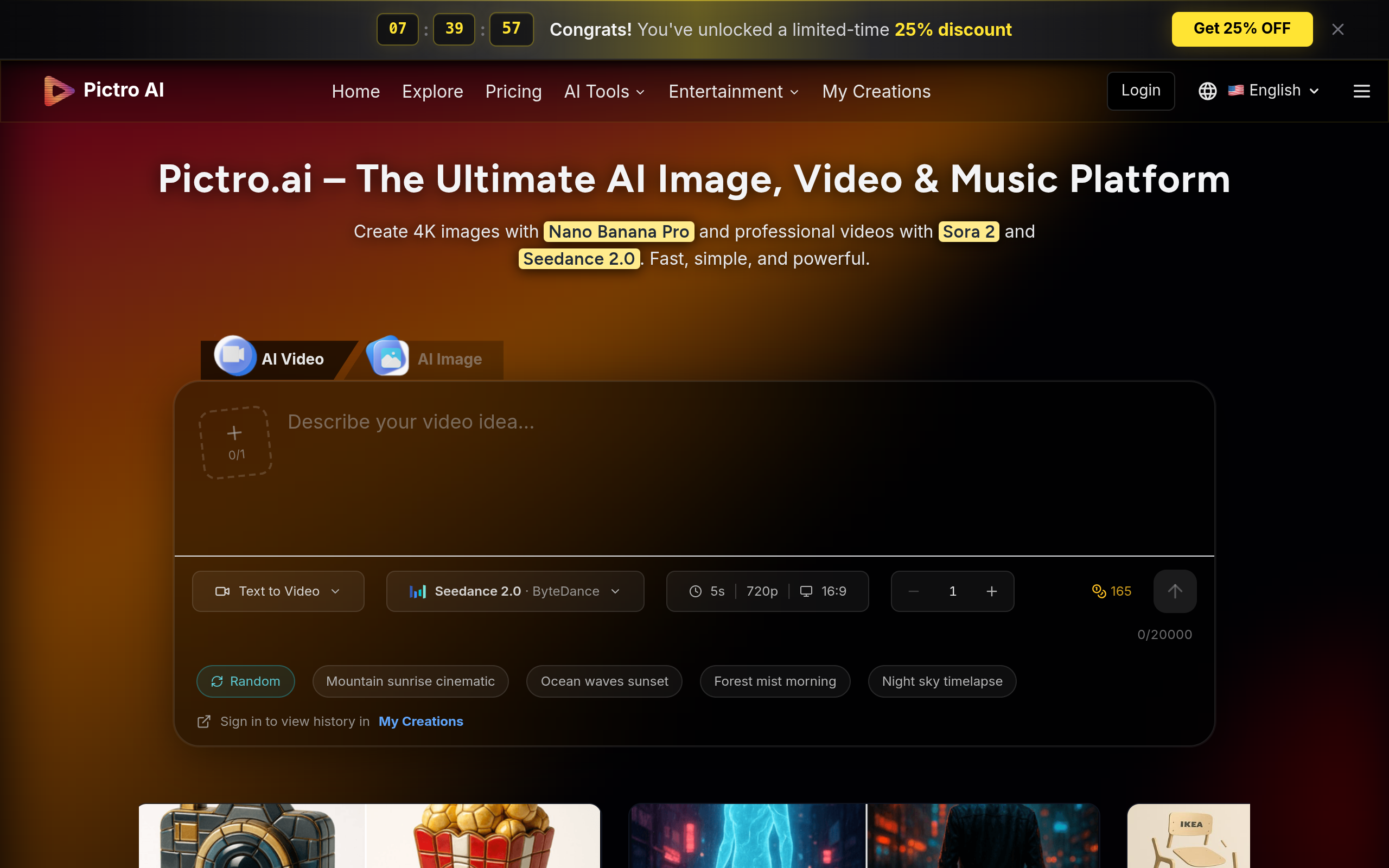
Pictro AI
AI image generator that creates stunning visuals from text descriptions in seconds
About
Pictro AI is an advanced AI-powered image generation platform that transforms text descriptions into high-quality, unique visuals. With support for multiple art styles, resolutions, and customization options, it's perfect for designers, marketers, content creators, and businesses. The platform offers an intuitive interface, fast processing, and a freemium model with generous free credits. Key features include text-to-image generation, image-to-image transformation, inpainting, upscaling, and API access for developers.
Key Features
Text-to-Image Generation
Create high-quality, photorealistic or stylized images from natural-language prompts with support for multiple art styles, aspect ratios, and resolutions up to 4K.
Image-to-Image & Inpainting
Transform or edit existing images using image-to-image conversion and inpainting tools for background changes, object replacement, or targeted edits via conversational prompts.
AI Upscaling & Restoration
Upscale images to 2K/4K, restore old or damaged photos, and enhance details and color with AI-powered enhancement tools.
Fast Multi-language Text Rendering
High-fidelity text support in many languages with accurate typography, enabling infographics, posters, and images containing long or multi-language text.
API & Developer Access
Programmatic access for integrations and automation so developers can generate and edit media from their apps or pipelines.
How to Use Pictro AI
1) Enter your prompt: Describe the scene, style, mood, and any details (characters, lighting, camera angle) in natural language. 2) Choose model & settings: Pick resolution (2K/4K), aspect ratio, art style or model (e.g., Nano Banana Pro), and enable options like image-to-image or inpainting if editing. 3) Generate and refine: Click generate to produce images, then use in-browser editing, conversational edits, or rerun with adjusted prompts/parameters until satisfied. 4) Export or integrate: Download the final image in the desired resolution or use the API to integrate generation into your workflow.