
PicTranslate
PicTranslate breaks down language barriers in images!
About
A professional AI image translator and OCR tool. It accurately recognizes and translates text from images, manga, menus, or documents into over 40 languages while preserving the original layout. Perfect for travel, learning, and business.
Key Features
High-Precision OCR with Layout Preservation
Advanced OCR that extracts text from images while retaining original formatting and layout (columns, tables, and positioned text), ideal for documents, reports, and screenshots.
Multi-language Image Translation (47+ Languages)
Translate recognized text in images into over 47 languages while keeping the original background and visual style, useful for menus, signs, comics, and more.
Batch Image Processing
Upload multiple images at once for simultaneous OCR and translation to speed up workflows for e-commerce listings, document scanning, and large manga/comic volumes.
Manga & Comic Friendly Translation
Specialized handling for comics and manga that preserves artwork and text bubble placement, producing translated images suitable for reading or publication.
How to Use PicTranslate
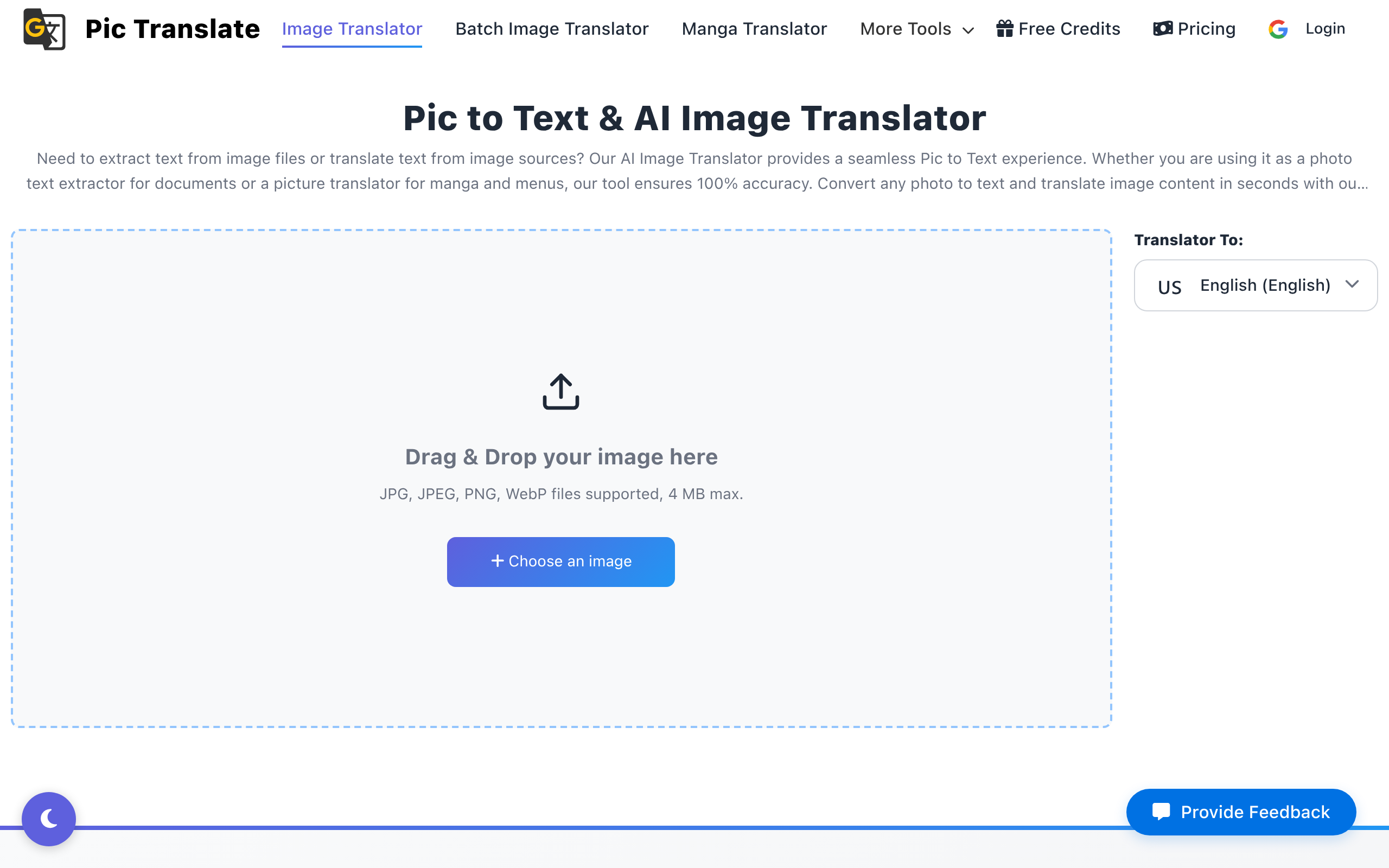
1) Upload: Drag & drop (or click) to upload a JPG/PNG/WebP image (or multiple images for batch). 2) Choose Mode & Language: Select OCR (extract text) or Image Translate, then pick the target language. 3) Process: Start the conversion — the AI will extract and/or translate text while preserving layout and artwork. 4) Review & Download: Preview the result, make any minor edits if needed, then download the translated image or extracted text file.