
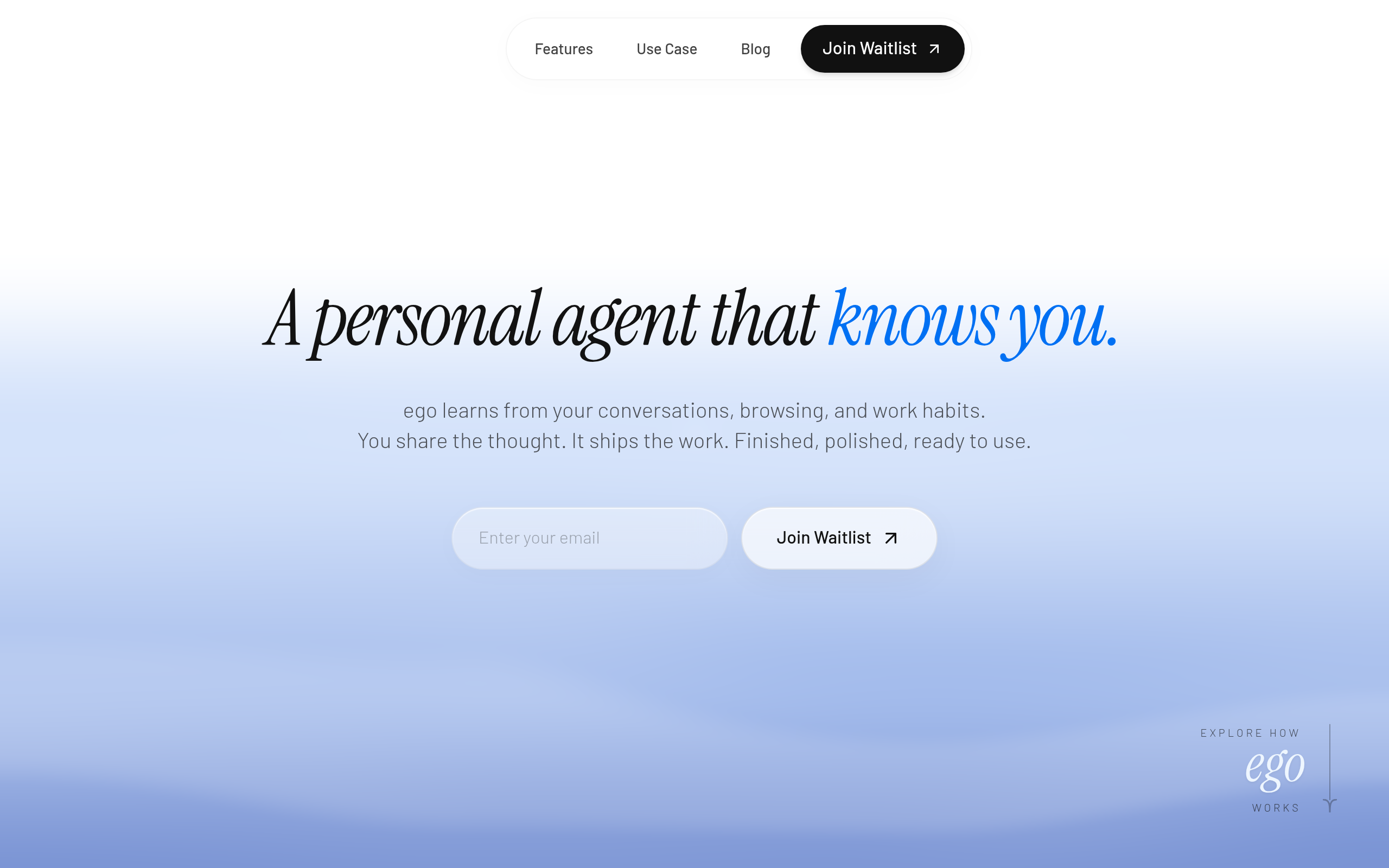
personal agent
One personal AI agent, wherever you workAcross your browser, desktop and phone, ego keeps your tasks and memory always with you.
About
One personal AI agent, wherever you work Across your browser, desktop and phone, ego keeps your tasks and memory always with you. Just speak. ego starts Hold fn, speak naturally, ego starts from what you say, what is on your screen, and what it already knows about you. Turning a thought into a finished task the moment it occurs to you. One agent, across browser and phone ego appears as a Dynamic Island, a floating AI assistant, or a full AI browser with your workflows and Chrome extensions. You can also check progress or start new tasks through Telegram and other IM channels. Run tasks in parallel. Get finished work back. Research 10 competitors. Draft a deck for Friday. Give them all to ego at once. They run in parallel, and you get finished docs, decks, and spreadsheets on your computer. Close your laptop, the work keeps moving 24/7. Knows you better. Does your work better. Every task builds on what ego already knows about your work, your preferences, and your past decisions.
Key Features
Voice-activated Quick Start
Trigger ego instantly by holding a hotkey (e.g., fn) and speaking naturally. Ego begins work from your spoken brief, the content on your screen, and what it already knows about you.
Cross-device Presence
Use ego as a Dynamic Island, floating assistant, full AI browser, or via messaging integrations (Telegram/IM). Tasks and memory sync across browser, desktop and phone.
Parallel Task Execution & Delivery
Run multiple tasks at once (research, decks, spreadsheets). Ego executes them in parallel 24/7 and delivers polished, editable files to your desktop when complete.
Persistent Work Memory & Personalization
Ego remembers projects, preferences and past corrections across sessions, letting it apply learned workflows so brief commands like “do the usual” produce predictable results.
Integrations & Secure Automation
Connects to your logged‑in SaaS accounts to pull data, fill forms, update CRMs, purchase items, or monitor sites. Data syncs over encrypted channels and is used only to complete tasks.
How to Use personal agent
1) Install ego and sign in on your browser, desktop and phone so it can sync across devices. 2) Trigger ego with the configured hotkey or open the floating Dynamic Island/assistant and speak a brief natural-language request (or type it). 3) Review any follow-up clarifying prompts, then let ego run tasks in parallel — monitor progress via the assistant UI or IM integrations (Telegram). 4) Receive finished, editable files on your computer or approve automated actions (purchases, form submissions) when prompted; adjust preferences or correct outputs to improve future results.