
Perkoon
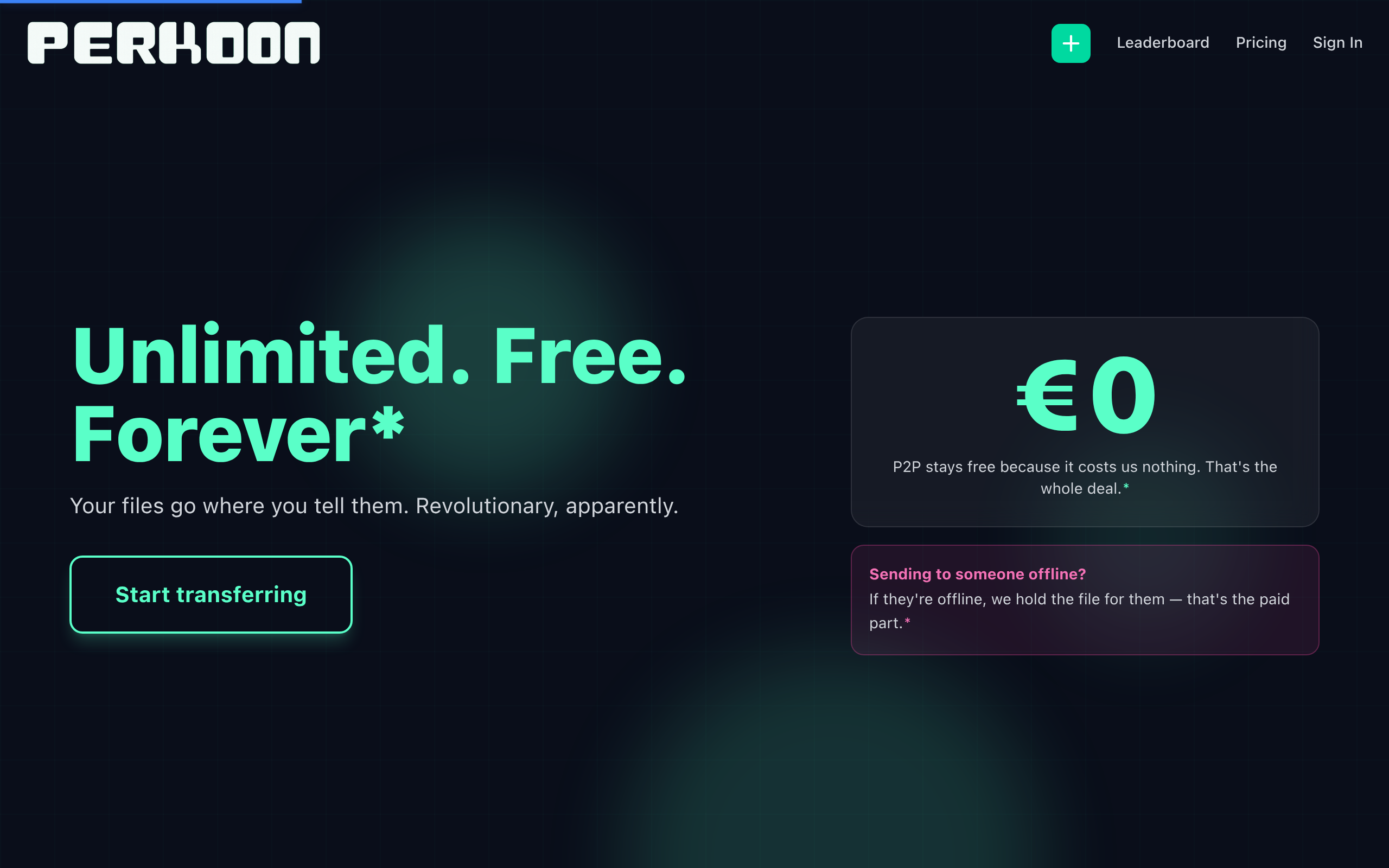
P2P file transfer from the future. No size limit, no signup. First transfer service built for humans and AI agents alike. Free tier. Cloud tier. Done.
About
File transfer was a solved problem. Then everyone decided to make it worse — size caps, forced signups, expiring links, surprise paywalls. The usual. Perkoon unsolved it. Free P2P transfers beam files directly between browsers. No server in the middle. No size limit. No account. Both parties online, files move. Simple physics. Cloud storage exists for when the other human is offline, encrypted and waiting for them whenever they show up. This one costs money. Servers aren't powered by good vibes. Here's where it gets interesting: Perkoon is the first file transfer service built with native agent accessibility. Machine-readable state, stable DOM selectors, automation API. Your AI workflows can send and receive files without pretending to be a human clicking buttons. The future showed up early. CLI included: npx perkoon send/receive. Works browser-to-CLI, CLI-to-CLI. Because terminals deserve nice things too.
Key Features
True P2P Browser-to-Browser Transfers
Files stream directly between peers with no server in the middle — no size limits and no forced uploads to third-party storage when both parties are online.
Encrypted Cloud Storage (Optional, Paid)
When the recipient is offline, files can be stored encrypted in Perkoon's cloud and delivered when they come online; this tiered service is paid and end-to-end encrypted.
Agent-Friendly Automation API & Machine-Readable State
Built-in automation API, stable DOM selectors, and machine-readable transfer state let AI agents and automated workflows send and receive files programmatically without UI scraping.
Command-Line Interface (CLI)
npx perkoon send/receive provides terminal-native transfers (browser↔CLI and CLI↔CLI), enabling developer and automation-friendly workflows from the command line.
How to Use Perkoon
1) Web (quick human P2P): open https://perkoon.com and click Send, choose files, then share the generated link or QR with the recipient. The recipient opens the link and accepts — transfer happens directly while both are online. 2) Cloud fallback: if the recipient is offline, choose the Cloud option to upload encrypted storage; the file will be held and delivered when they return. 3) CLI: run npx perkoon send <path/to/file> to start a transfer from your terminal and npx perkoon receive to accept; use the provided code/link to pair endpoints. 4) Automation/Agents: integrate using Perkoon's automation API or rely on the machine-readable state and stable DOM selectors described in the docs so your AI agents can programmatically send/receive files without manual interaction.