
PerchanceAI
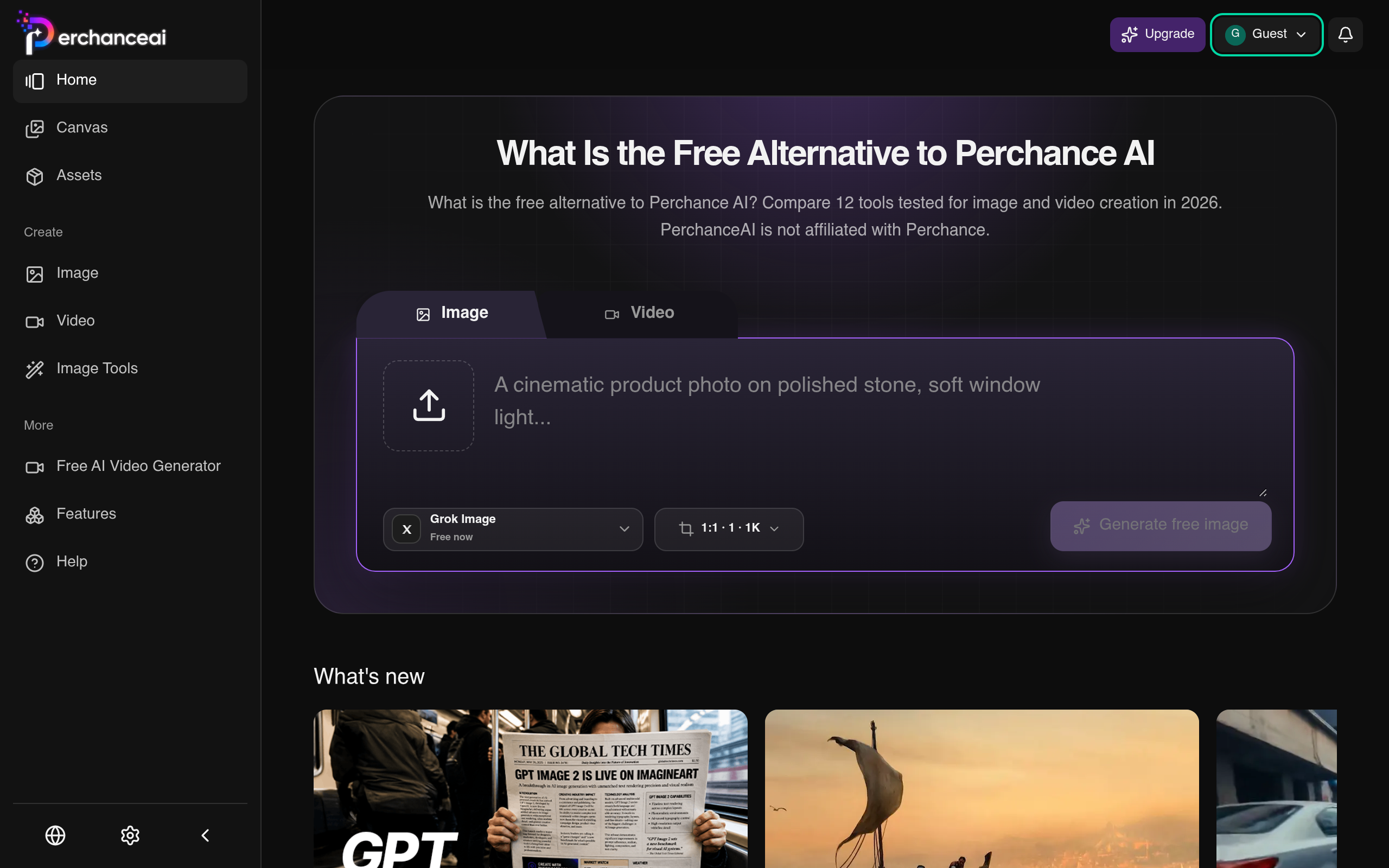
PerchanceAI is an AI creative studio for image generation, editing, background removal, product photos, and image-to-video creation.
About
PerchanceAI combines AI image generation, local image utilities, product photo workflows, and image-to-video tools in one creative studio so creators can move from an idea or upload to a usable visual asset. Core workflows include AI image generation, image editing tools, background removal, local resize, local compress, local format conversion, product photo workflows, and image-to-video creation. Built for creators, marketers, ecommerce sellers, designers, and small teams.
Key Features
Multi-Model AI Image Generation
Generate images from text prompts using a library of models (e.g., GPT Image 2.5, Nano Banana, Seedance) with options for aspect ratio, style, lighting, and composition.
Image Editing & Local Utilities
Edit existing images with tools like inpainting, magic eraser, object remover, background removal, upscaler, compressor, local resize and format conversion for production-ready assets.
Image-to-Video & Text-to-Video Tools
Create short AI videos from text prompts or still images using motion templates and multimodal controls (camera moves, lighting, native audio sync) for cinematic or social clips.
Product Photo Workflows
Dedicated workflows and templates for product photography—studio-style backgrounds, lighting presets, and batch-friendly settings to generate marketing-ready product images quickly.
No-Login Free Generator & Model Browser
Try generators in the browser without signing up, browse and select from multiple models and effects, preview results, and download assets for immediate use.
How to Use PerchanceAI
Open PerchanceAI, choose an image workflow, upload or generate an image, adjust settings, and export the result.