
PDF Page Remover
100% Free PDF Page Remover tool. It has many other free tools that comes in regular use.
About
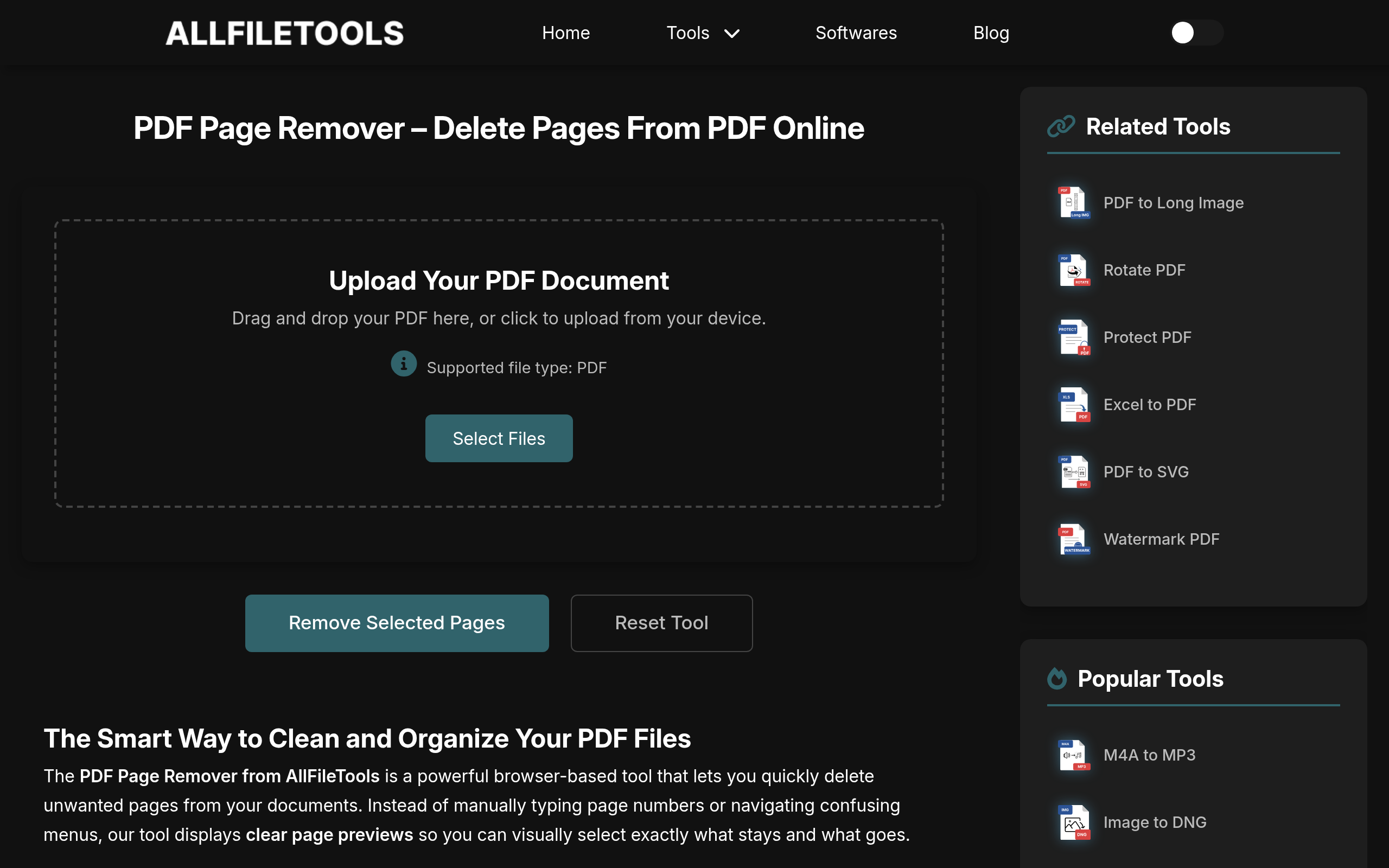
The PDF Page Remover from AllFileTools is a powerful browser-based tool that lets you quickly delete unwanted pages from your documents. Instead of manually typing page numbers or navigating confusing menus, our tool displays clear page previews so you can visually select exactly what stays and what goes.
Key Features
Visual Page Thumbnails
Displays clear thumbnail previews of every page so users can visually select pages to keep or delete without guessing page numbers.
Drag & Drop Upload
Simple drag-and-drop or file picker upload from your device, with immediate page preview generation—no installation required.
Instant PDF Reconstruction
Removes selected pages and generates a brand-new optimized PDF (original file remains unchanged), often reducing file size.
Privacy & Temporary Processing
Files are processed temporarily on secure servers, not indexed or shared, and are automatically deleted after the session.
How to Use PDF Page Remover
1. Open the wesbite "https://www.allfiletools.com/pdf-page-remover/" 2. Select file, it will show all the pages 3. Delete the page that you don't want. 4. Donwload the PDF.