
PDF Generator in ChatGPT
Get professionally formatted PDFs directly in ChatGPT
About
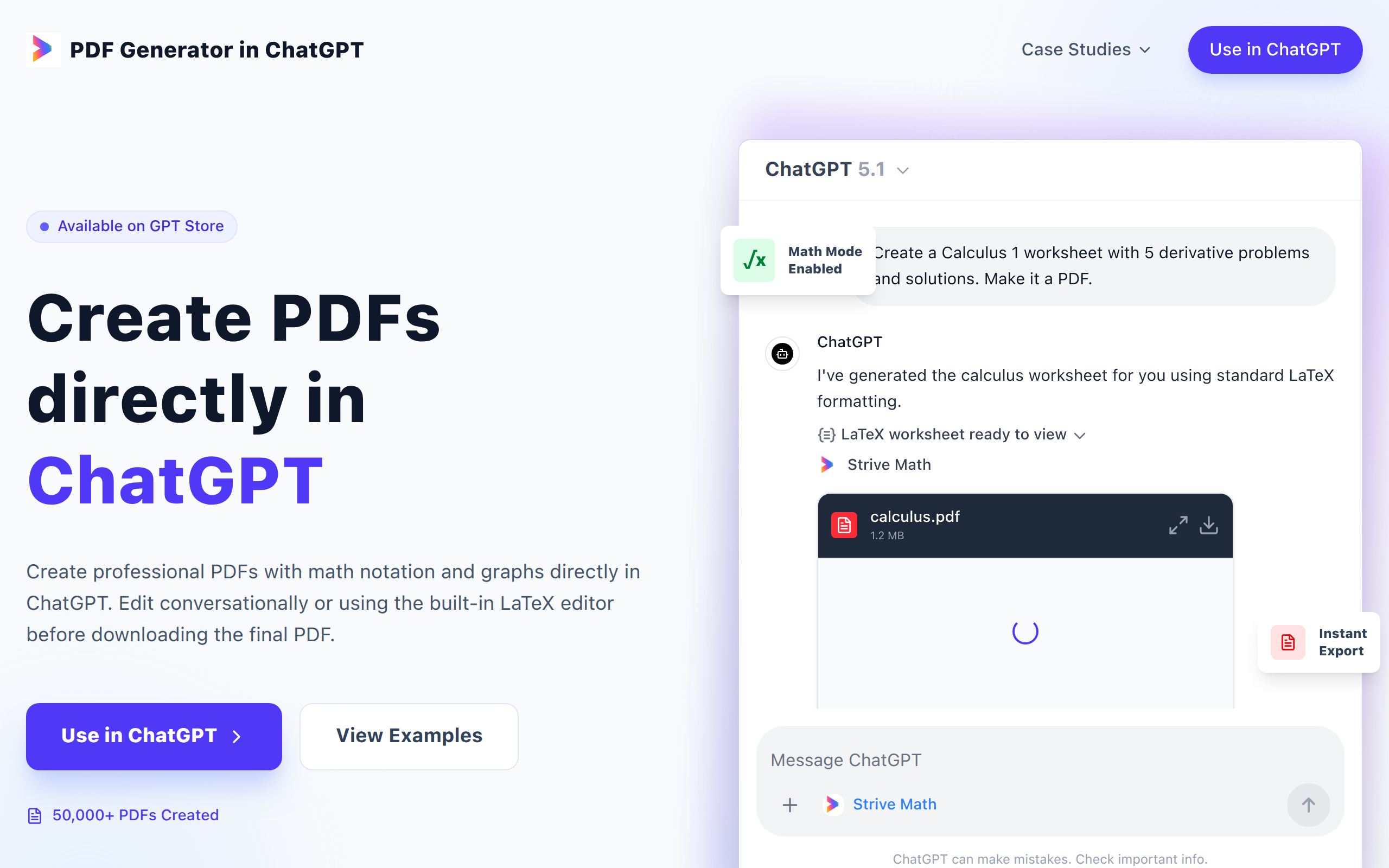
The PDF Generator in ChatGPT is a free tool that lets you create professional PDF documents directly inside ChatGPT, making it ideal for teachers, students and anyone who needs neat worksheets or reports It supports full LaTeX for complex formulas and graphics, but you don’t need any LaTeX knowledge - just describe what you want, edit the document in-chat, and export the finished PDF instantly without logging in or wrestling with formatting software.
Key Features
Simple PDF creation within ChatGPT
The tool lets users create PDFs directly in a ChatGPT session.
No login required and free
Users can generate professional documents without signing up for a separate service or paying a subscription.
Faster and easier than “Print to PDF”
The tool removes the need to wrestle with traditional formatting tools. Users simply chat with ChatGPT while the plugin handles all typesetting
Full LaTeX support
The plugin can produce documents containing complex mathematics such as calculus, matrices and scientific layouts that often break standard “print to PDF” methods
Instant re‑editing
If users spot a typo or need to make changes, they can ask ChatGPT to fix it, and the tool will produce a revised PDF within seconds
How to Use PDF Generator in ChatGPT
To use the PDF Generator in ChatGPT, you’ll need a plan that supports Apps (Plus, Business, Enterprise, or Education). Log in at https://chatgpt.com and open Settings. Go to Apps and Connectors, then Advanced Settings, and enable Developer Mode. Next, return to Apps and Connectors, click Create, name the app "Latex PDF Tool," and enter the MCP Server URL https://strive-math-worksheet-mcp-e789f.ondigitalocean.app/mcp with No Authentication. Save it, then try: “Create a 10-question worksheet using the Latex PDF Tool.”