
Patchwork Tattoos
Generate AI tattoo concepts and explore patchwork tattoo ideas for your style, placement, and filler plan.
About
Patchwork Tattoos is an AI tattoo and image generation tool for exploring patchwork tattoo ideas, sleeve inspiration, filler concepts, and design variations. Users can generate or remix visual tattoo concepts that better fit their preferred style, body placement, and composition plan before preparing references for a tattoo artist.
Key Features
AI Concept Generator
Generate tattoo concepts from text prompts with controls for style, subject, body placement, size and mood. First two concepts are free.
Patchwork Builder (Layout Tool)
Arrange reviewed or private transparent pieces into a cohesive patchwork layout for forearm, calf, chest, hand, wrist and other placements with drag-and-drop composition.
Reviewed Ideas Library
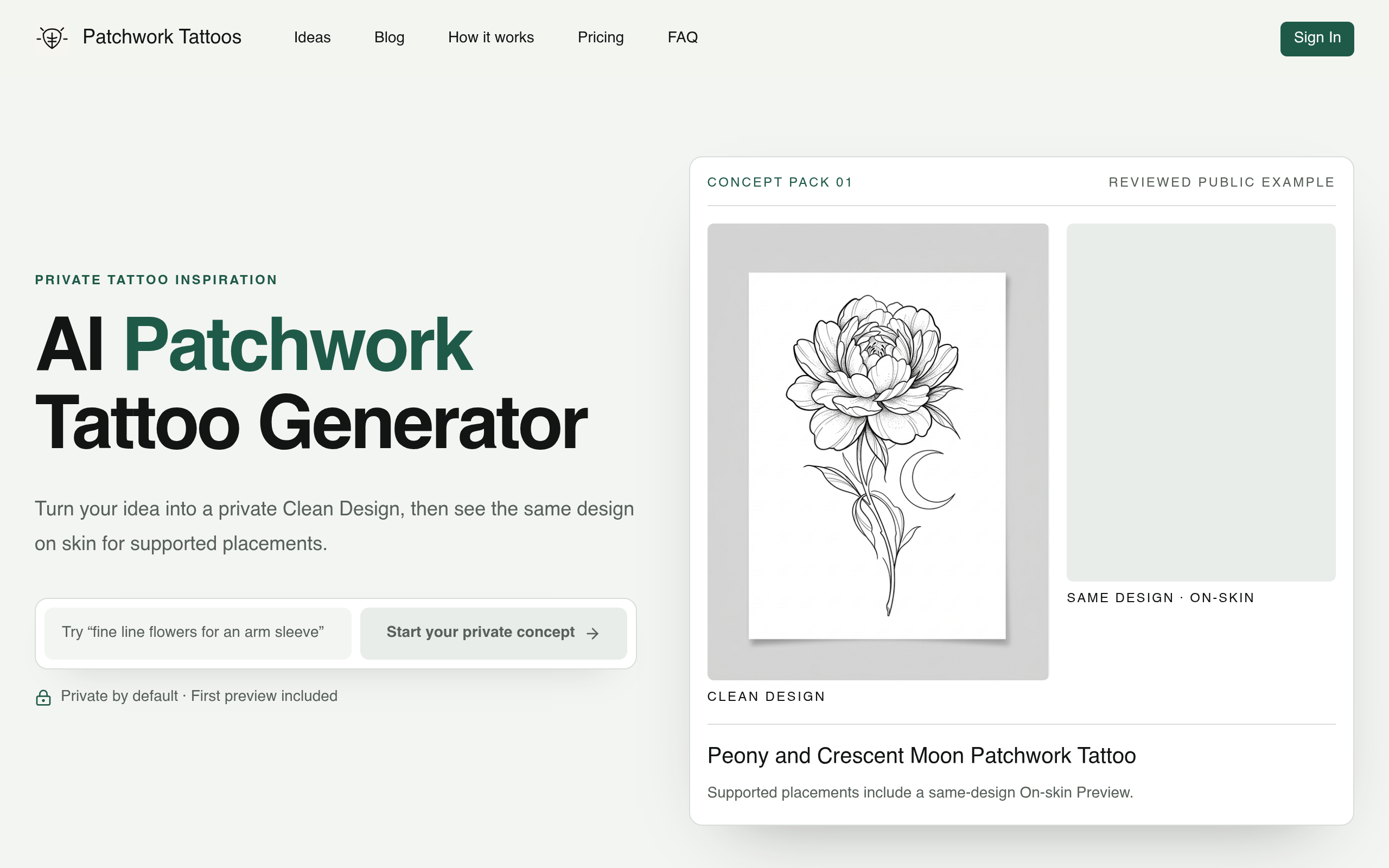
Browse curated collections of reviewed designs shown both as clean art and as on-skin previews to compare silhouette, scale, and style.
Downloadable References & Plans
Download PNGs of Clean Designs and on-skin previews, purchase credit packs or subscription plans for ongoing patchwork planning and artist reference.
How to Use Patchwork Tattoos
1) Browse reviewed ideas or start a new prompt: explore collections by style, placement, or subject to find a direction. 2) Generate or describe your concept: enter a text prompt (e.g., 'fine line snake wrapped around a dagger') and set style, placement, size and mood to produce a Clean Design and an on-skin preview. 3) Remix and build your patchwork: add designs you like to the Patchwork Builder, arrange pieces, adjust spacing and choose filler ideas to create a cohesive layout. 4) Export and consult your artist: download PNG references (Clean Design + on-skin preview), note target size/placement and bring them to your tattoo artist for final, body-safe adaptation.