
Pagersync
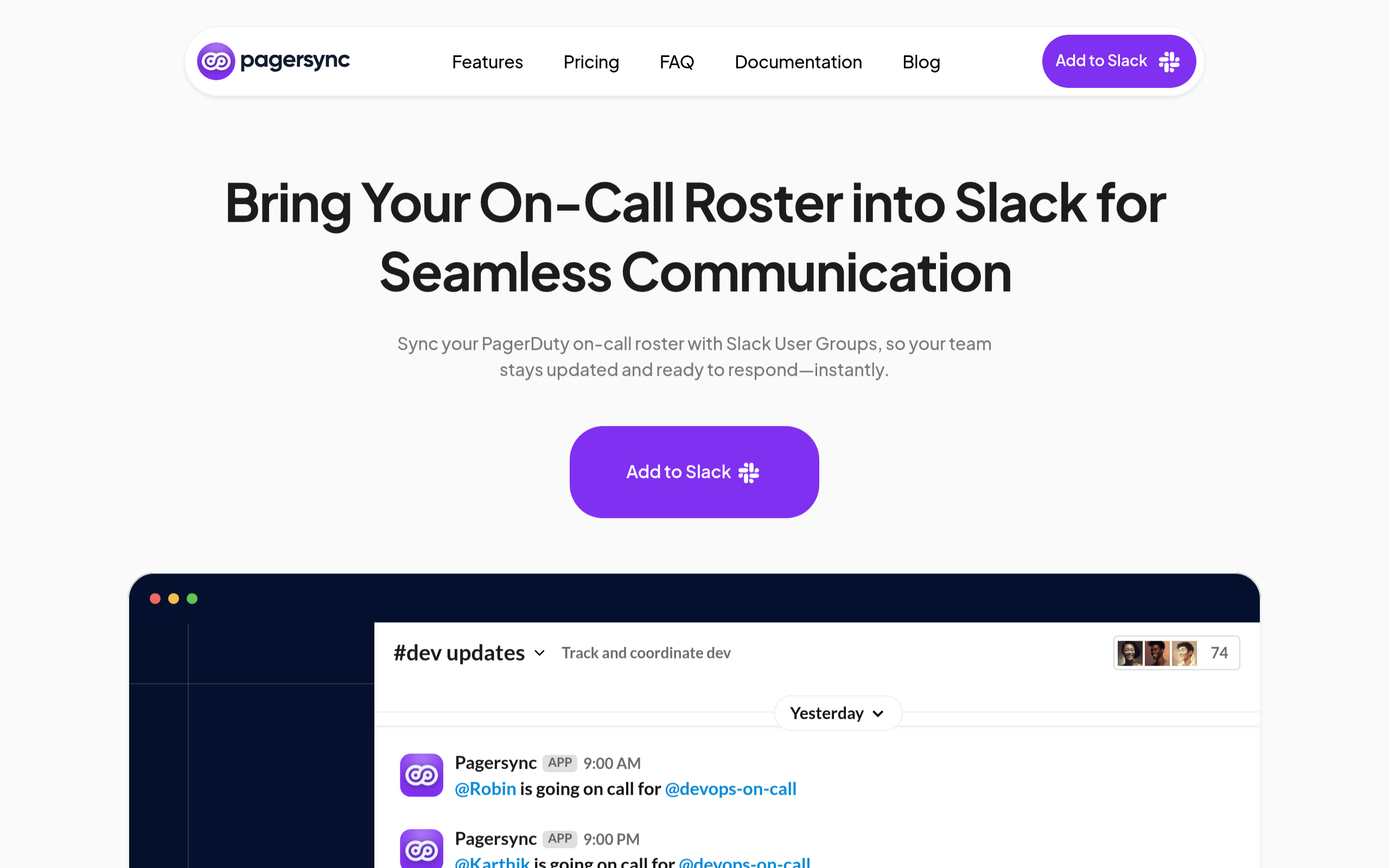
Bring Your On-Call Roster into Slack for Seamless Communication
About
Sync your PagerDuty on-call roster with Slack User Groups, so your team stays updated and ready to respond—instantly. Support your SRE team by sending alerts to the on-call engineers. Dont stress out other engineers with continuous messages. Change your Slack User Group with the person on call from your Incident Management app like PageDuty or xMatters Create aliases that span multiple teams like all front end teams, backend teams or teams by domain to alert them about incidents simultaneously..
Key Features
Real-time On-call Sync
Automatically sync PagerDuty and xMatters on-call schedules to Slack User Groups so the correct person is always tagged when incidents occur.
Multi-Team Aliases
Create aliases that map multiple teams or domains (e.g., all frontend teams) to a single Slack group for coordinated multi-team notifications.
Multiple Announcement Channels & Rotation Configs
Configure multiple Slack announcement channels and support up to dozens of team rotation configs so alerts and schedule changes are announced where your team expects them.
Admin Controls & Integration Management
Centralized admin features to manage integrations, select which schedules to mirror, and control which Slack groups are updated—suitable for both small teams and enterprise setups.
How to Use Pagersync
Time and Prerequisites Total Time expected: 2-3 minutes Access required: Admin permissions on Slack and Admin Permissions on PagerDuty This page will guide you through how to install PagerSync on your slack instance and then connect to your PagerDuty account. First install the app on slack by navigating to the link: https://app.pagersync.com/slack/install
Use Cases
Frequently Asked Questions
Q: I dont see the latest schedule in the dropdown list while configuring team rotations. Why? What should I do to fix it?
A: I dont see the latest schedule in the dropdown list while configuring team rotations. Why? What should I do to fix it?
Q: How do I get additional support?
A: How do I get additional support?
Q: What are multi team alias? How do I use them?
A: What are multi team alias? How do I use them?