
Oz Finance Hub
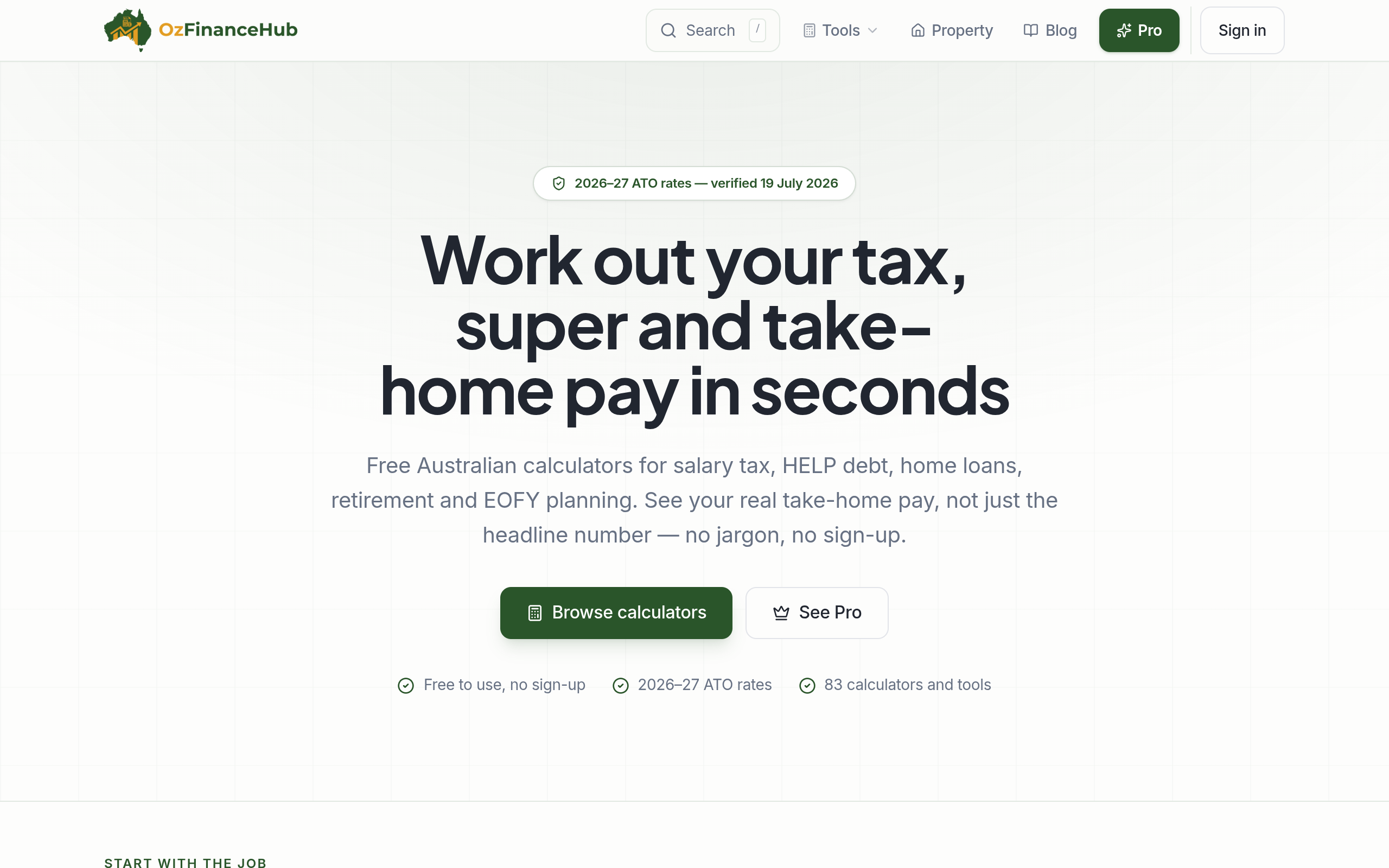
Free Australian tax and finance calculators — income tax, take-home pay, super, HECS, stamp duty and more, updated each ATO year.
About
Oz Finance Hub is a free suite of Australian tax and personal-finance calculators built for accuracy and speed. Work out your real take-home pay, income tax, Medicare levy, HECS/HELP repayments, superannuation, stamp duty, capital gains, novated leases, Fair Work award pay and dozens more — all using current ATO and Fair Work figures for the latest financial year. Every calculator runs instantly in your browser, shows take-home (not just gross), and explains the numbers with worked examples and plain-English guides. A Pro tier adds portfolio, CGT and dividend tools plus AI-powered insights for investors. No sign-up needed for the core tools, no overseas assumptions — just fast, reliable answers for Australians managing tax, pay, property and investments.
Key Features
ATO‑updated Calculators
Over 80 browser‑based calculators (income tax, take‑home pay, Medicare, HECS/HELP, super, stamp duty, CGT, mortgages, awards, etc.) updated each financial year with verified ATO and Fair Work figures.
Instant, Private Calculations
All calculations run in your browser for instant results and local privacy — nothing is sent to the server unless you explicitly save a run.
Pro Workspace & Reports
Pro plan saves calculation history, compares scenarios side‑by‑side, exports clean PDF reports for tax time, and includes trackers for income, dividends and super.
Suburb Finder & Affordability Tools
Rank thousands of suburbs against your income and deposit using real recent sale prices to assess where you can actually afford to live.
Investor Tools & AI Insights (Pro)
Portfolio, CGT and dividend calculators plus AI‑powered insights to help investors interpret results and make tax‑aware investment decisions.
How to Use Oz Finance Hub
1) Open the calculator library and choose the tool you need (e.g. Salary Tax, Mortgage, Super, HELP). 2) Enter your details (income, pay frequency, debts, home deposit, contributions, etc.) — fields include clear labels and worked examples. 3) Read the instant breakdown showing take‑home amounts, tax, Medicare/HECS, and plain‑English explanations. 4) (Optional) Upgrade to Pro to save runs, compare scenarios, export PDFs and access AI investor insights.