
OverlayFlow
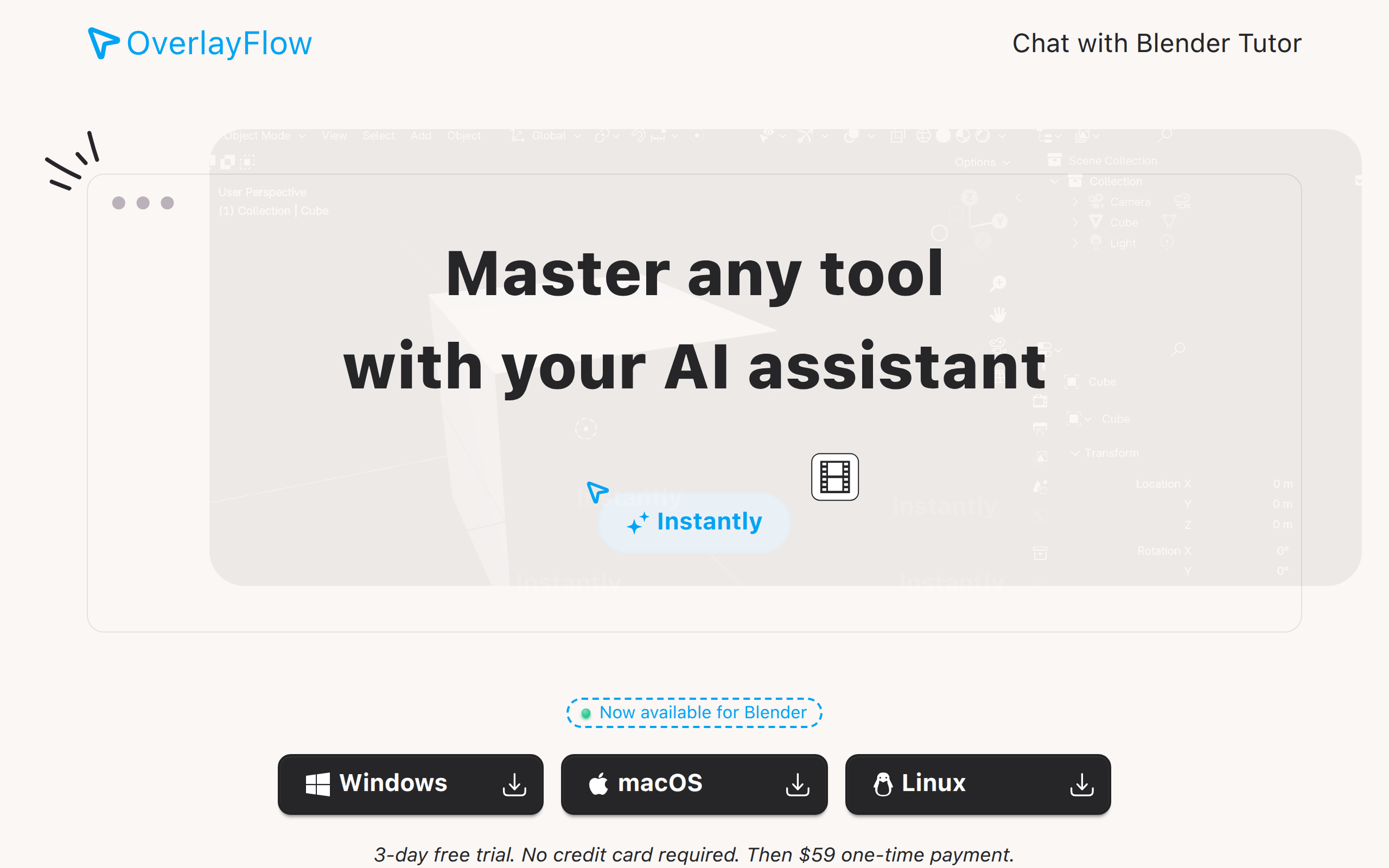
OverlayFlow is an AI assistant that helps you interact with apps you don't know!
About
OverlayFlow is an AI assistant that helps master apps quickly. Instead of going through docs and tutorial, ask AI that sees the screen and points where to click to accomplish anything!
Key Features
Screen-aware Guidance
The AI analyzes the current application UI and context on your screen to provide relevant, contextual instructions in real time.
Visual Overlay & Click Pointers
Generates overlays that point to specific UI elements and shows step-by-step actions (e.g., 'First, click here') so users can follow along visually.
Multi-app Integrations
Built to integrate with popular desktop applications (example: Blender) so you get tailored guidance for the specific tool you're using.
Cross-platform Desktop Support
Available on Windows, macOS, and Linux with a free trial and one-time purchase option for uninterrupted access.
Natural Language Q&A
Ask plain-language questions about how to perform tasks; the assistant returns clear, step-by-step instructions instead of forcing you to read docs or tutorials.
How to Use OverlayFlow
1) Install OverlayFlow and run the app. 2) Grant any required screen-recording/access permissions so the assistant can see the app you’re using. 3) Open the target application (e.g., Blender, Photoshop). 4) Ask OverlayFlow a question in natural language (for example, “How do I create a subdivision surface?”). 5) Follow the visual overlay and step-by-step instructions the assistant provides — click the highlighted UI elements or follow the sequence until the task is complete.