
Outbid
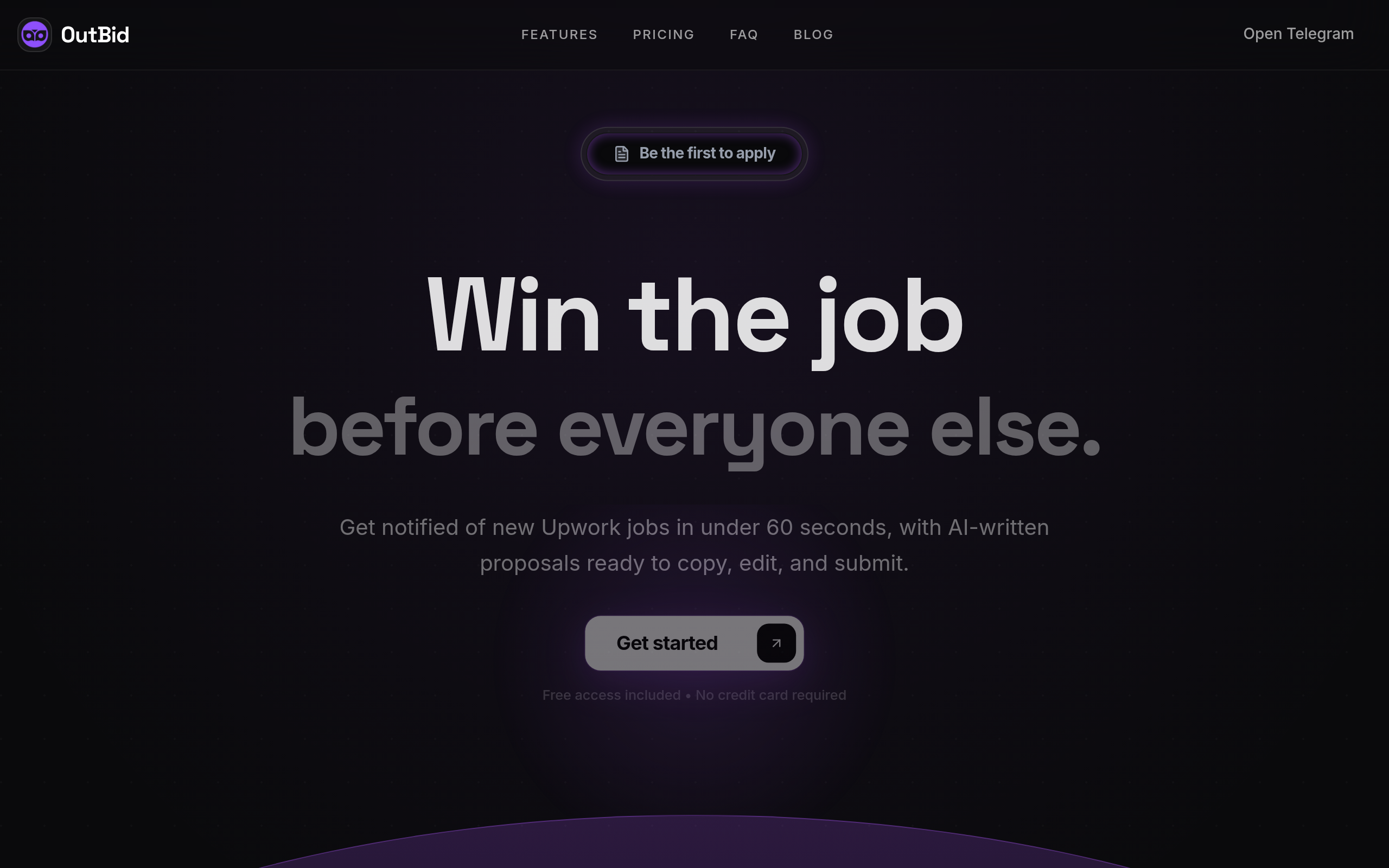
Upwork job alerts in 60 seconds via Telegram with AI-generated proposals ready to customize and submit. Start free at $9.99/mo.
About
OutBid monitors Upwork 24/7 and sends job alerts to your Telegram within 60 seconds of posting — before most freelancers even know the job exists. Each alert comes with an AI-written proposal draft tailored to the job description and your skills, ready to copy, edit, and submit. The best Upwork jobs get flooded with 50+ proposals within hours. By then, the client has already shortlisted their top candidates and stopped reading. OutBid puts you at the front of the line — when the client is actively reviewing, when competition is low, and when your proposal actually gets read. Setup takes under 2 minutes: message the bot on Telegram, add your skills and bio, set your filters, and start receiving matched jobs instantly. Filter by skills, budget, experience level, and quiet hours so you only see jobs worth applying to. When competition is high, War Room mode lets you add custom instructions and regenerate proposals to stand out. Freelancers using real-time alerts consistently report higher
Key Features
Instant Upwork Alerts
Continuously scans Upwork and sends matched job notifications to your Telegram within 60 seconds of posting so you can apply before most competitors.
AI Proposal Generation
Generates personalized proposal drafts for each job using your skills and bio—ready to copy, tweak, and submit to Upwork.
Smart Filtering
Filter alerts by skills, keywords, budget, experience level, and quiet hours so you only receive jobs that match your criteria and availability.
War Room Mode
When competition is high, add custom instructions and regenerate proposals to craft standout responses and increase your chances of getting noticed.
Telegram Integration & Mobile-First
No app download required—alerts and proposals are formatted for easy mobile copying and include direct application links (on paid plans).
How to Use Outbid
1) Open Telegram and message the OutBid bot. 2) Add your skills, short bio, and preferred filters (budget, experience level, keywords, quiet hours). 3) Start receiving real-time Upwork job alerts with AI-written proposal drafts. 4) Copy the proposal, customize as needed, and paste it into Upwork to apply early. Use War Room mode to add custom instructions and regenerate proposals for high-competition jobs.