
OpengSpace
Personal AI memory via Apple Shortcuts and your own cloud drive for capture, organization, search and recall.
About
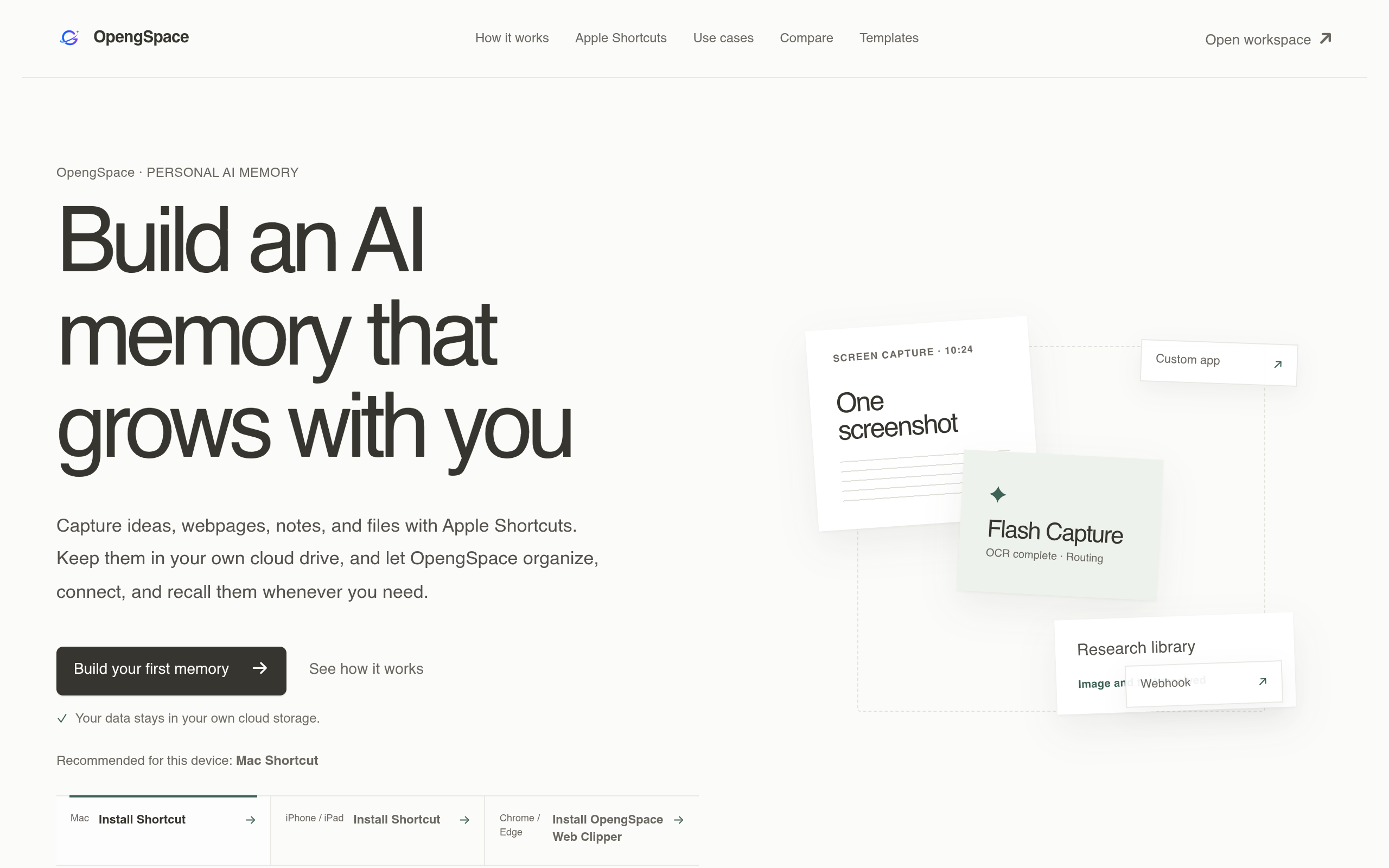
OpengSpace builds private AI memory around Apple Shortcuts and the user cloud drive. Capture notes, links and ideas across Apple devices. AI organizes, summarizes, connects, searches and recalls information while users keep control of their data.
Key Features
Apple Shortcuts Integration
Capture webpages, screenshots, text and supported files directly from iPhone and iPad using configurable Apple Shortcut templates and the Share Sheet.
Private Cloud Storage
Save the original source to your connected cloud drive (user-controlled storage) so OpengSpace indexes and links back to the source without taking ownership of your device data.
AI Organization & Summaries
Automatically organizes saved items, creates concise summaries, highlights key points, and links related content to build a growing personal memory.
Contextual Search & Recall
Ask natural-language questions to find saved material by topic or detail; responses reconnect you to the original files or pages you captured.
How to Use OpengSpace
1) Connect your cloud drive and install the OpengSpace Shortcut templates on your Apple device. 2) Capture content: use the Share Sheet or Shortcuts to save webpages, screenshots, notes and supported files — the original file is stored in your cloud. 3) Let OpengSpace index and summarize your saved items; review auto-generated summaries and connections in the app. 4) Query your personal memory in natural language to recall details or open the original source.