
Onthen
Replace long emails and constant chasing with user-friendly checklists that keep every onboarding on track, automatically.
About
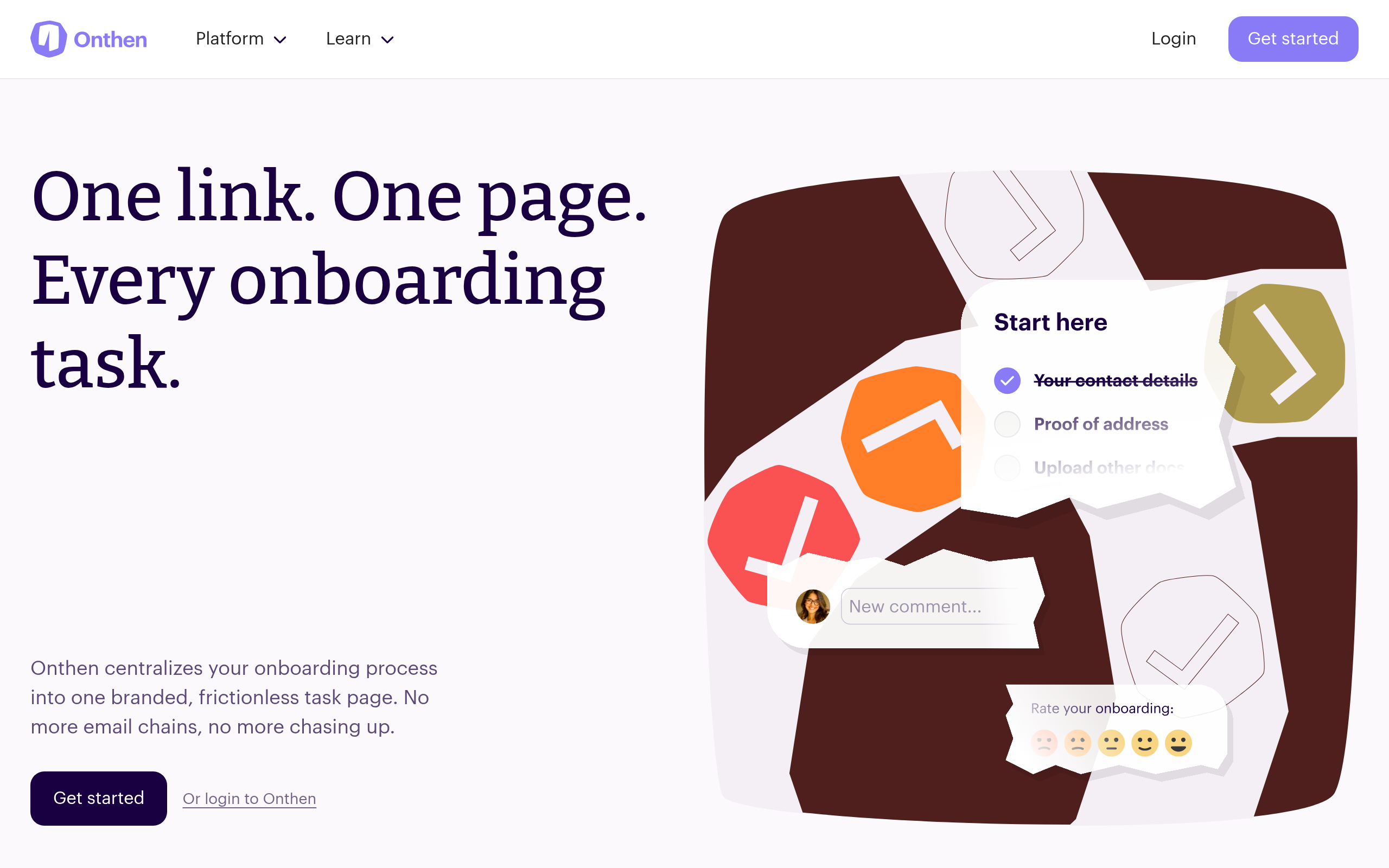
Onthen centralizes your onboarding process into one branded, frictionless task page. No more email chains, no more chasing up. Replace long emails and constant chasing with user-friendly checklists that keep every onboarding on track, automatically. They complete their tasks, you get everything you need. No passwords, no friction, just results. — Clear and simple to-do lists that show who needs to do what, and when. — One single page for you and your participants to collaborate on. — Keeps everything synced up with your CRM.
Key Features
Branded Onboarding Pages
Create a single, white-labelled task page per onboarding with your logo and colors so participants see a consistent, friction-free experience without signing up.
Task Actions & Integrations
Combine built-in tasks with a library of third-party app actions (forms, photo requests, secure uploads, KYC checks) to collect exactly what you need during onboarding.
CRM Sync & Timeline Updates
Automatically sync task completions, form data and comments back to your CRM timeline and custom fields to keep records up to date without manual entry.
Automation & Follow-ups
Build reusable templates, sequence tasks, set dynamic due dates and let automated nudges and weekly digests chase overdue items for you.
In-page Collaboration & Comments
Allow participants to invite others, delegate tasks and comment directly on tasks; comments also sync to your CRM so communications stay centralized.
How to Use Onthen
1) Build a reusable onboarding template: define the sequence of tasks, add forms, document upload or KYC actions and set dynamic due dates. 2) Connect your CRM and any third-party apps so task data and comments sync back to contact records. 3) Start an onboarding by generating a branded, unique link/email and send it to your participant—no sign-up or password required. 4) Monitor progress from the dashboard, respond in-task via comments, and let automated nudges and weekly digests keep participants moving.