
One More Shot AI
One More Shot AI is an AI music video generator that helps artists, creators, and music marketers turn a song into a finished music video.
About
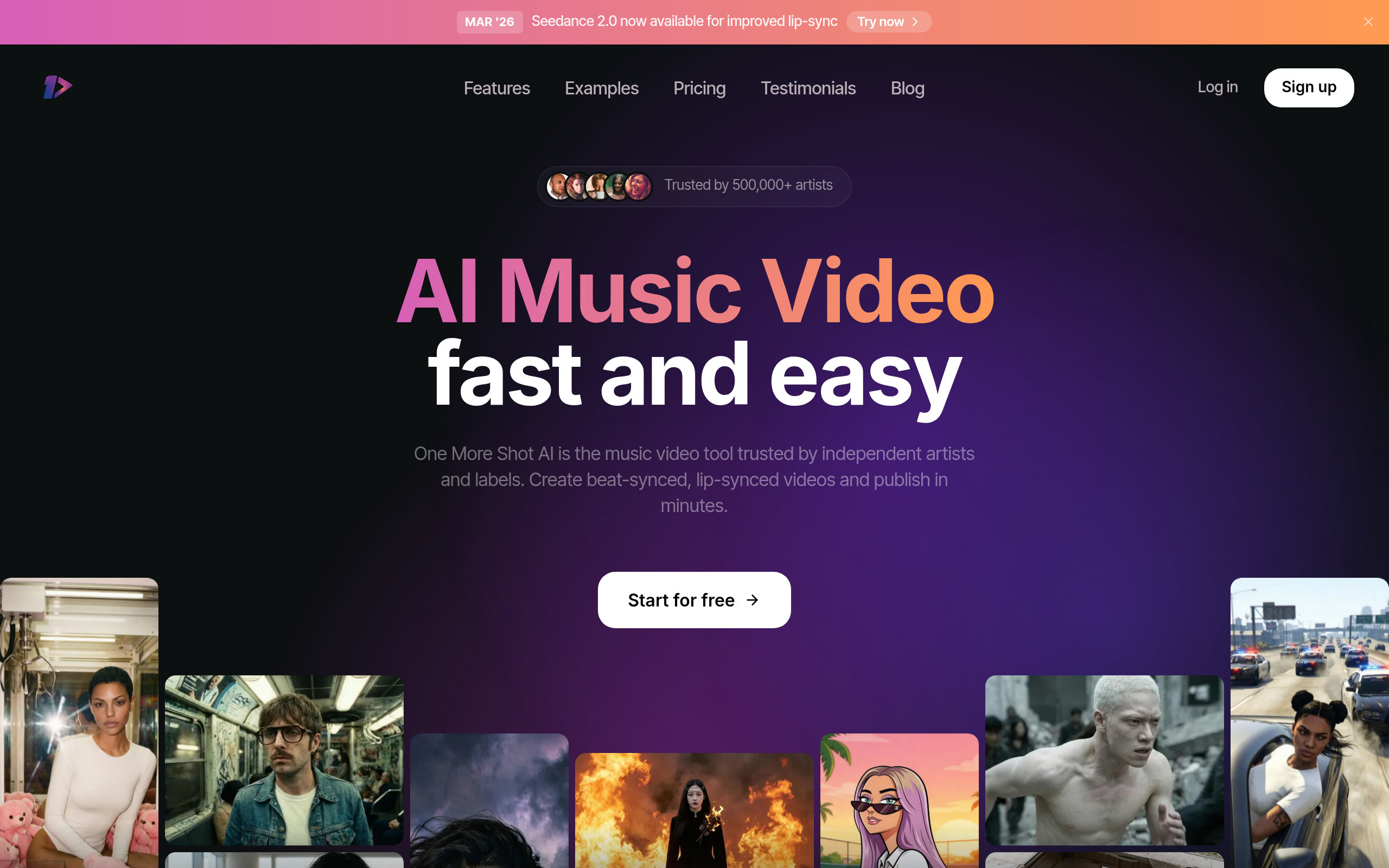
One More Shot AI is a web and mobile platform for creating AI-powered music videos. It is built for musicians, creators, and music marketers who want to turn a track into a visual experience without going through a traditional video production workflow. At its core, the product analyzes a song and helps generate visuals that match its rhythm, energy, and mood. Users can start with a simple flow — for example uploading a song, a reference image, and a prompt — and get a full music video quickly, or they can use a more advanced workflow with greater scene-by-scene and frame-by-frame control. The platform’s key strengths are speed, beat-synced visuals, AI lip-sync, identity consistency, and flexible creative control. It supports multiple output formats like vertical, horizontal, and square, which makes it useful for social content, music promotion, and broader artist branding.
Key Features
Auto Mode (One-Click Generation)
Upload a track and a reference image or prompt and let the platform automatically generate a complete, beat-synced music video within minutes—no editing experience required.
Advanced Project Mode
Scene-by-scene and frame-by-frame editor for granular control over shots, transitions, effects and timing so creators can fine-tune or fully custom-build videos.
High-Quality AI Lip-Sync
State-of-the-art lip-sync model that produces realistic mouth movements synchronized to vocal tracks for believable singing scenes and virtual performers.
Identity Consistency / Virtual Artist
Create a recurring virtual artist or visual identity from a photo or description so generated content remains consistent across videos and social posts.
Flexible Outputs & Fast Exports
Export in multiple aspect ratios (vertical, horizontal, square) optimized for YouTube, TikTok, Instagram, etc., with fast generation times and token-based pricing.
How to Use One More Shot AI
1) Upload your audio track (MP3, WAV, FLAC, or paste a link). 2) Choose a workflow: Auto Mode for one-click generation or Project Mode for detailed editing. 3) Add a reference image and/or text prompts to define style, mood, and visuals (optionally set a virtual artist identity). 4) Generate the video, preview beat- and lip-synced scenes, make adjustments if desired, then export in the required format (vertical/horizontal/square).