
On Music AI
On Music AI turns your text, lyrics, or ideas into complete AI-generated songs with vocals, beats, and instrumentals.
About
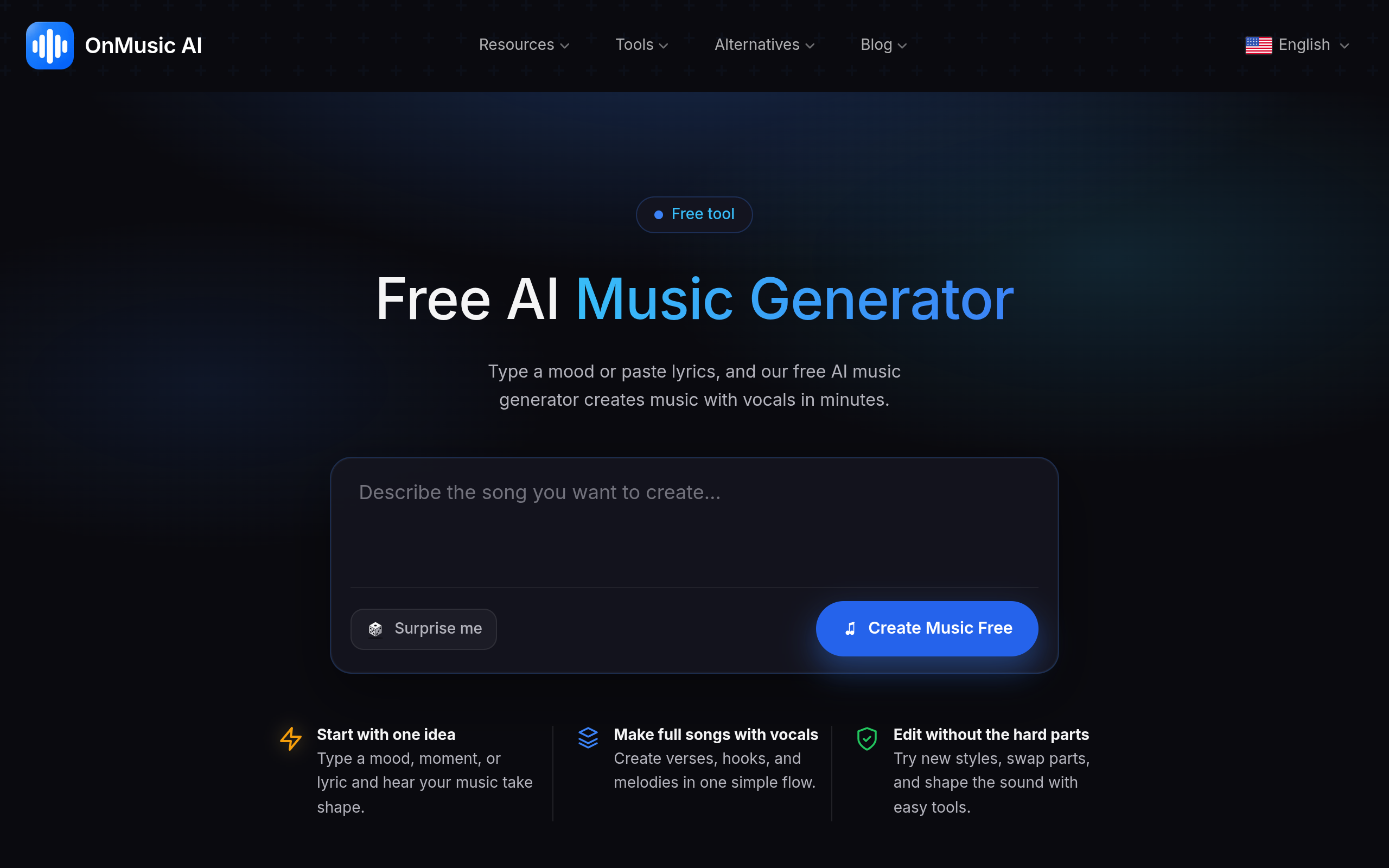
On Music AI is an AI music generator that helps anyone create full songs from simple text prompts, lyrics, or ideas. You do not need a studio, instruments, production skills, or music theory. Just describe the song you want, choose your direction, and generate music with vocals, beats, melodies, and instrumentals in minutes. It is built for creators, musicians, marketers, content producers, and anyone who wants to turn inspiration into listenable music fast. Whether you want to create a rap track, pop song, background music, demo idea, social media audio, or experimental track, On Music AI makes music creation simple and accessible. The platform is free to start and designed to make AI music generation easy for beginners while still being useful for creative workflows.
Key Features
Text-to-Song Generation
Turn a short prompt, mood description, or pasted lyrics into a complete song with structure (verses, chorus, bridge), melody, and arrangement in minutes.
AI Vocals & Melody Creation
Generate sung vocals and melodic hooks automatically—choose vocal style or let the model create natural-sounding lead vocals to match your lyrics and mood.
Style, Mood & Instrument Controls
Pick genre, tempo, instrumentation, and mood (e.g., pop, rap, lo-fi) to steer the produced track and create versions with different vibes.
Fast Iteration & Easy Editing
Produce multiple versions, swap parts (verse/hook), tweak the vocal feel or instrumentation, and compare alternatives without needing production skills.
Export, Download & Share
Download finished tracks or instrumentals for use in projects, social posts, demos, or further production; share directly or save to your account.
How to Use On Music AI
1) Start with an idea: type a mood, short scene, genre, or paste your lyrics into the prompt box. 2) Configure the sound: choose genre, tempo, instruments, and whether you want vocals or an instrumental. 3) Generate and review: run the generator, listen to the produced song, then pick a version you like. 4) Edit and export: tweak parts, try alternate versions, then download or share the finished track (full mix or instrumental).