
OmniCanvas
An infinite-canvas note-taking app for notes, sketches, meetings, and files - organized spatially, synced everywhere, encrypted end-to-end.
About
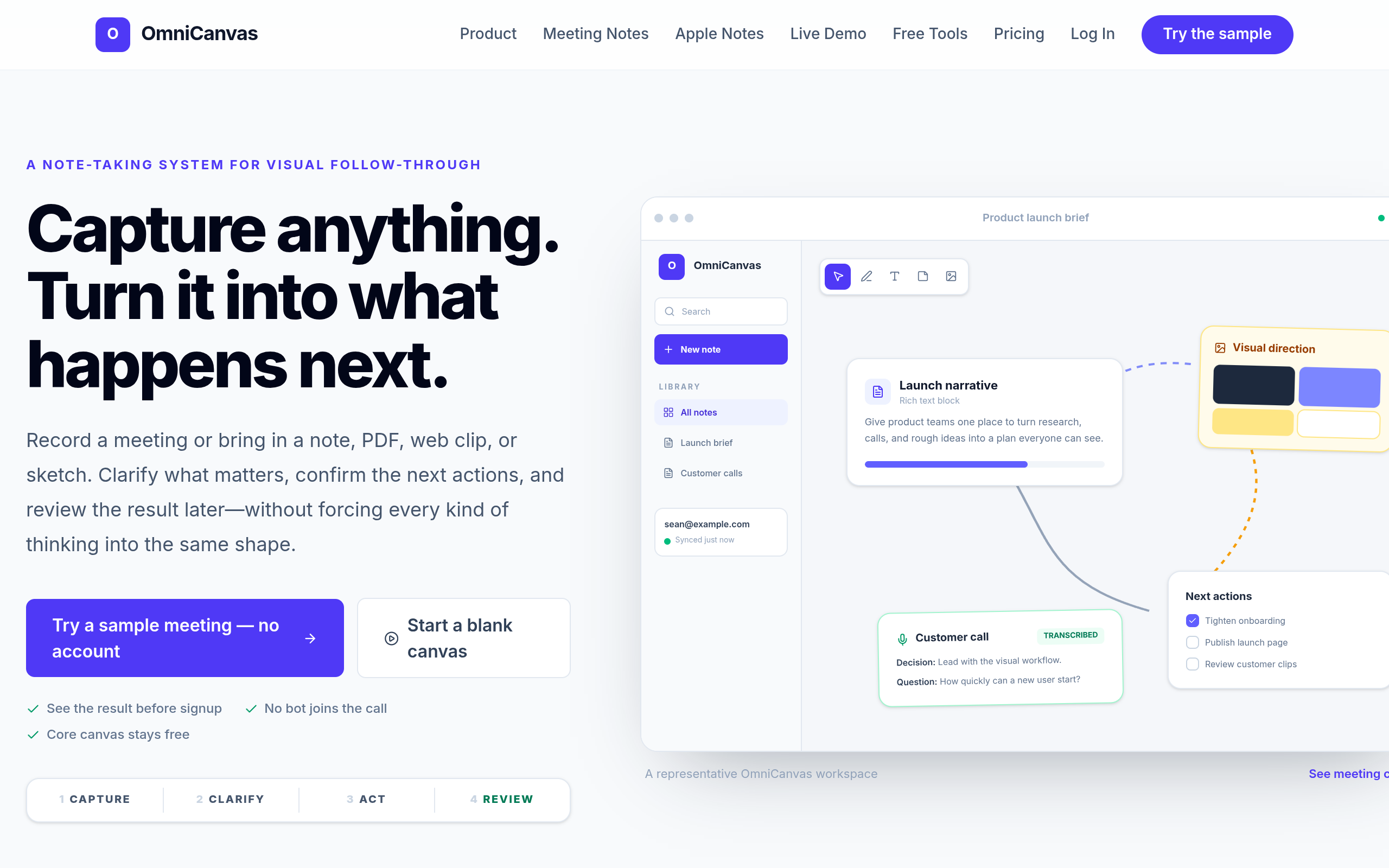
OmniCanvas is an infinite-canvas note-taking app for people who organize information spatially instead of in linear documents and nested folders. Notes, sketches, diagrams, images, and meeting transcripts live on the same zoomable workspace, connected by wiki-links and visualized in a graph view. The free tier costs $0 and includes unlimited notes and canvases, cloud sync, folders, tags, full-text search, graph view, Kanban view, and optional end-to-end encryption. Pro is $8/month and adds 10 hours of monthly meeting transcription, semantic search, AI actions and custom prompts, handwriting OCR, web and YouTube clipping, and REST API and MCP server access. OmniCanvas records meetings by capturing microphone and system audio directly - no bot joins your call - and puts the transcript and action items on the canvas beside your notes. OmniCanvas also publishes 40 free browser tools that need no account; the AI ones run locally, so files are never uploaded. On the web and macOS.
Key Features
Infinite Canvas
Zoomable, spatial workspace that holds rich text, sketches, images, PDFs, web clips and sticky notes on one continuous canvas so ideas can be organized visually instead of linear documents.
Meeting Capture & Transcription
Records microphone and system audio directly (no bot joins the call), provides live transcription, timestamps, structured recaps, decisions and action items placed alongside your notes.
AI Clarify, Semantic Search & Actions
Local and cloud AI features (semantic search, AI actions, custom prompts) expand short notes from transcripts, extract decisions/owners, and surface related content across your library.
Handwriting OCR & Local AI Tools
Handwriting OCR converts pen input into searchable text; many AI tools run locally so files need not be uploaded to external servers.
Organization, Views & Security
Folders, tags, backlinks, graph view, Kanban and table views with full-text search, offline-first sync, version history, optional end-to-end encryption and complete export options.
How to Use OmniCanvas
1) Create or open a canvas and add content: type notes, sketch, paste images/PDFs or clip from the web. 2) Capture meetings by recording device audio — OmniCanvas will transcribe the call and place the transcript, decisions, and action items beside related notes. 3) Use AI Clarify and semantic search to expand brief notes, extract owners/next steps, and link related concepts on the canvas. 4) Organize with folders, tags, graph/Kanban views and schedule items into the Review queue to follow up and archive.