
Omni Video
6 AI Models, One Dashboard — Generate Videos from Text, Image & Video in Seconds
About
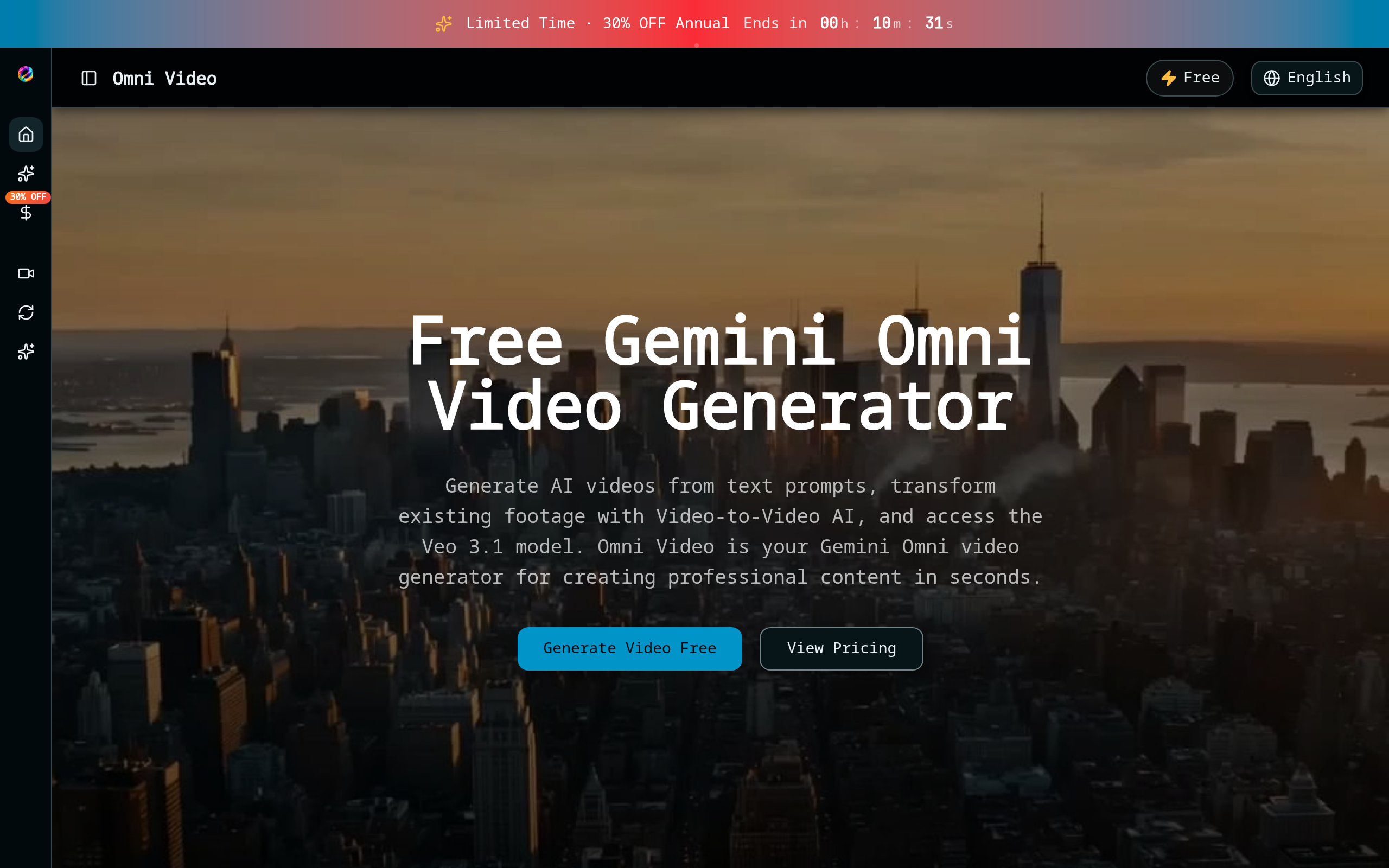
Omni Video is a multi-model AI video creation platform featuring six models in one dashboard. Generate videos from text prompts with camera control (dolly, pan, tilt, zoom) and synchronized audio. Transform existing footage with Video-to-Video AI style transfer while preserving original motion. Access Google's Veo 3.1 for enhanced visual fidelity with accurate text rendering and native audio sync. Supports 6 aspect ratios including 9:16, 1:1, and 16:9, resolutions up to 4K, batch generation, and multi-language narration. Watermark-free downloads and full commercial licensing on paid plans. Try it at https://omni-video.dev
Key Features
Multi‑Model Dashboard
Access six AI video models (including Google's Veo 3.1) from a single dashboard to switch between text-to-video, style transfer, and enhanced-fidelity modes.
Text-to-Video with Camera Control
Generate 5–10s clips from text prompts with explicit camera commands (dolly, pan, tilt, zoom), lighting and action instructions, plus synchronized narration and ambient audio.
Video-to-Video Style Transfer
Upload existing footage (MP4, MOV, WebM) and apply diffusion-based style transfer that preserves original motion and timing for visual remixes and consistent branding.
Veo 3.1 Enhanced Fidelity & Native Audio Sync
Use the Veo 3.1 backbone for improved visual detail (better text rendering, faces, textures) and native audio synthesis so dialogue and effects are generated in-sync with video.
Multi‑Format Export & Commercial Licensing
Export in multiple aspect ratios (9:16, 1:1, 16:9), resolutions up to 4K, batch-generate clips, and download watermark-free files with commercial usage rights on paid plans.
How to Use Omni Video
1. Visit https://omni-video.dev and sign up for free 2. Choose a workflow: Text-to-Video, Image-to-Video, or Video-to-Video 3. Enter your prompt or upload source media 4. Select model, aspect ratio, and resolution settings 5. Click Generate and download your video in seconds