
Nuveda AI
AI tools for image, video, voice and music in one workspace, with REST API and MCP server access.
About
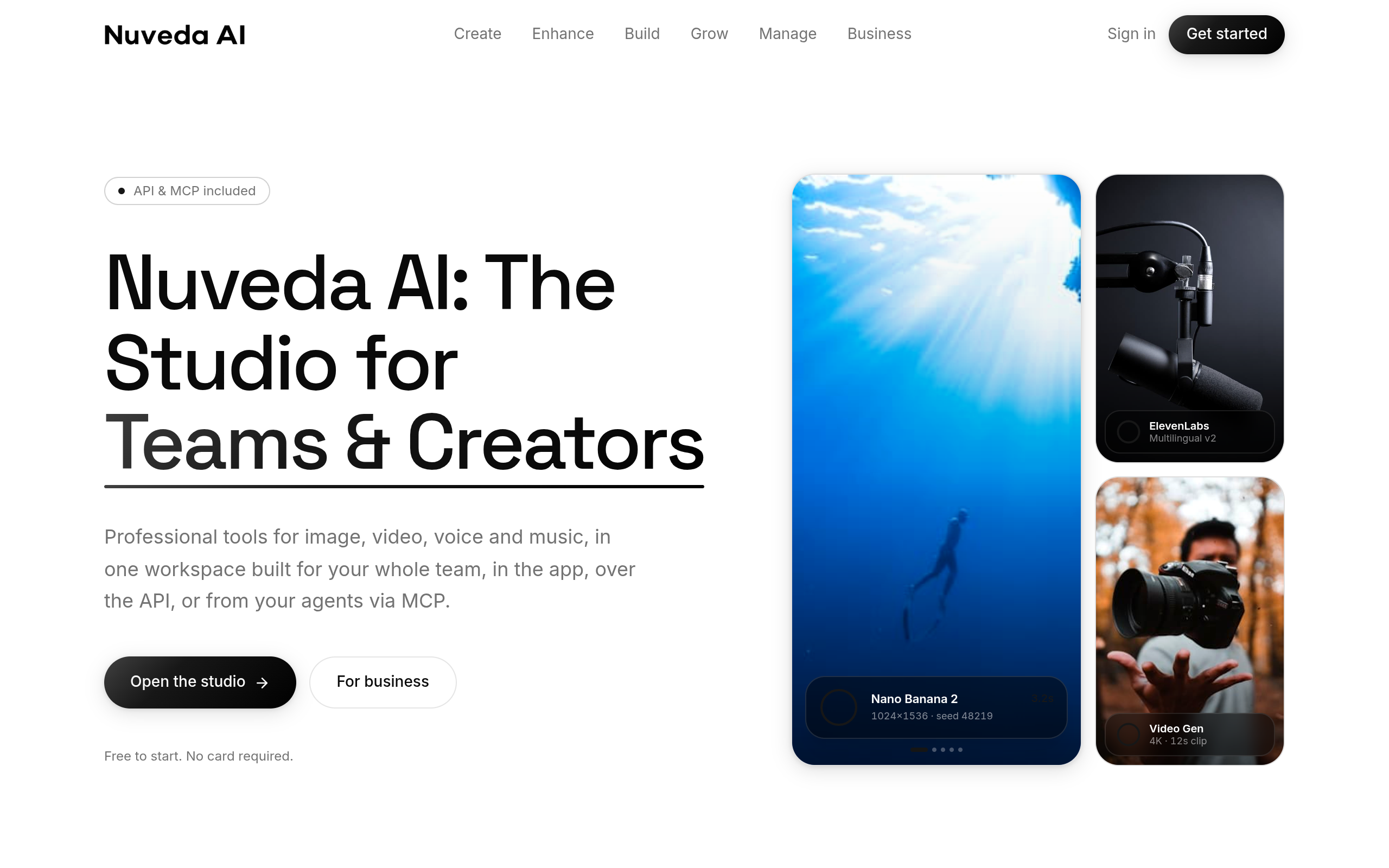
Nuveda AI is an all-in-one generative AI studio for teams, businesses and independent creators. The toolkit covers image generation and upscaling, video generation and upscaling, image-to-video, motion control, AI avatar video, text-to-speech, voice cloning, music generation, captions, a prompt enhancer and a multi-tool AI assistant, with new tools added regularly. Everything runs in one workspace on one subscription, so teams stop juggling separate accounts and invoices for Nano Banana 2, Kling, Seedance, Mureka and ElevenLabs. Every plan includes a REST API and a hosted MCP server, so companies can wire generation directly into the pipelines they already run, or let Claude, Cursor, ChatGPT and internal agents operate the studio. Connect with a single URL over OAuth, with no API key handling. Users keep full commercial rights to everything they generate. Flat monthly pricing, no surprise overage bills. Start free with 40 credits, no card required.
Key Features
Unified Multi‑Tool Studio
Access image, video, audio, music and avatar tools from one workspace and subscription so teams can switch disciplines without juggling multiple accounts.
REST API & Hosted MCP Server
Every tool includes a full REST API and a hosted MCP connector (OAuth) so teams and agents (Claude, ChatGPT, Cursor, etc.) can integrate generation into existing pipelines with a single URL — no API keys to manage.
High‑Quality Generation & Upscaling
Generate and upscale images and videos with specialized models (Nano Banana 2, Kling, Mureka, ElevenLabs) and frame interpolation, plus motion control and image→video conversion.
Voice, Avatar & Music Tools
Text‑to‑speech, voice cloning, AI avatar video and music generation for producing realistic voiceovers, custom avatars, and original soundtracks inside the same studio.
Team Features & Commercial Rights
Shared credits and one invoice for teams, flat monthly pricing with included credits, and full commercial rights to everything you generate.
How to Use Nuveda AI
1) Sign up and start free: Create a Nuveda account to get 40 free credits — no card required. 2) Pick a tool: In the studio, choose Image Generation, Video Generation, Avatar Video, Music or Audio tools (or Upscale/Motion tools) depending on your need. 3) Provide inputs: Type a text prompt and/or upload images, video or audio references; use the Prompt Enhancer or voice typing if desired. 4) Generate and refine: Run the job, preview outputs, tweak prompts or settings, then upscale or export. For automation, connect your systems or agents to the hosted MCP URL (https://mcp.nuvedaai.com/mcp) via OAuth to call the REST API from pipelines.