
Normal Map
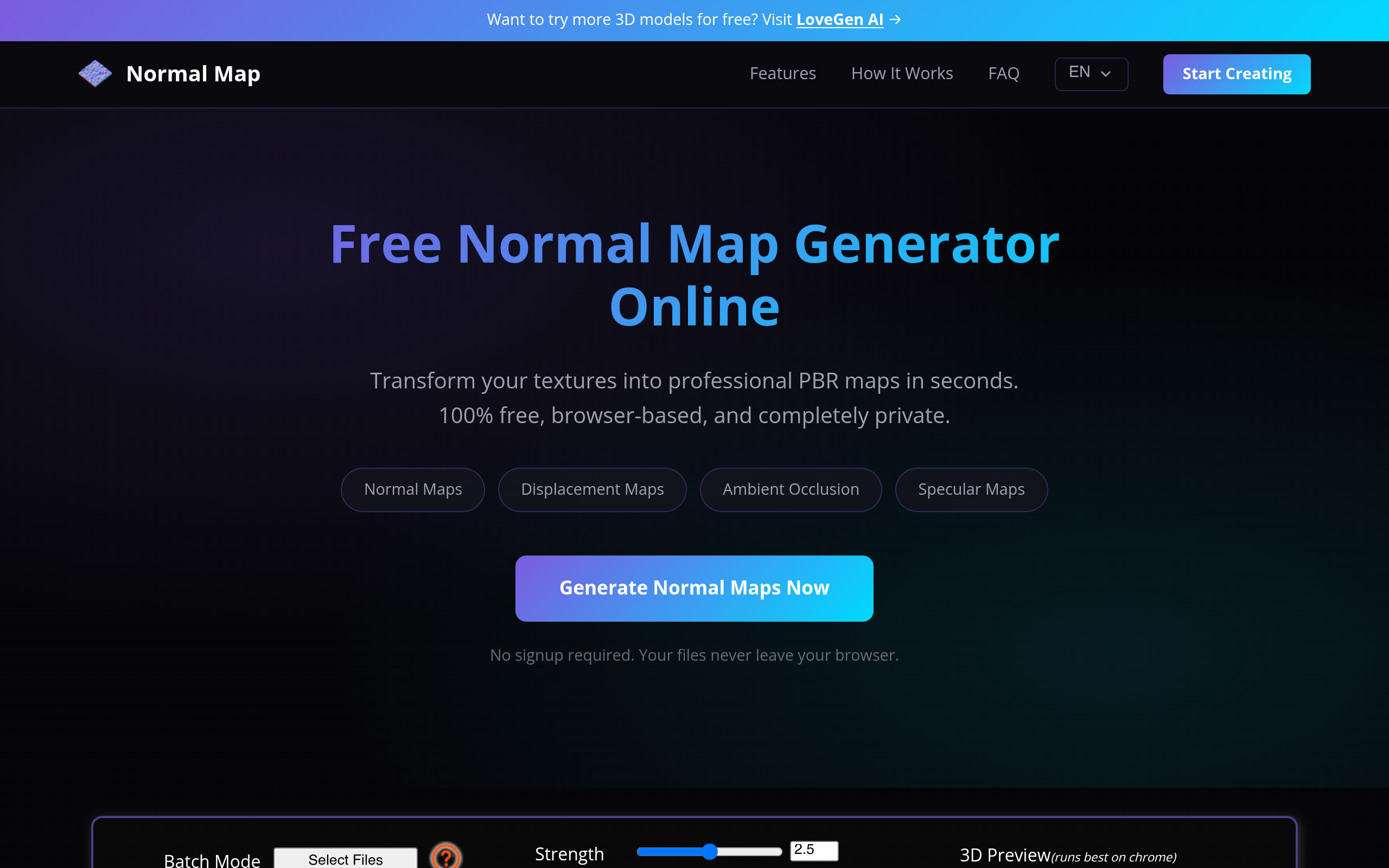
Normal Map is a free online normal map generator that converts textures into professional PBR maps in seconds. It is 100% free, browser-based, and ful
About
Normal Map is a free online PBR texture map generator that allows users to transform their textures into professional-quality maps within seconds. With a fully browser-based workflow, users can generate essential PBR maps including normal maps, displacement maps, ambient occlusion maps, and specular maps without installing any software. The tool is 100% free and requires no registration. All processing happens directly in your browser, ensuring that your files never leave your device and your creative assets remain completely private. Whether you are a 3D artist, game developer, designer, or digital creator, Normal Map provides a fast, secure, and convenient way to prepare textures for professional 3D workflows.
Key Features
In-Browser, Privacy-First Processing
All image processing runs locally in your browser—no uploads to a server—so files never leave your device and your work stays private.
Multi-Map Output
Generate Normal, Displacement, Ambient Occlusion, and Specular maps from a single heightmap or texture for complete PBR workflows.
Real-Time 3D Preview
Interactive preview viewer lets you test maps on standard primitives (cube, sphere, plane, teapot) or import custom .obj models to inspect results in context.
Batch Processing & Adjustable Controls
Process multiple textures at once using batch mode. Fine-tune strength, blur/sharpness, inversion, filters (Sobel/Scharr), resolution and other parameters for each map.
Flexible Export Options
Download outputs in PNG, JPG, or TIFF formats suitable for engines and DCC tools (Unity, Unreal, Blender, Maya, etc.).
How to Use Normal Map
1) Upload: Drag & drop a heightmap or texture (or four directional photos for photogrammetric normal maps) into the upload area. 2) Select Maps & Settings: Choose which maps to generate (Normal, Displacement, AO, Specular) and tweak parameters like strength, blur/sharp, filters, inversion and resolution. 3) Preview: Use the real-time 3D preview to inspect maps on built-in shapes or import your own .obj model. 4) Export: When satisfied, download the maps in PNG/JPG/TIFF. For multiple files, use Batch Mode to process and export several textures at once.