
NitroScribe
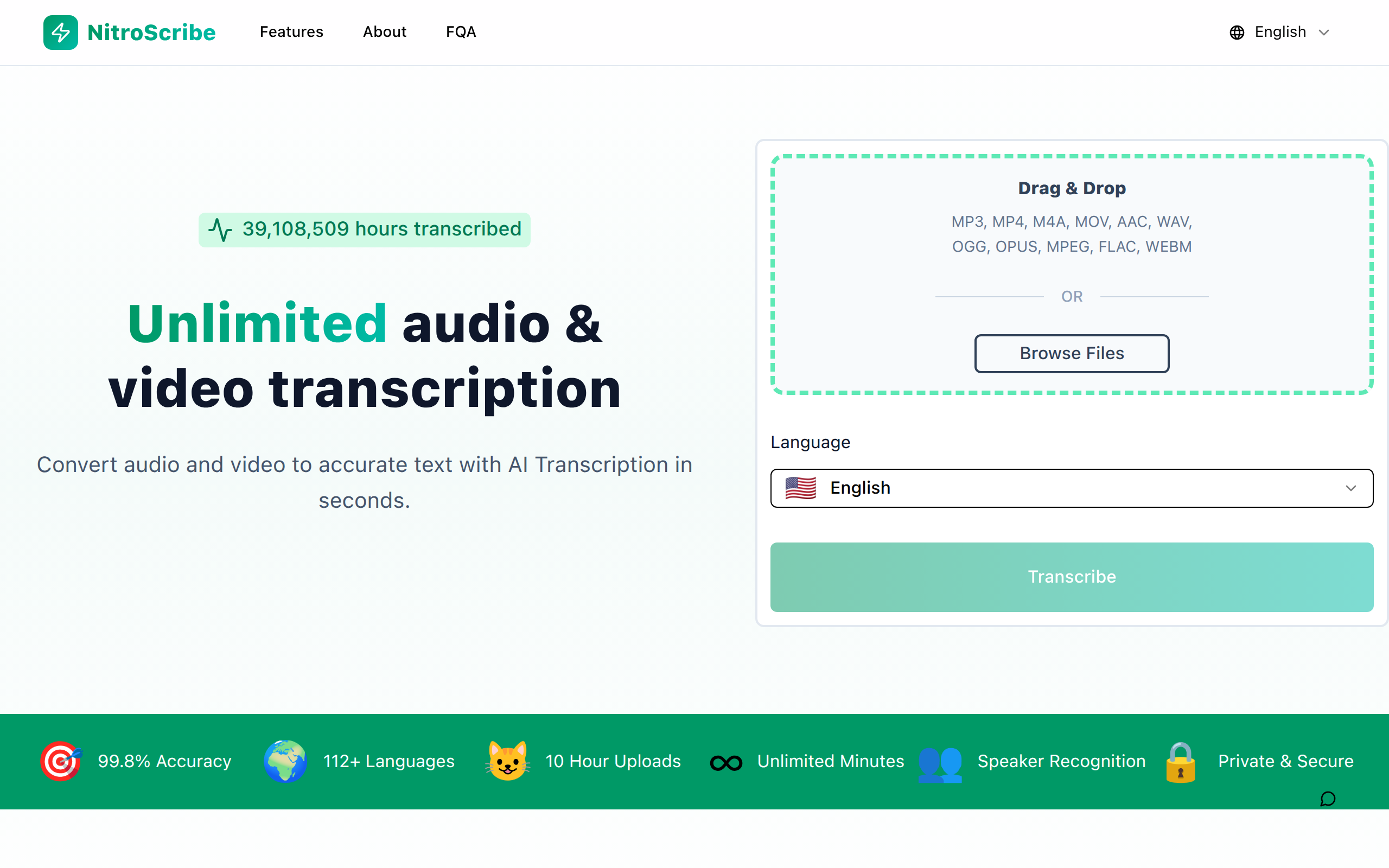
Unlimited audio & video transcription
About
Convert audio and video to accurate text with AI Transcription in seconds.
Key Features
Whisper-powered accuracy
Uses Whisper-based models for high speech-to-text accuracy across accents and technical terms, with claimed 98–99.8% accuracy.
Multi-language transcription & translation
Transcribes in 98+ languages and can translate transcripts into 134+ languages for global workflows.
Speaker recognition & labeling
Automatic speaker diarization to label who is speaking—useful for interviews, meetings, and podcasts.
Large uploads & batch processing
Supports uploads up to 10 hours or 5 GB per file, and batch uploads (up to 50 files) for high-volume workflows.
Multiple export formats & subtitles
Export transcripts as DOCX, PDF, TXT and generate caption files (SRT, VTT) for easy subtitle integration and publishing.
How to Use NitroScribe
1) Open NitroScribe and upload your audio or video file (drag & drop, browse, or paste a link). 2) Choose transcription options: source language, enable speaker recognition, and select translation or subtitle output if needed. 3) Start the transcription—AI (GPU-accelerated) processes the file in seconds or minutes depending on length. 4) Review and edit the transcript in the editor, then export as DOCX/PDF/TXT or download SRT/VTT captions.