
Nicegram
Nicegram — The Enhanced Telegram Client
About
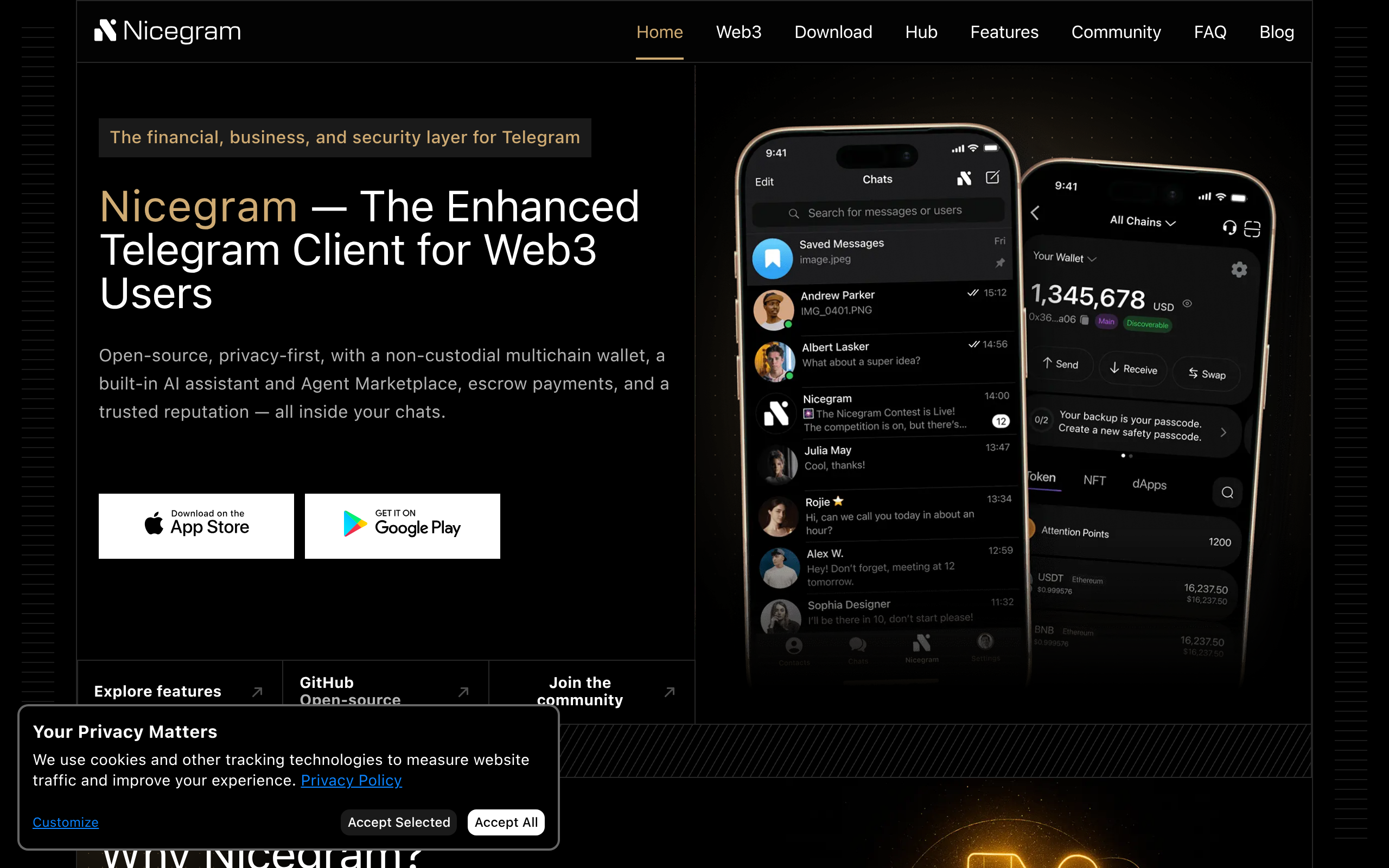
Open‑source Telegram client, privacy‑first, with a non‑custodial multichain wallet, a built‑in AI assistant and Agent Marketplace, escrow payments, and a trusted reputation — all inside your chats.
Key Features
Built-in AI Assistant
An integrated AI assistant inside chats for summarization, drafting messages, translation, and quick answers without leaving the messenger.
Agent Marketplace
A marketplace of AI agents you can add to chats to automate tasks, run custom workflows, or provide specialized assistance.
Non‑custodial Multichain Wallet
A wallet stored on-device that supports multiple blockchains, letting users manage crypto assets and interact with Web3 services from chat.
Escrow Payments & Trusted Reputation
Secure peer-to-peer payment flows with escrow support and in-chat reputation indicators to enable safer transactions and trades.
Privacy-first Telegram Client (Open Source)
An open-source, privacy-focused Telegram client offering additional customization, proxy support and enhanced privacy controls.
How to Use Nicegram
1) Install Nicegram from the official website or your app store and sign in with your Telegram account. 2) Set up the non-custodial wallet: create a wallet, securely back up your seed phrase, and enable any chains you need. 3) Open any chat and access the built-in AI assistant or browse the Agent Marketplace to add agents to chats. 4) For payments or trades, initiate an in-chat escrow payment and rely on reputation indicators to confirm counterparties.