
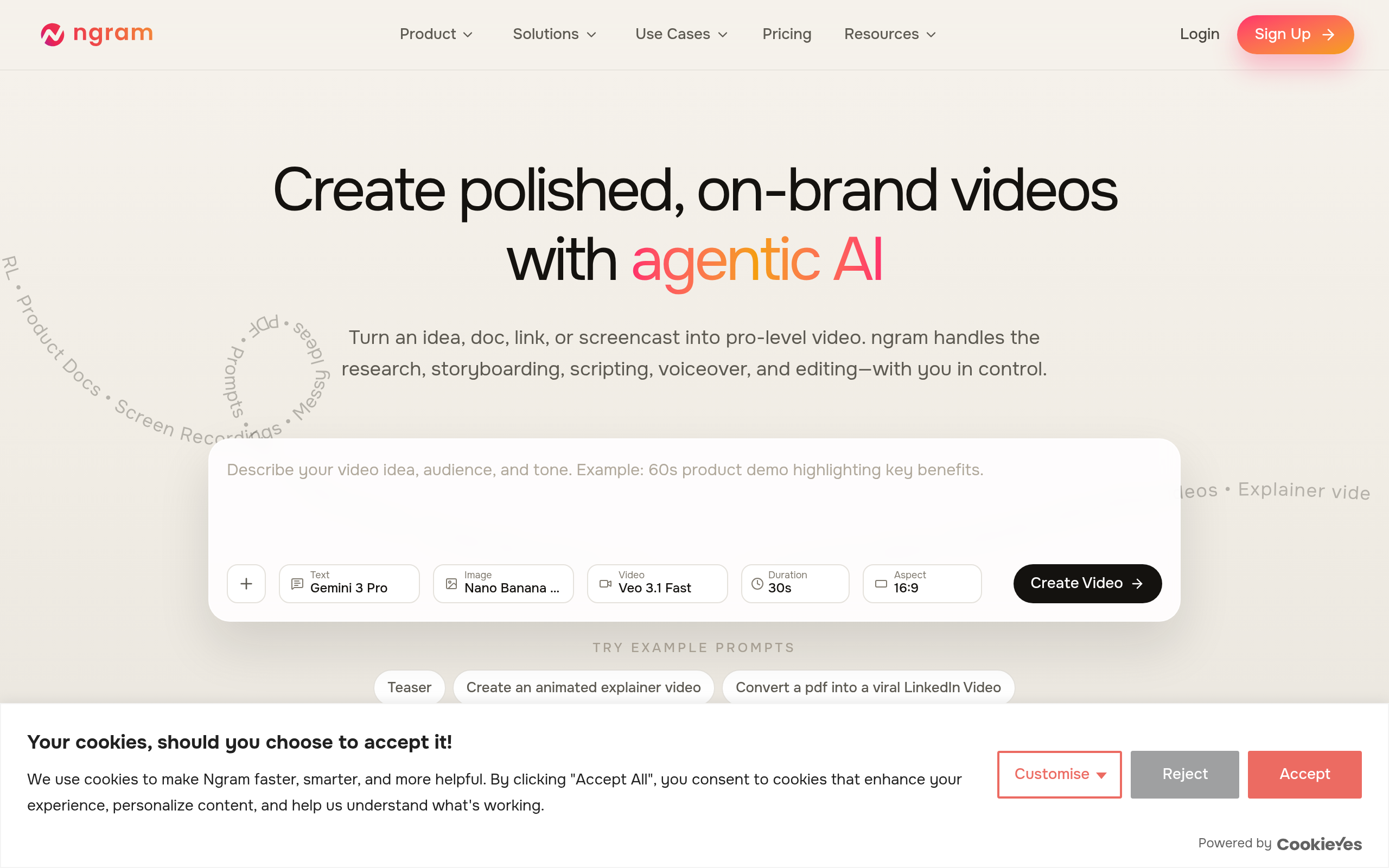
ngram.com
ngram is an AI-powered video creation platform that transforms documents and screen recordings into professional product demo videos. It automates edi
About
ngram is an agentic AI video creation platform designed to turn raw inputs (documents, PDFs, URLs, prompts, screen recordings, or rough ideas) into polished, on-brand, professional videos in minutes. Unlike basic video editors or screen recorders, ngram plans before it renders: it researches context, builds a storyboard, writes scripts, generates voiceovers, edits footage, and applies motion graphics, while keeping the user fully in control. It is built specifically for product teams, marketers, founders, and content creators who need high-quality videos repeatedly without a dedicated video production team.
Key Features
AI Storyboarding & Script Generation
Automatically researches context, builds a storyboard and drafts a script from inputs (PDFs, docs, URLs, or prompts) so you get a ready-to-edit narrative for your video.
Screen Recording Capture & Smart Editing
Capture or upload screencasts and let ngram auto-cut silences, apply smart zoom, emphasize cursors, and extract key clips to create concise product demos.
AI Voiceover & Captions
Generate natural-sounding AI voiceovers and instant, accurate subtitles to make videos accessible and ready for multi-platform publishing.
Motion Graphics & Brand Kit
Apply professional motion graphics, on-brand styling and a reusable brand kit to keep videos consistent across campaigns and teams.
Multi-format Export & Collaboration
Export videos in multiple aspect ratios and formats for social, web and enterprise use; collaboration and enterprise integrations are available or coming soon.
How to Use ngram.com
1) Provide your input: upload a document/PDF, paste a URL, add product docs or a screen recording, or describe your idea with a prompt. 2) Choose style and branding: pick templates, voice, music, and apply your brand kit or custom styling. 3) Review & customize: inspect the generated storyboard, edit the script, adjust clips, callouts, or timings and tweak voiceover/captions. 4) Render & export: render the final video, choose formats/aspect ratios, then download or share to your channels.