
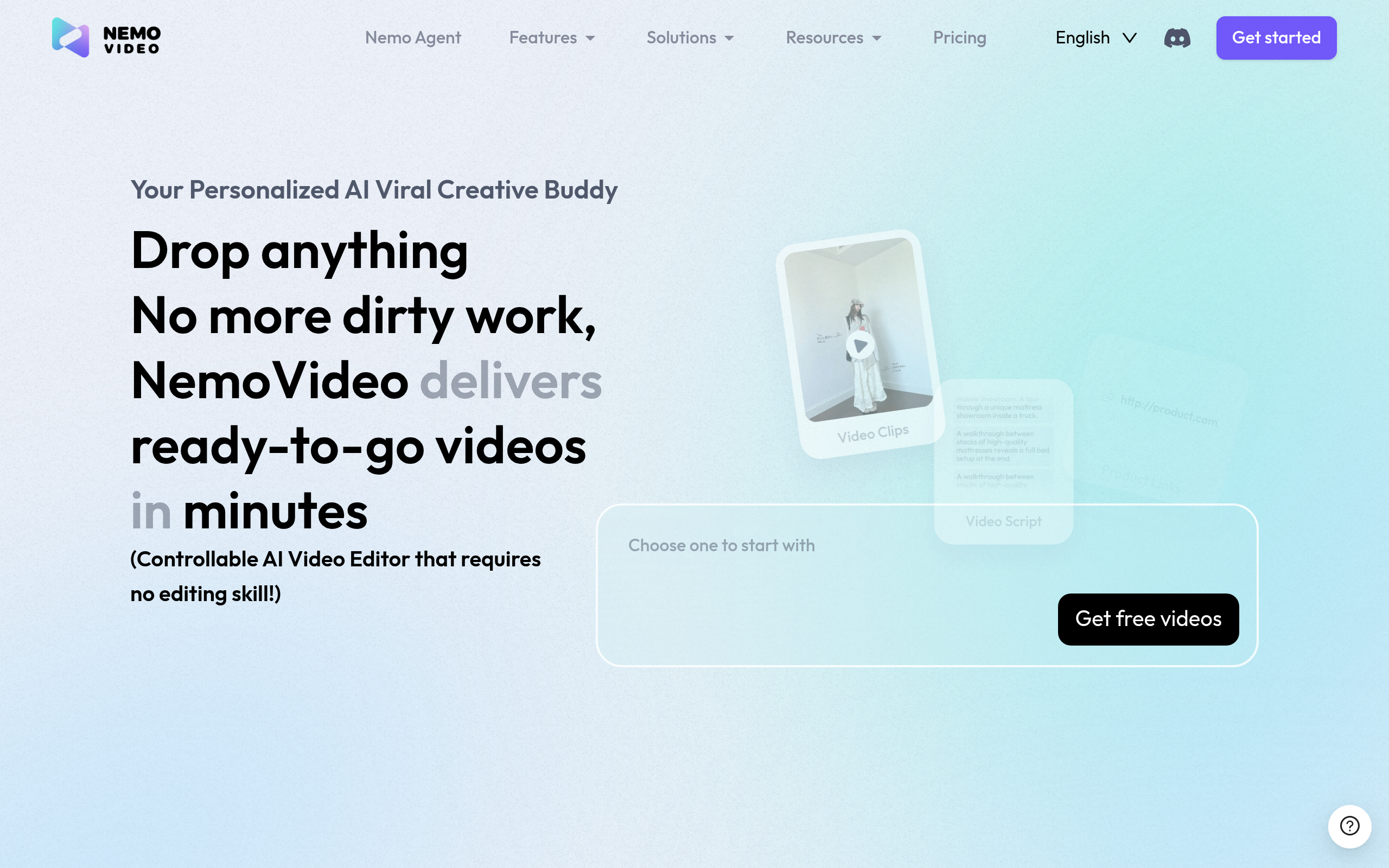
Nemovideo
NemoVideo, built by former TikTok executives who understood viral content mechanics from the inside, represents one of the most sophisticated attempts
About
NemoVideo, an innovative AI-powered video editing platform, has demonstrated significant user engagement over the past quarter, with combined search queries generating over 10,000 clicks and maintaining an impressive average click-through rate of over 50%.
Key Features
Nemo Agent (Talk-to-Edit)
Command-driven AI assistant that automates the editing workflow from start to finish — trim silence, remove filler words, insert B-roll, add transitions, apply filters or animations just by typing or speaking plain-language instructions.
Inspiration Center & Viral Script Generator
Analyzes trends and top-performing videos to generate data-driven creative briefs and ready-to-use scripts optimized for platform performance and virality.
SmartPick Auto-Highlight Selection
Automatically scans raw footage, removes junk or low-quality clips, and selects the best highlights to create a concise, engaging edit in minutes.
SmartCaption & SmartAudio
One-click, stylistic caption generation with trending subtitle formats plus auto-generated voiceovers and background music with voice matching and audio cleanup.
How to Use Nemovideo
1) Sign up or log in and start a new project: upload your raw footage or drop in clips, images, and audio. 2) Choose a workflow or template (e.g., Viral+ Studio, Talking-Head Editor) or open the Inspiration Center to generate a script and creative brief. 3) Use the Nemo Agent (type or speak commands) to auto-trim, remove filler, insert B-roll, apply captions, and add voiceovers/music. 4) Review the generated edit, make quick manual tweaks if needed, then export optimized formats for the platform you’re targeting (Reels, TikTok, YouTube, etc.).