
NanaAI
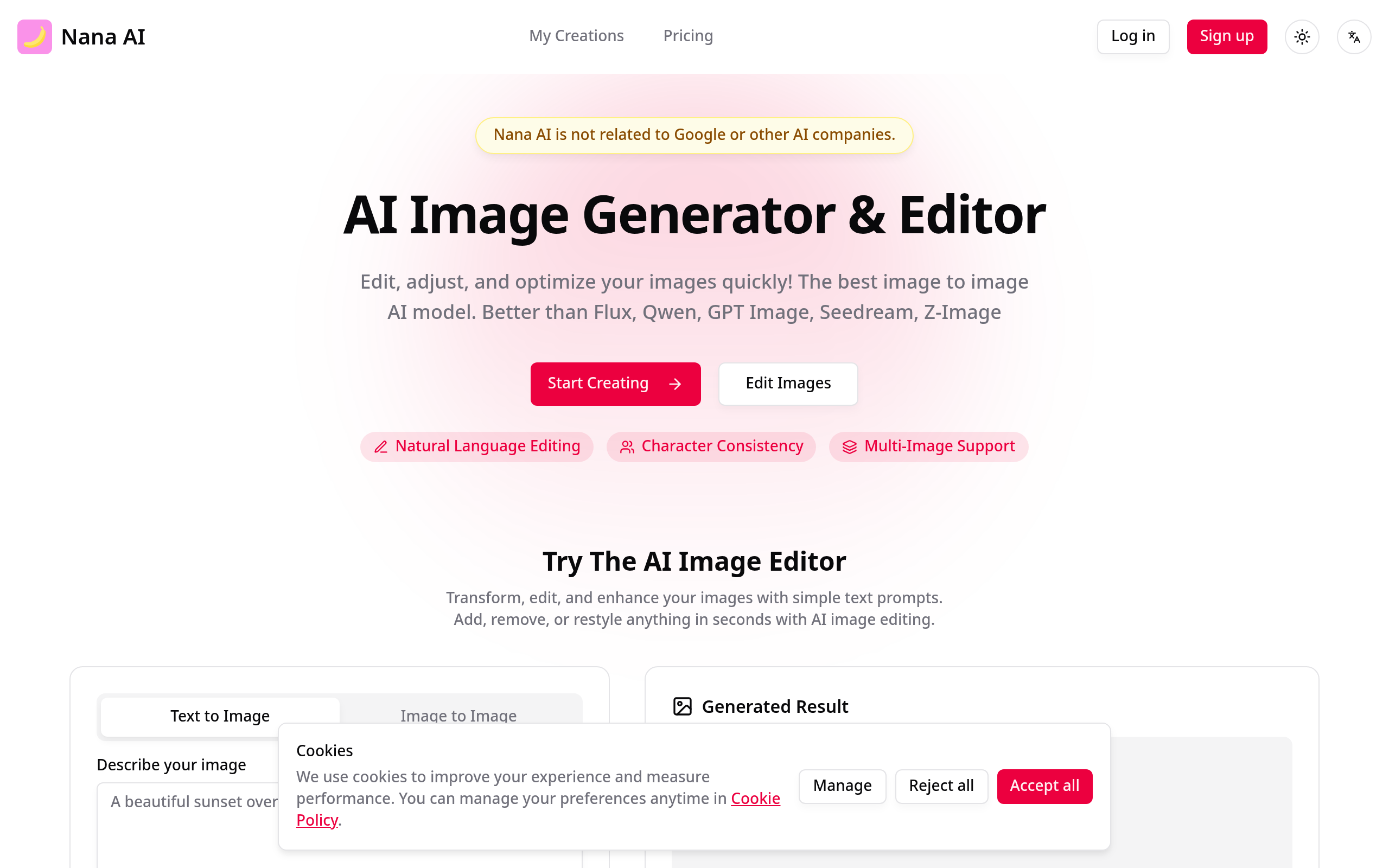
AI image generator & editor online.
About
Revolutionary text-to-image model delivering instant AI precision for image creation and editing. Experience breakthrough image generation with context-aware intelligence, character consistency, and seamless visual storytelling.
Key Features
Text-to-Image Generation
Create high-quality images from plain-language prompts with fast generation and configurable aspect ratios and model presets.
Natural Language Image Editing
Edit existing photos using simple text commands (e.g., remove background, change outfit, restyle elements) for precise, context-aware results.
Character Consistency & Multi-Image Support
Maintain consistent character features across multiple generations and seamlessly blend or combine several images into a single coherent scene.
Precise Local Edits & High-Resolution Output
Make targeted surgical edits (inpainting/outpainting, object removal) while preserving image integrity and export professional-resolution images suitable for commercial use.
How to Use NanaAI
1. Open https://nanabananaai.com and sign in or continue as a guest. 2. Choose a workflow: 'Text to Image' to generate from a prompt or 'Edit Images' / 'Image to Image' to upload and modify an existing image. 3. Enter a clear prompt or editing instruction (e.g., "remove background", "change outfit to a red jacket", or descriptive scene prompts), adjust model, aspect ratio, and quality settings as needed. 4. Click Generate / Apply, preview results, refine the prompt or mask if necessary, then download or save your final image.