
myfreetools
Free browser-based tools for images, PDFs, video, audio, text, QR codes and passwords. Files stay on your device, with no uploads or account.
About
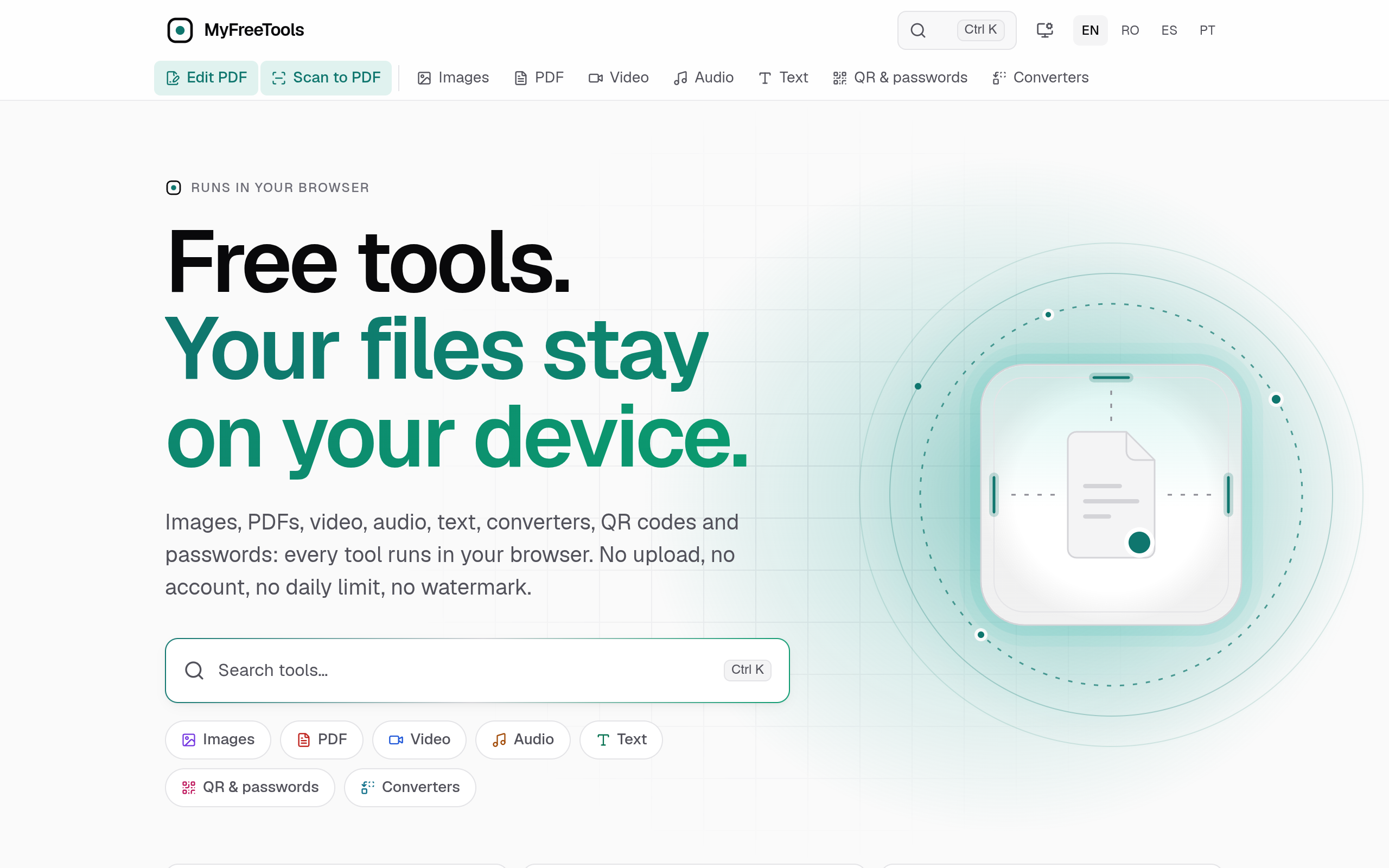
MyFreeTools is a collection of free tools that run in your browser for working with images, PDFs, video, audio, text, QR codes, passwords and other files. The site organizes its tools into categories, including image and document editing, media conversion, text utilities and archive extraction. Tools include image resizing and compression, PDF editing and conversion, video trimming and compression, audio editing, OCR, QR code generation and password creation. The site also offers document, font and archive converters. Files are read into the device's memory and processed in the browser using WebAssembly and browser-based engines. The site says files are not uploaded or stored on its servers, and tools work offline after the first visit once pages and engines are cached. No account or sign-in is required, and the site states there are no daily limits or watermarks. It uses open-source engines, named on its Licences page.
Key Features
In-browser processing & privacy
All tools run locally in your web browser using WebAssembly/browser engines so files are not uploaded to servers and stay on your device.
Comprehensive PDF toolkit
Edit, merge, split, compress, sign, protect/unlock, convert between PDF and Word/Excel/HTML/Images, OCR and add page numbers — all in the browser.
Image and media editing & conversion
Image resize, compress, convert (HEIC, WebP, AVIF, JPEG XL, etc.), crop and watermark; video trimming, compression, merging, format changes and audio extraction; audio trimming and conversion.
Offline-ready and no account needed
No sign-in, no daily limits, no watermarks; tools work offline after first visit once pages and engines are cached.
Utility converters and generators
OCR (image to text), QR code generator/reader, strong password generator, archive extractor and font/document converters for common formats.
How to Use myfreetools
1. Open myfreetools.com in your browser. 2. Choose the tool you need, such as image resizing, PDF editing, video trimming or QR code generation. 3. Add your file; it is processed on your device. 4. Download the result. No account is needed.