
My Room Design
My Room Design is an AI interior design tool that redesigns any room from a photo in seconds. Explore styles and visualize ideas before renovating.
About
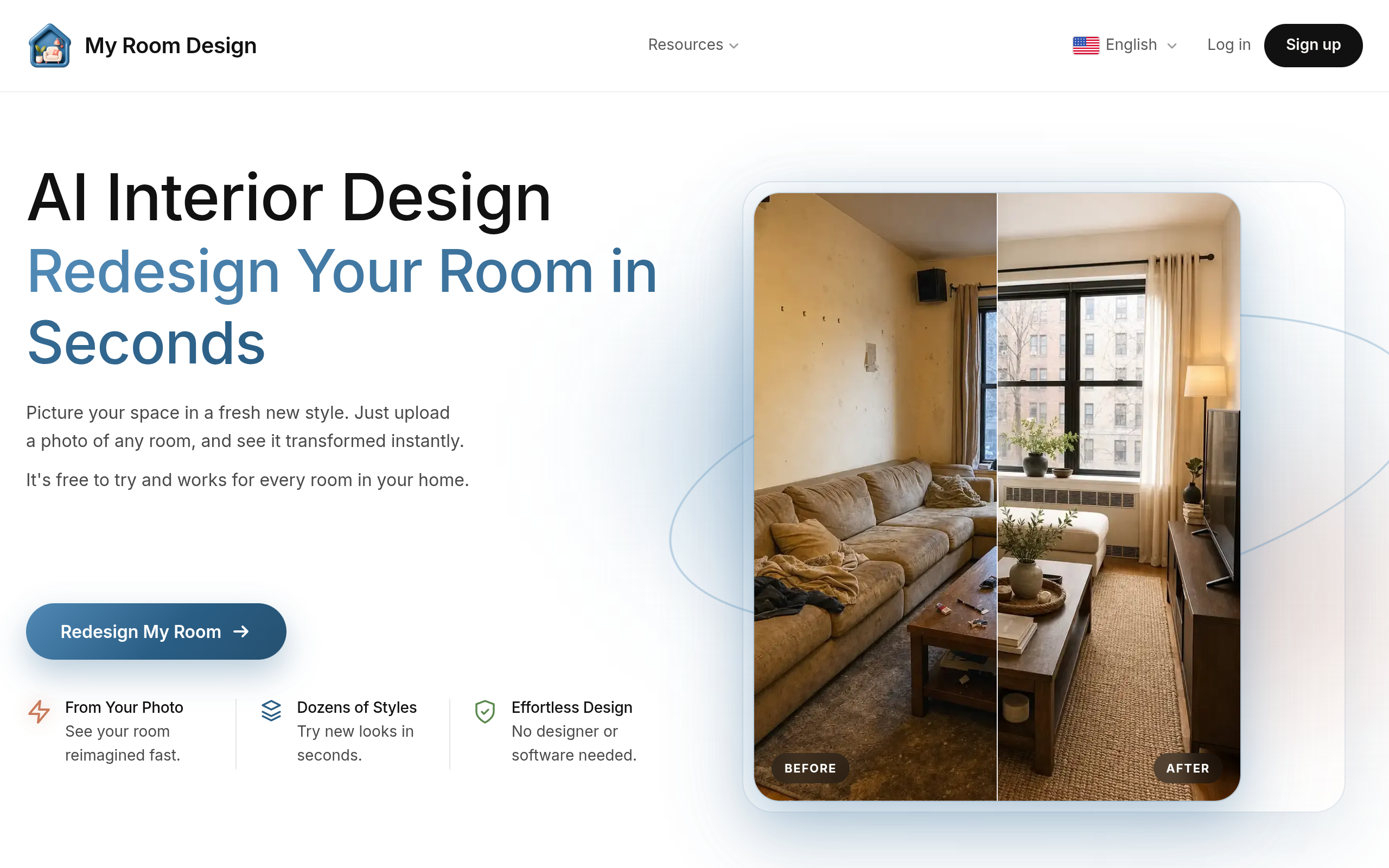
My Room Design is an AI-powered interior design and room visualization tool that helps you redesign real spaces from a single photo. Upload an image of your living room, bedroom, kitchen, bathroom, home office, patio, or other space, choose a design style, and generate a photorealistic room makeover in seconds. Explore modern, minimalist, Scandinavian, boho, industrial, traditional, and other interior styles without using complex 3D software or hiring a designer. Compare before-and-after concepts, test different layouts, colors, furniture, and decor ideas, and share your favorite designs with family, roommates, or contractors. My Room Design makes home renovation planning faster, more accessible, and easier to visualize. It works online, requires no design experience, and is free to try, making it useful for homeowners, renters, interior design enthusiasts, real estate professionals, and anyone looking for AI room design inspiration.
Key Features
Photo-based AI Restyle
Upload a single photo of any room and generate photorealistic redesigns that preserve the room's layout, windows, and major furniture footprints.
50+ Curated Design Styles
Instantly apply and compare dozens of interior styles (modern, Scandinavian, boho, farmhouse, minimal, mid-century, etc.) to see which direction fits your space.
Room Planner & Layout Testing
Experiment with furniture arrangement and test different layouts on your actual room photo before moving or buying items.
Floor Plan, Paint Visualizer & Mood Board Toolkit
Generate to-scale 2D floor plans from photos, preview wall colors in your room's lighting, and auto-build shoppable mood boards to plan purchases.
How to Use My Room Design
1) Upload a clear photo of the room you want to redesign (living room, bedroom, kitchen, etc.). 2) Choose a design style from the library (modern, boho, Scandinavian, etc.) or try multiple styles. 3) Let the AI generate photorealistic before-and-after previews; use the slider to compare changes. 4) Use additional tools to test layouts, create a floor plan, try paint colors, build a mood board, and share/export designs with others.